
AI Image Tools
Everything You Need to Edit Photos Faster
Open the PicEditor AI tools library for background removal, photo enhancement, object cleanup, face swap, upscaling, and more focused image workflows.
AI Blemish Remover
FLUX 3 Image Klein
Ideogram 4.5
AI Portrait Retouching
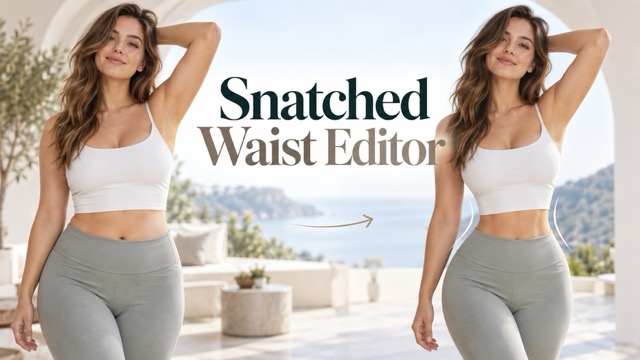
Snatched Waist Editor
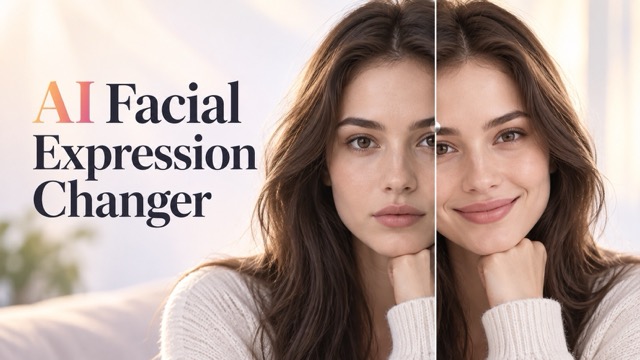
AI Facial Expression Changer
AI Texture Generator
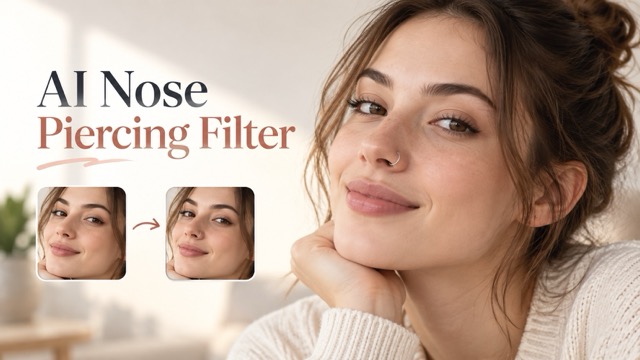
AI Nose Piercing Filter
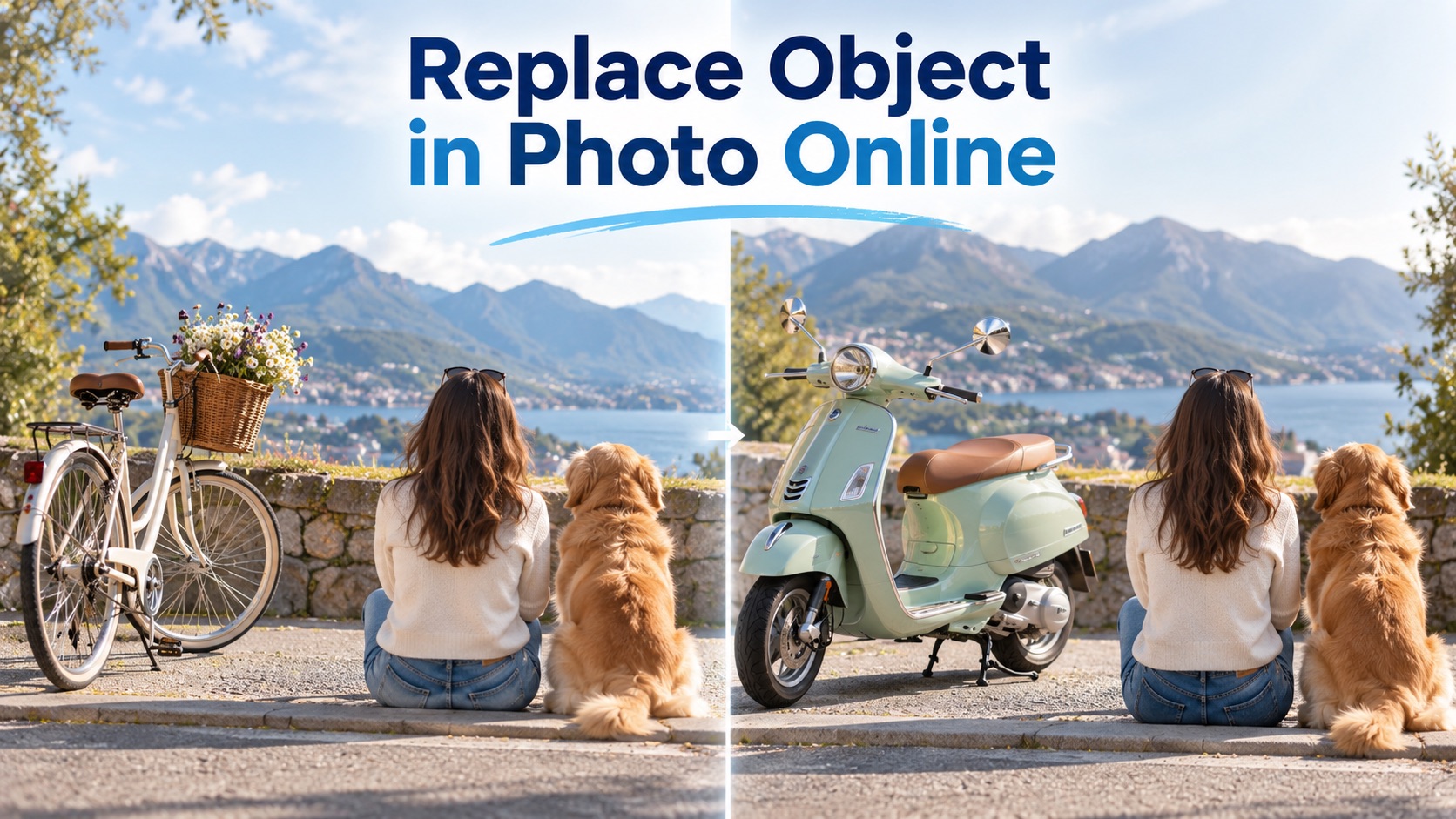
Replace Object in Photo Online
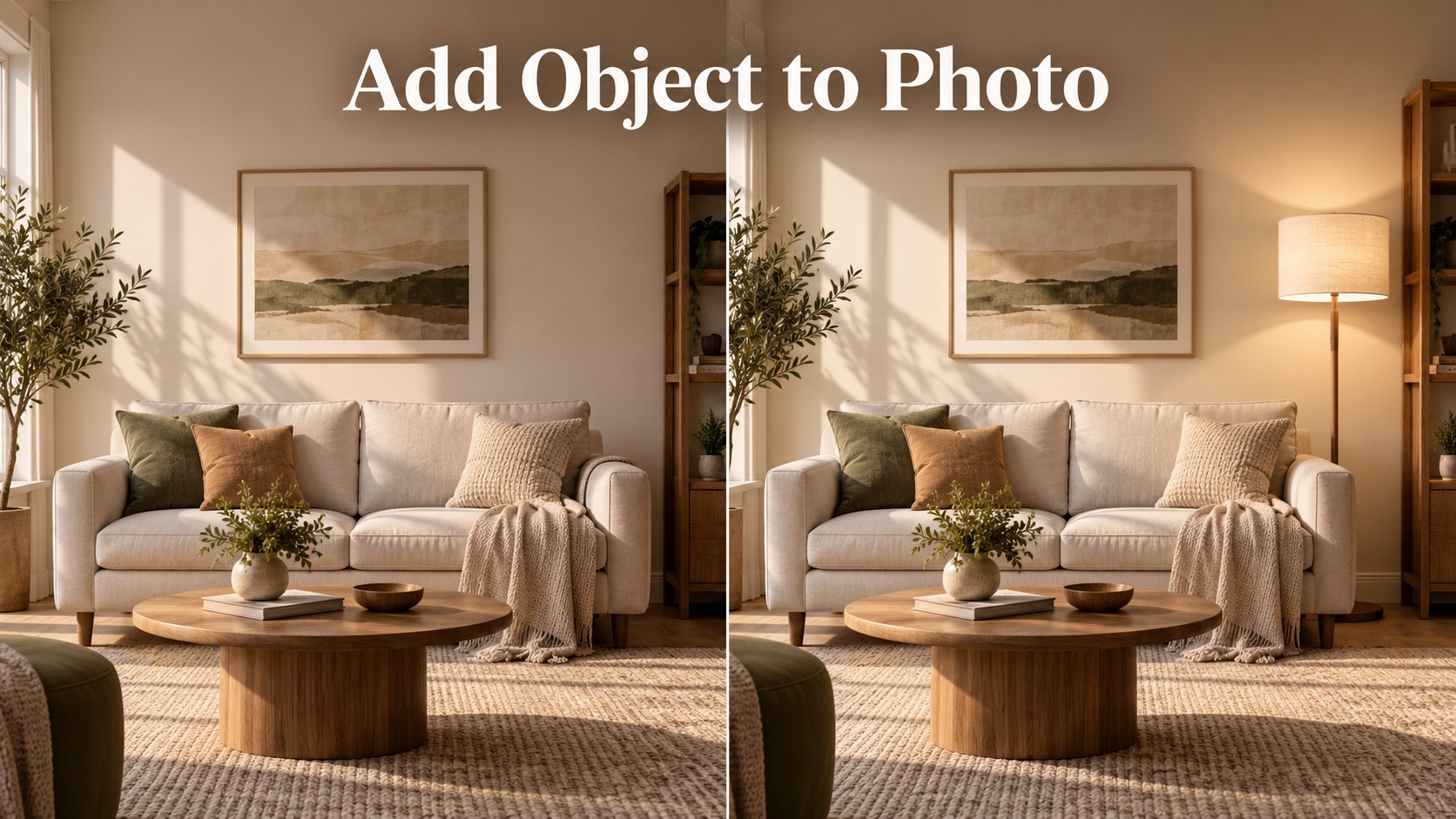
Add Object to Photo

Eyeliner Filter

AI Bust Down Filter

Image Splitter

Add White Background to Photo

Snapchat Text Remover

Realistic AI Skin Generator

Add speech bubble to photo

Change Photo Background

AI Clothes Wrinkle Remover

AI LinkedIn Profile Picture

GPT Transparent BG Image Editor

Image to Layers

3D Angle Editor

Change Background of Photo
AI Image Upscaler Free for Clear, Sharp Photos
Upload a blurry image and let PicEditor AI turn it into a high-resolution result in one click.
PicEditor AI image upscaler free helps creators, sellers, students, designers, and everyday users restore detail fast. Use AI image upscaler free to fix soft portraits, old photos, product shots, travel images, screenshots, and social posts. You can AI upscale image quality with built-in prompts, or select the resolution you need and generate a cleaner file. This AI upscaler for photo workflow is simple: upload, choose resolution, click generate, and download a clearer image. AI image upscaler free is built for fast HD results.
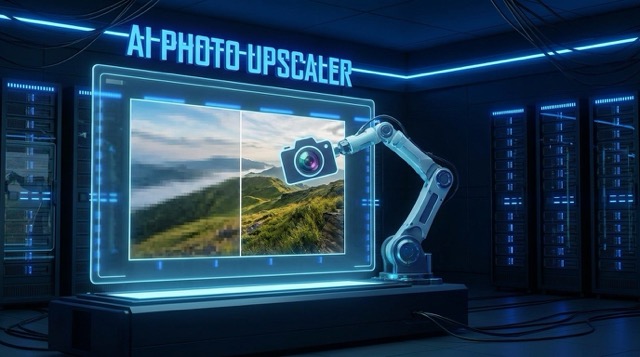
How to Use AI Image Upscaler Free
PicEditor AI image upscaler free is built for speed. You do not need editing skills, complex layers, or manual sharpening. The AI upscale image process follows a guided flow, so every AI upscaler for photo result feels easy and repeatable. AI image upscaler free also keeps the process beginner-friendly.

Upload Your Blurry Image
Start AI image upscaler free by uploading a portrait, product image, old family photo, travel shot, pet photo, artwork, or screenshot. PicEditor AI reads the image structure and prepares the AI upscale image process while keeping the original look natural.

Choose Resolution
Select the output resolution you want. AI image upscaler free can help you AI upscale image details for social media, ecommerce, profile pictures, print previews, and presentations. This AI upscaler for photo step gives you control without complicated settings.

Generate HD Photo
Click generate and let PicEditor AI image upscaler free enhance sharpness, clarity, edges, and texture. The AI upscale image model reduces blur while protecting faces, colors, clothing, and background details. Your AI upscaler for photo result is ready in seconds.
Why Choose PicEditor AI Image Upscaler Free
PicEditor AI image upscaler free is designed for practical image repair. Whether you need to AI upscale image quality for work, content, shopping pages, or memories, this AI upscaler for photo tool helps blurry pictures become clean, usable, and share-ready. AI image upscaler free supports quick visual upgrades.

Turn Blurry Photos Into HD Images
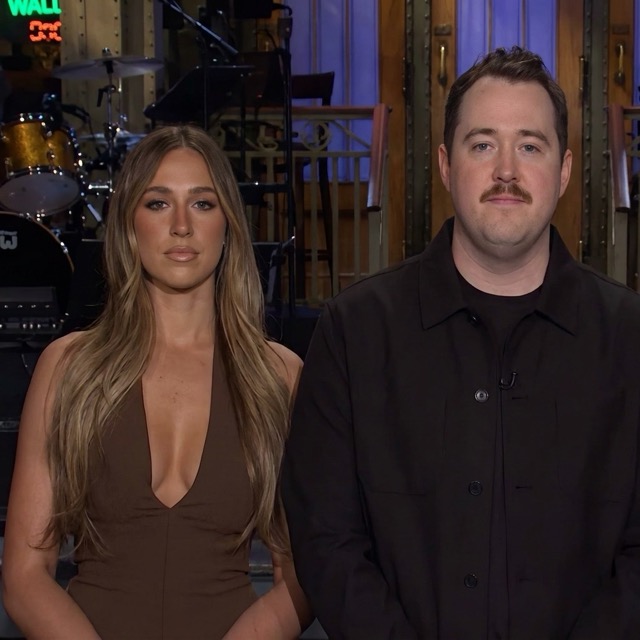
Use AI image upscaler free when a photo looks soft, pixelated, grainy, or compressed. PicEditor AI can AI upscale image clarity by rebuilding visible detail and improving crispness. This AI upscaler for photo workflow is ideal for portraits, selfies, event photos, and old images that need a cleaner look.
Upscale Product Images for Online Stores
AI image upscaler free helps small stores, marketplaces, and creators make product photos sharper. You can AI upscale image quality for catalog previews, thumbnails, detail pages, and ads. The AI upscaler for photo process keeps product shape, color, and texture clearer without heavy manual editing.


Restore Old Photos With Better Detail
When old memories are faded or low-resolution, AI image upscaler free can make them easier to view and share. Use PicEditor AI to AI upscale image details in faces, clothing, scenery, and backgrounds. This AI upscaler for photo feature helps personal archives, family photos, and scanned images feel clearer.


Create Sharper Social and Profile Images
AI image upscaler free is useful before posting on Instagram, TikTok, X, LinkedIn, or a portfolio page. You can AI upscale image quality for avatars, thumbnails, banners, travel posts, and creator content. The AI upscaler for photo result helps your image look more polished on every screen.
AI Image Upscaler Free FAQ
Learn how PicEditor AI image upscaler free works, when to use AI upscale image tools, and why an AI upscaler for photo can save time. AI image upscaler free answers below cover common needs.
AI image upscaler free is an online PicEditor AI tool that improves low-resolution or blurry images. Upload a picture, choose resolution, and let the AI upscale image model enhance clarity. It works as an AI upscaler for photo tasks like portraits, products, old photos, and social images.
Yes. PicEditor AI image upscaler free does not require Photoshop, design skills, or manual retouching. You can AI upscale image quality by using built-in prompts and resolution settings. The AI upscaler for photo result is generated automatically.
AI image upscaler free works well for blurry portraits, compressed product photos, old family pictures, travel shots, pet images, profile photos, and screenshots. For best results, use AI upscale image mode with a photo that still has a visible subject. AI upscaler for photo output depends on the original image quality.
PicEditor AI image upscaler free focuses on clarity, resolution, and detail. It is built to AI upscale image quality while keeping the original composition, face, clothing, color tone, and background as natural as possible. This makes it a practical AI upscaler for photo restoration and content use.
Yes. You can choose image resolution before generating. AI image upscaler free lets you AI upscale image files for different needs, from web use to profile images and product previews. The AI upscaler for photo workflow gives flexible output control.
Anyone who needs a clearer image can use AI image upscaler free. Creators use it to AI upscale image posts, sellers use it for product photos, students use it for presentations, and families use this AI upscaler for photo tool to improve old memories.
What Users Say About AI Image Upscaler Free
Creators, ecommerce teams, designers, and everyday users choose PicEditor AI image upscaler free because the AI upscale image workflow is fast, simple, and practical for every AI upscaler for photo need. AI image upscaler free is made for repeat daily use.
PicEditor AI image upscaler free helped me make old event photos look clean enough for a campaign recap. I could AI upscale image quality without waiting for a designer, and the AI upscaler for photo result looked natural.
PicEditor AI image upscaler free helped me make old event photos look clean enough for a campaign recap. I could AI upscale image quality without waiting for a designer, and the AI upscaler for photo result looked natural.
I use AI image upscaler free for marketplace product shots. The tool lets me AI upscale image details quickly, especially textures and edges. It is the AI upscaler for photo workflow our small store needed.
I use AI image upscaler free for marketplace product shots. The tool lets me AI upscale image details quickly, especially textures and edges. It is the AI upscaler for photo workflow our small store needed.
As a designer, I often receive low-resolution assets. PicEditor AI image upscaler free makes them usable fast. I can AI upscale image files before mockups, and the AI upscaler for photo output saves time.
As a designer, I often receive low-resolution assets. PicEditor AI image upscaler free makes them usable fast. I can AI upscale image files before mockups, and the AI upscaler for photo output saves time.
The AI image upscaler free tool is simple enough for my students. They can AI upscale image quality for presentations and portfolios. This AI upscaler for photo makes their visuals look much more professional.
The AI image upscaler free tool is simple enough for my students. They can AI upscale image quality for presentations and portfolios. This AI upscaler for photo makes their visuals look much more professional.
I restored several scanned family pictures with AI image upscaler free. It helped me AI upscale image clarity while keeping faces recognizable. This photo upscaling is perfect for personal memories.
I restored several scanned family pictures with AI image upscaler free. It helped me AI upscale image clarity while keeping faces recognizable. This photo upscaling is perfect for personal memories.
For quick content deadlines, AI image upscaler free is very useful. I can AI upscale image thumbnails, profile photos, and blog visuals in minutes. The photo upscaling results are clean and reliable.
For quick content deadlines, AI image upscaler free is very useful. I can AI upscale image thumbnails, profile photos, and blog visuals in minutes. The photo upscaling results are clean and reliable.
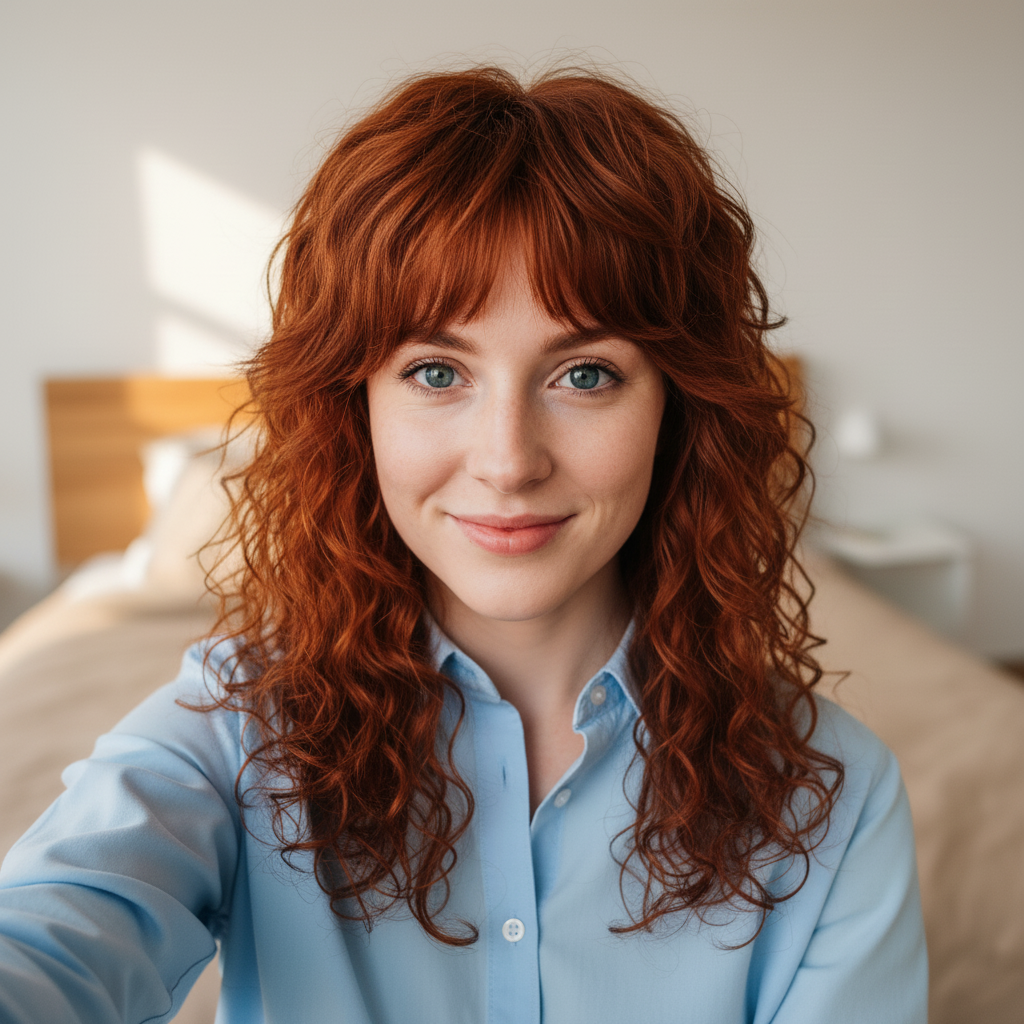
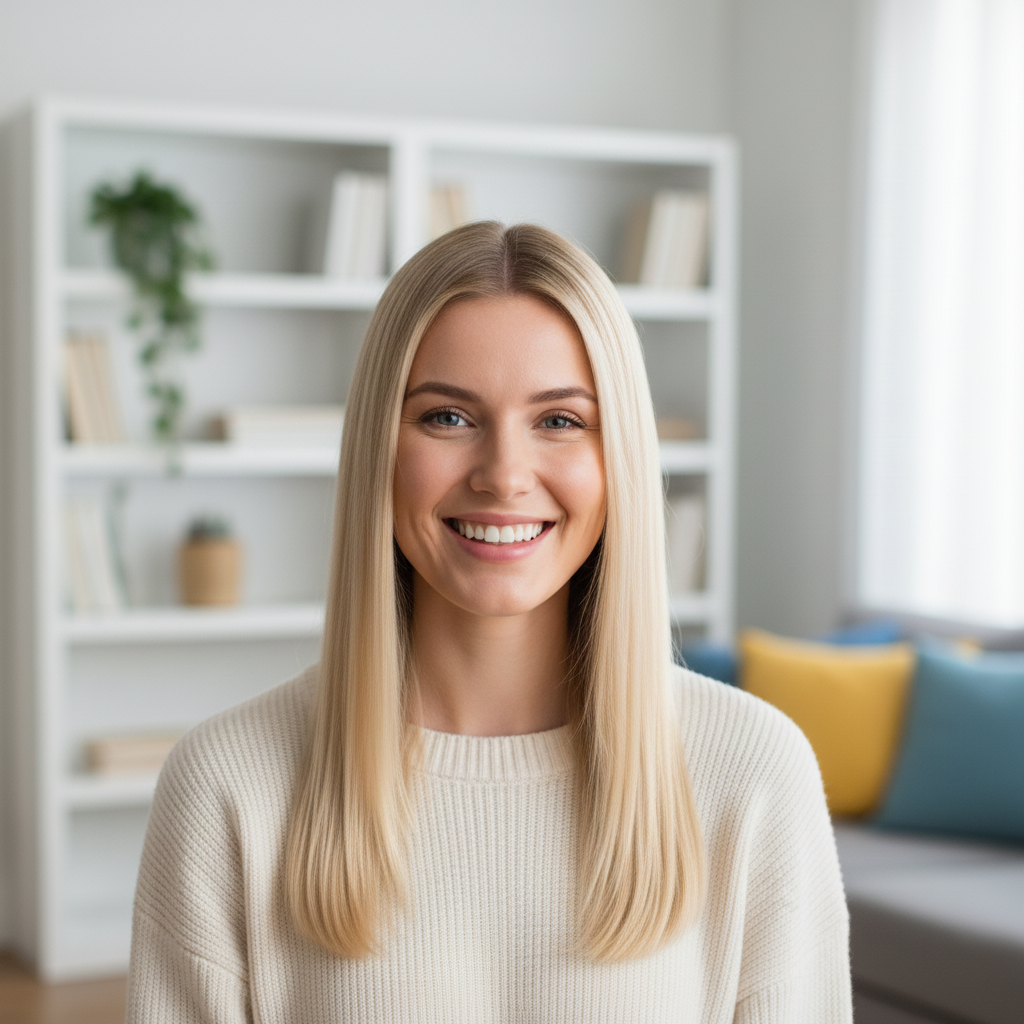
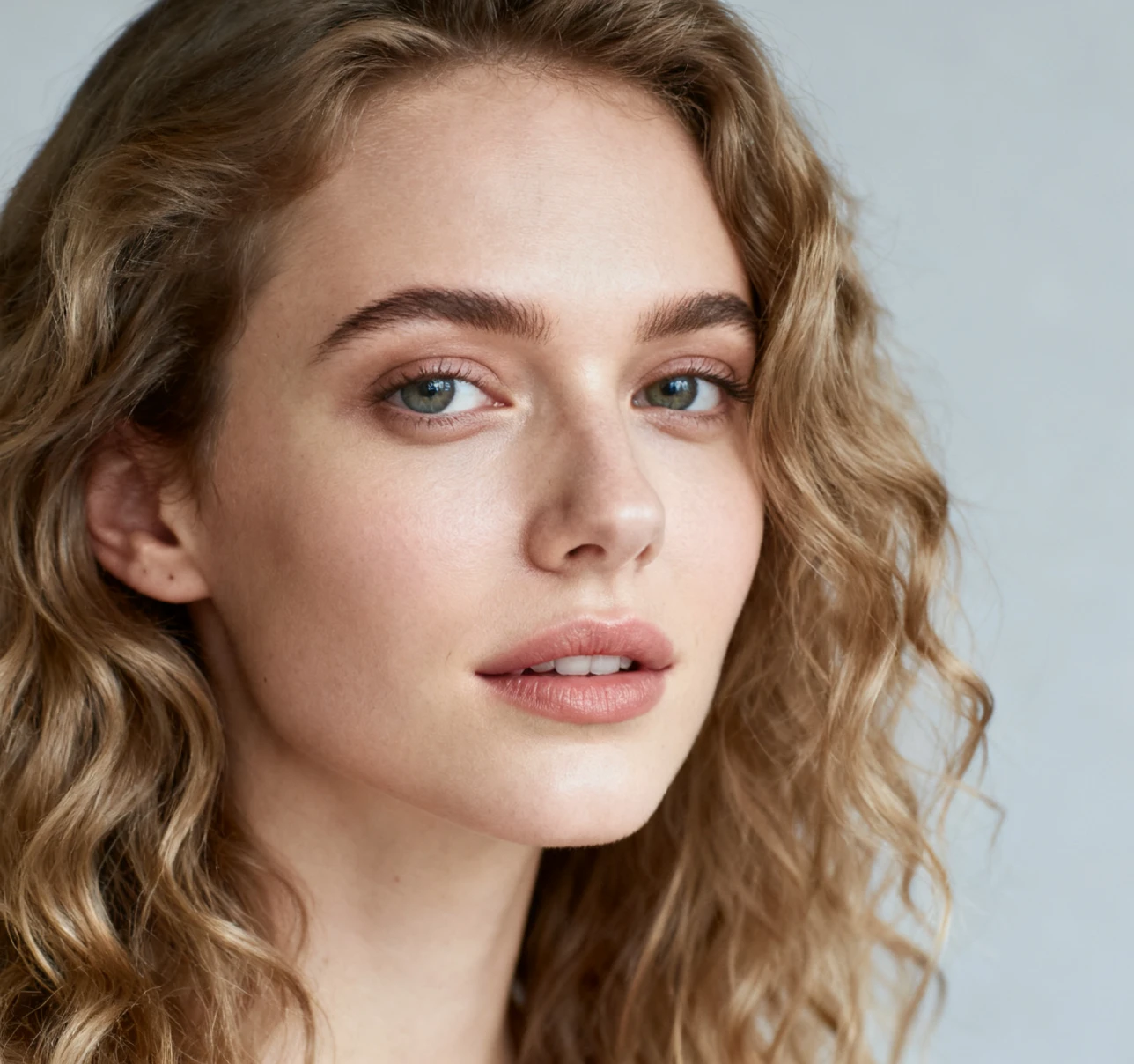

Best Use Cases for AI Image Upscaler Free
PicEditor AI image upscaler free supports many daily workflows. Use AI upscale image technology whenever a file is too blurry, too small, or too compressed. This photo upscaling helps make images ready for sharing, selling, printing previews, and presentation. AI image upscaler free can fit personal and business workflows.

Portrait and Selfie Enhancement
Use AI image upscaler free to make selfies, headshots, profile photos, and creator portraits look sharper. AI upscale image mode improves facial detail, hair texture, and clothing edges. photo upscaling output is useful for avatars, resumes, and social profiles.

Product Photo Upscaling
Sellers can use AI image upscaler free to improve product listings, ad creatives, and catalog previews. AI upscale image processing brings out texture, outlines, and surface detail. photo upscaling helps products look cleaner before upload.
Old Photo Restoration
Use AI image upscaler free for scanned albums, vintage portraits, and family memories. AI upscale image technology can make faces, backgrounds, and clothing easier to see. photo upscaling restoration is fast and beginner-friendly.

Content and Marketing Visuals
Marketers can use AI image upscaler free for blog covers, landing page images, thumbnails, and campaign visuals. AI upscale image quality before publishing, then use the photo upscaling result across channels.
Start With AI Image Upscaler Free Today
Upload a blurry photo to PicEditor AI image upscaler free and generate a sharper version in seconds. Whether you need to AI upscale image quality for portraits, products, memories, or social posts, this photo upscaling tool gives you a fast path from low-resolution to high-definition. AI image upscaler free is ready whenever your image needs more clarity.
