
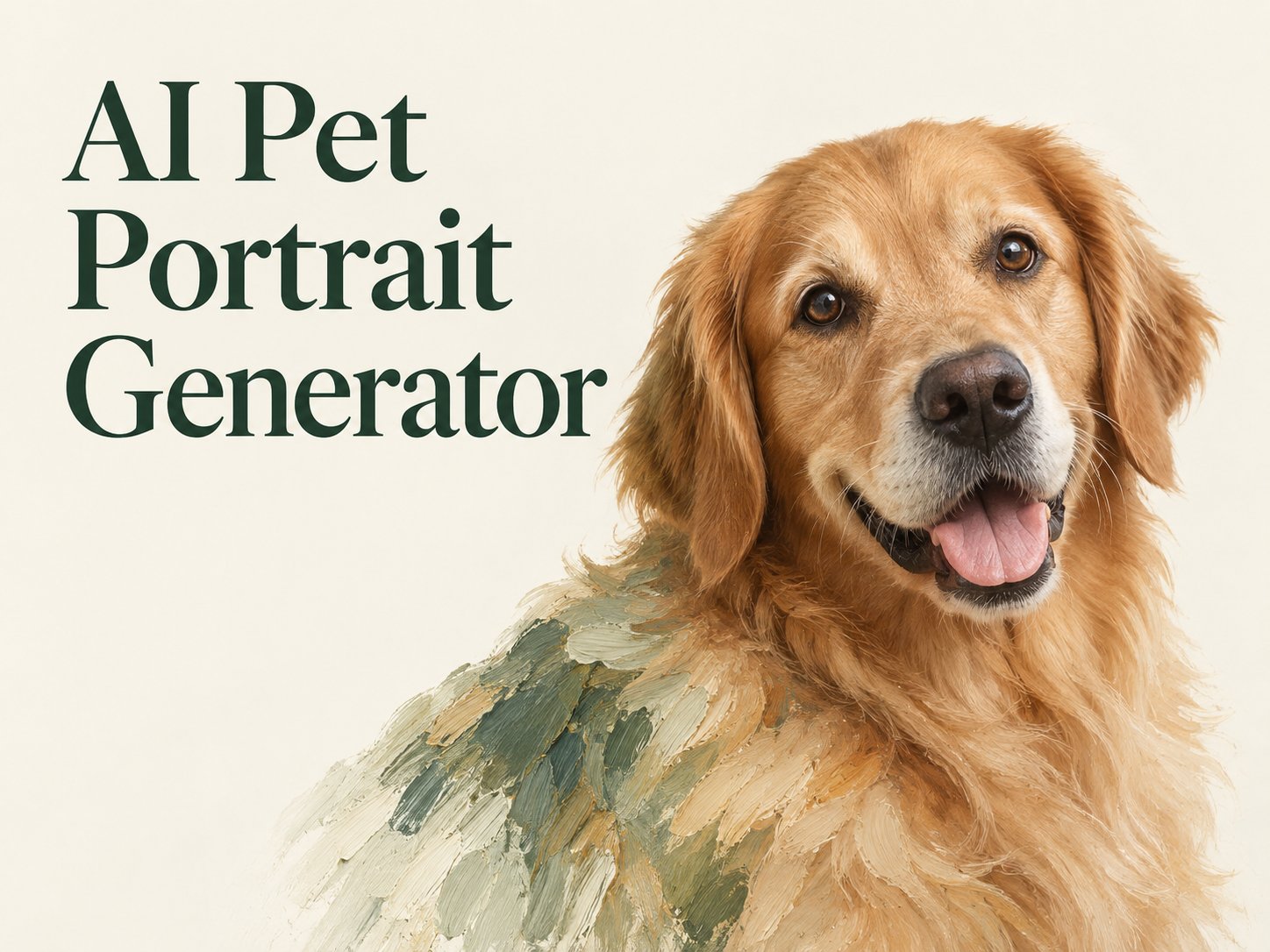
AI Image Tools
Everything You Need to Edit Photos Faster
Open the PicEditor AI tools library for background removal, photo enhancement, object cleanup, face swap, upscaling, and more focused image workflows.
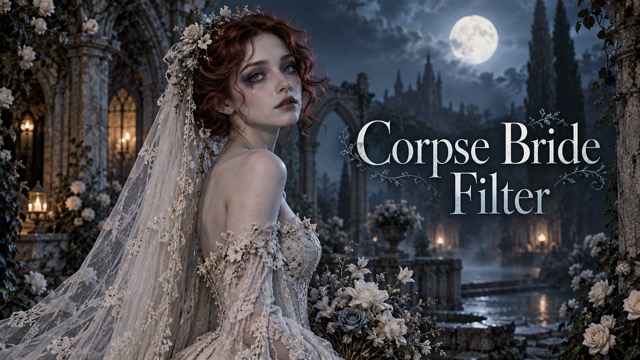
Corpse Bride AI Filter
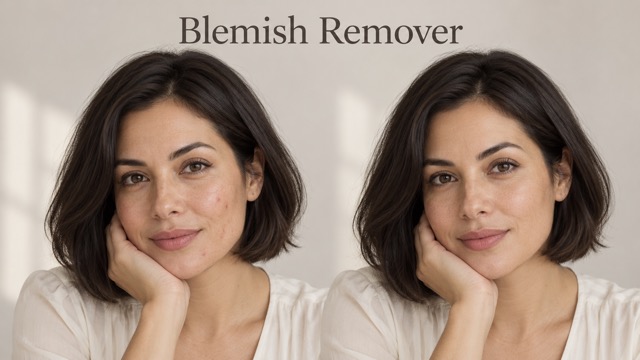
AI Blemish Remover
FLUX 3 Image Klein
Ideogram 4.5

AI Portrait Retouching

Snatched Waist Editor

AI Facial Expression Changer

AI Texture Generator

AI Nose Piercing Filter

Replace Object in Photo Online

Add Object to Photo

Eyeliner Filter

AI Bust Down Filter

Image Splitter

Add White Background to Photo

Snapchat Text Remover

Realistic AI Skin Generator

Add speech bubble to photo

Change Photo Background

AI Clothes Wrinkle Remover

AI LinkedIn Profile Picture

GPT Transparent BG Image Editor

Image to Layers

3D Angle Editor
Make Art From Your Pet’s Photo with AI Pet Portrait Generator
That familiar head tilt. The patch above one eye. Start with the photo you love, then describe a portrait that feels like your pet.
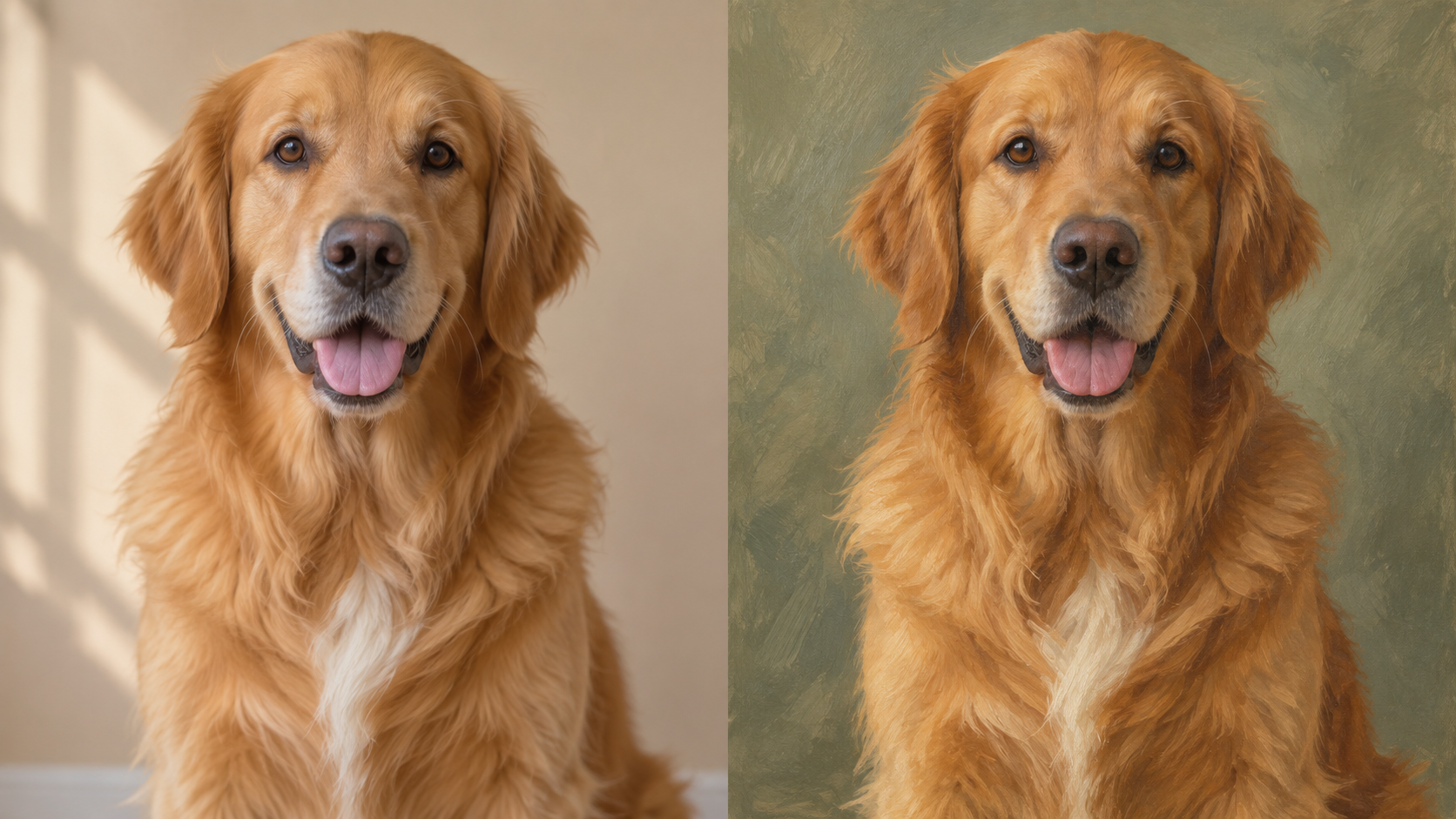
Use the AI Pet Portrait Generator to turn a favorite photo into a new portrait. Upload your image, describe the look you have in mind, and let your pet become the subject of your next creative idea.
How to Use the AI Pet Portrait Generator
Your photo supplies the subject; your description supplies the direction. Follow these steps with the AI Pet Portrait Generator to build a clear portrait request, then assess the result against the details you care about.

Choose a Photo With a Clear Face
Start the AI Pet Portrait Generator with a photo where your pet’s eyes, ears, and coat markings are easy to see. Leave room around the head, especially for tall ears or long whiskers. Give the AI Pet Portrait Generator an image that shows the features you want represented, rather than expecting a blurry face to become an accurate likeness.

Describe the Portrait You Imagine
Tell the AI Pet Portrait Generator what to change and what to keep. You might ask for a watercolor portrait on cream paper while keeping brown eyes, a white chest, and the original head tilt. Specify the medium, background, and mood in plain language. Give the AI Pet Portrait Generator one coherent direction first.

Generate and Review the Details
Generate your image with the AI Pet Portrait Generator, then compare the portrait with your original photo. Look at the eyes, muzzle, ear shape, and distinctive patches before judging the background. If something feels wrong, adjust that part of your description and generate another version.
Give Your AI Pet Portrait Generator a Creative Direction
A memorable portrait begins with specific choices about the animal, the medium, and the setting. Use these AI Pet Portrait Generator ideas to describe the result you want while keeping your pet at the center.
Start With the Details That Make Them Yours
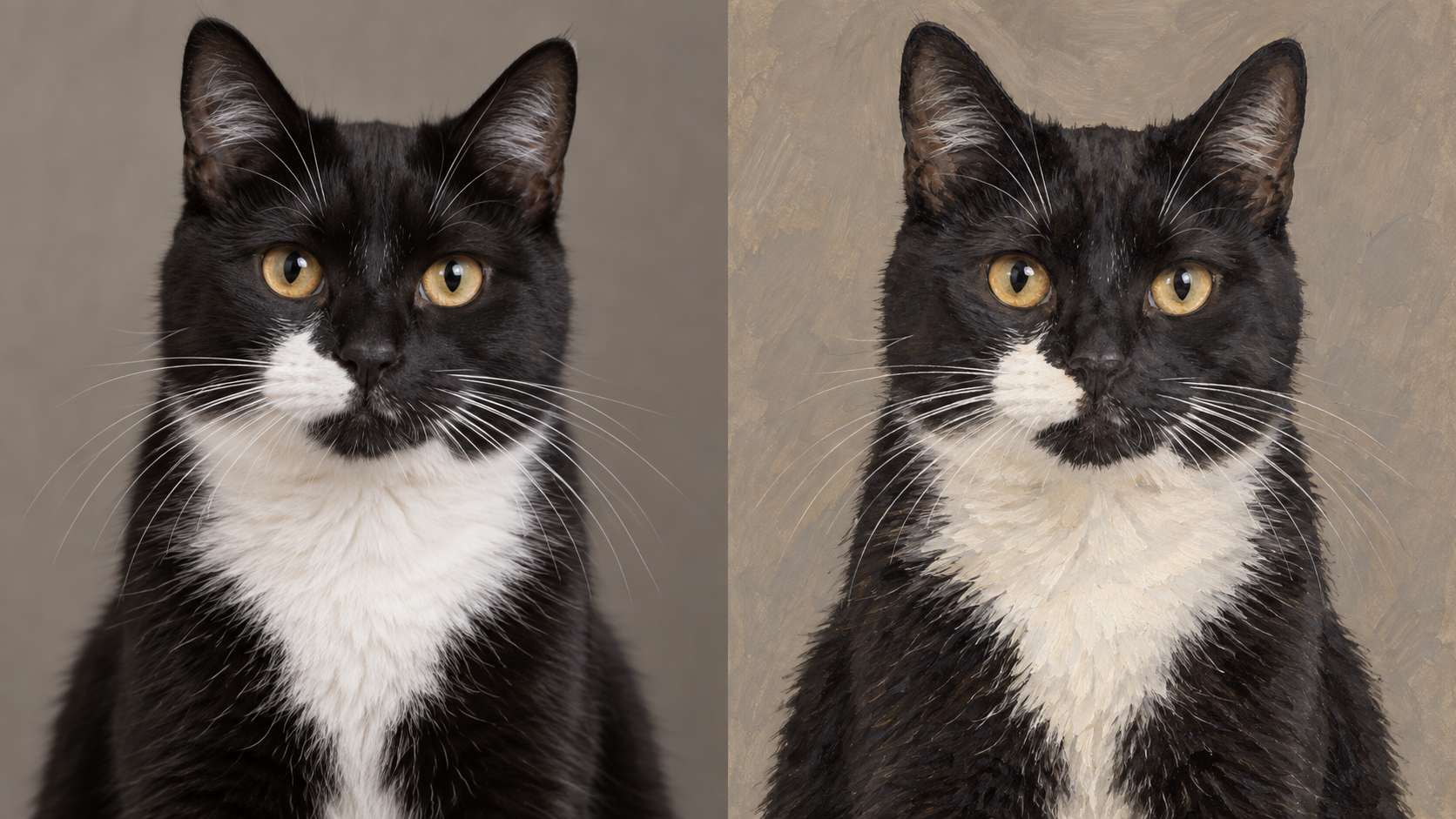
A white muzzle patch can matter more than an elaborate background. Give the AI Pet Portrait Generator a clear source photo and name the features that make your pet recognizable. Ask for the same eye color, ear position, and coat pattern in a painted interpretation. When reviewing the AI Pet Portrait Generator result, compare those details first.
Explore Watercolor, Oil, and Illustrated Looks
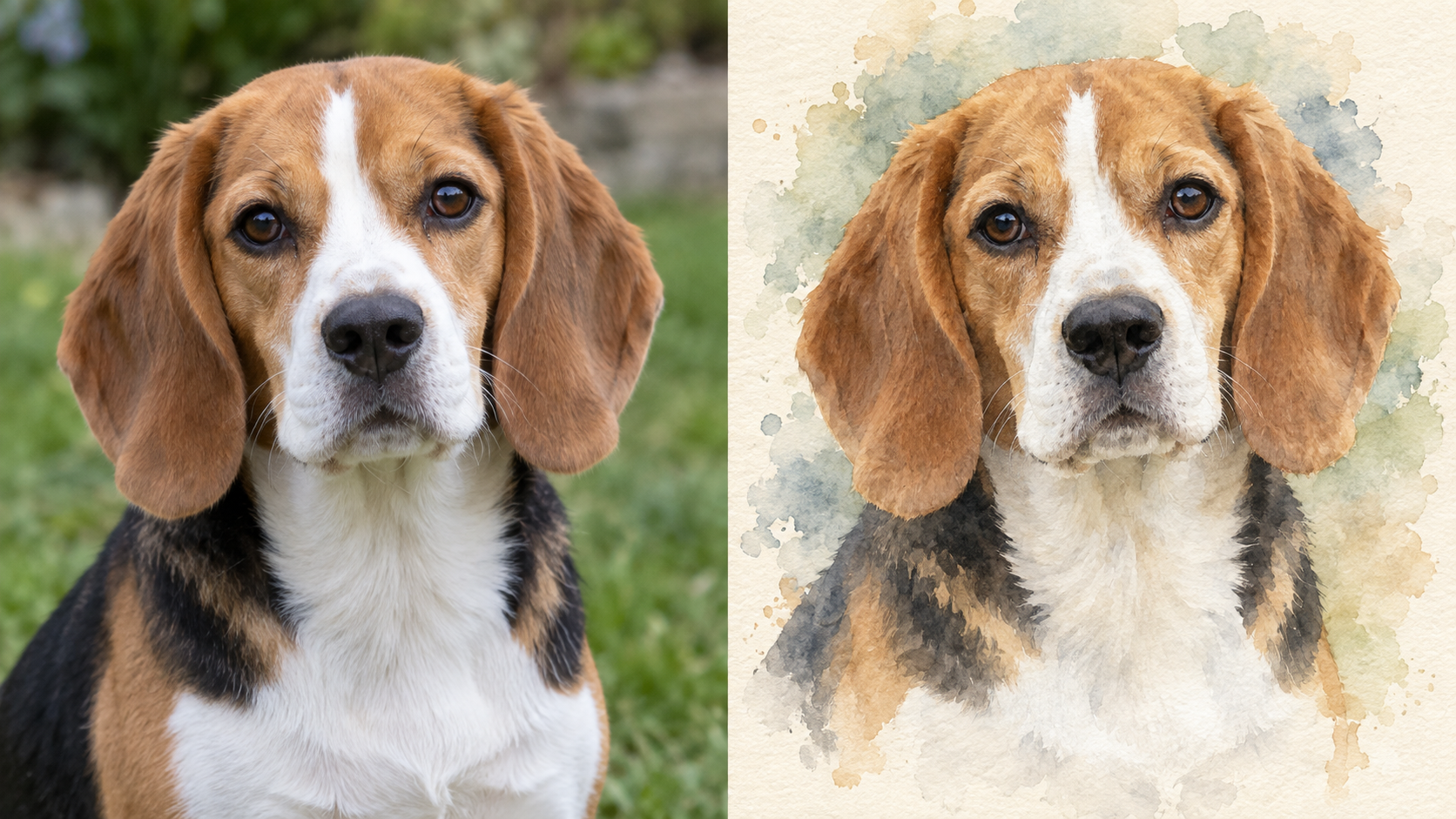
Use the AI Pet Portrait Generator to request a medium in words: transparent watercolor washes, visible oil brushwork, or clean illustrated shapes. Describe how much detail you want around the face and how softly the shoulders should fade into the background. The AI Pet Portrait Generator can interpret that direction from your uploaded photo.
Imagine a Different Setting
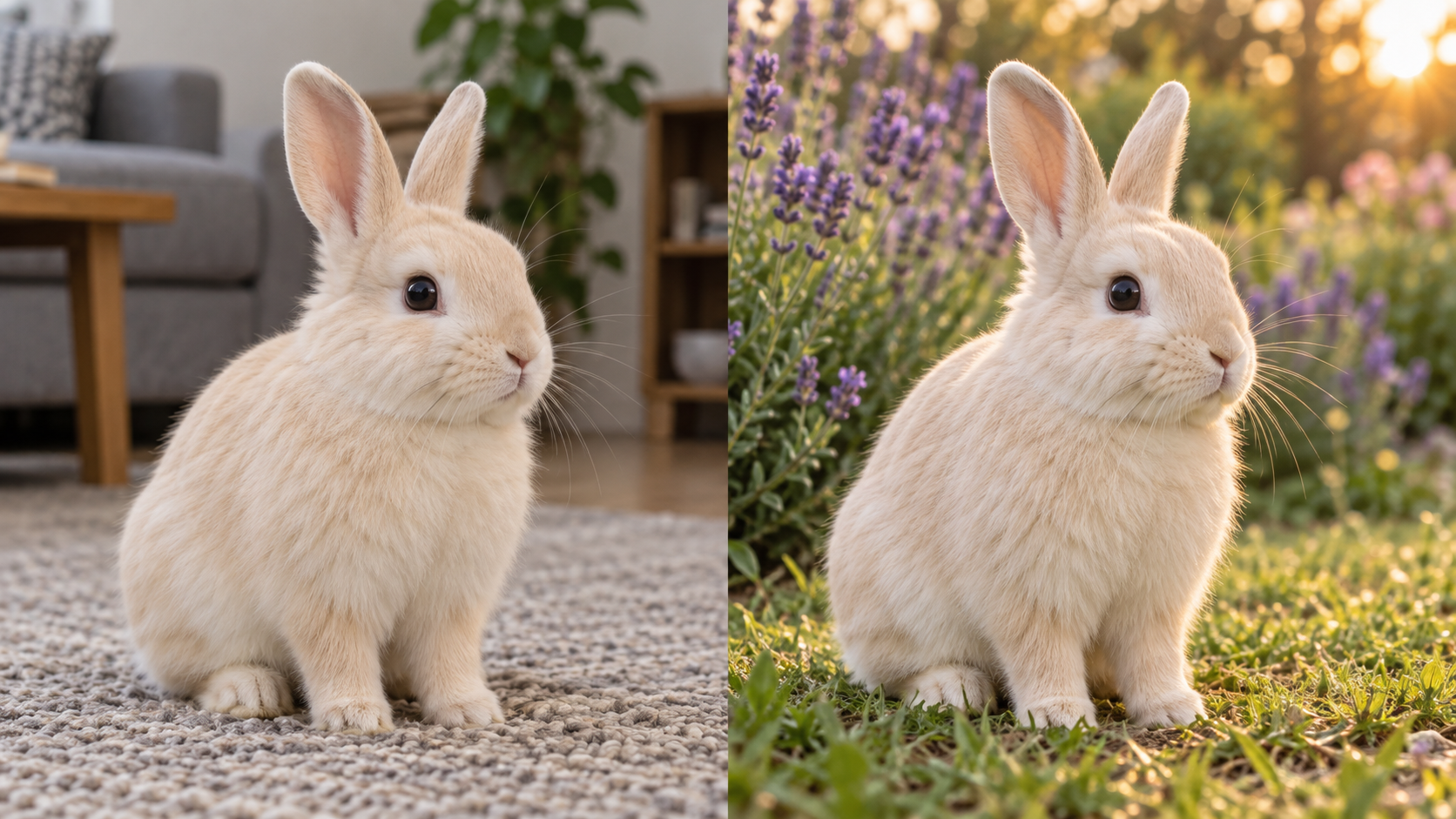
Try a garden, a plain studio backdrop, or a quiet field with the AI Pet Portrait Generator. Name the setting and lighting, then ask to keep your pet’s pose and natural proportions. A cream rabbit against soft lavender flowers needs a different background treatment from a dark cat against charcoal. Give the AI Pet Portrait Generator enough contrast to separate the subject from the scene without crowding the face with props or scenery.
Build a Portrait Around Its Destination
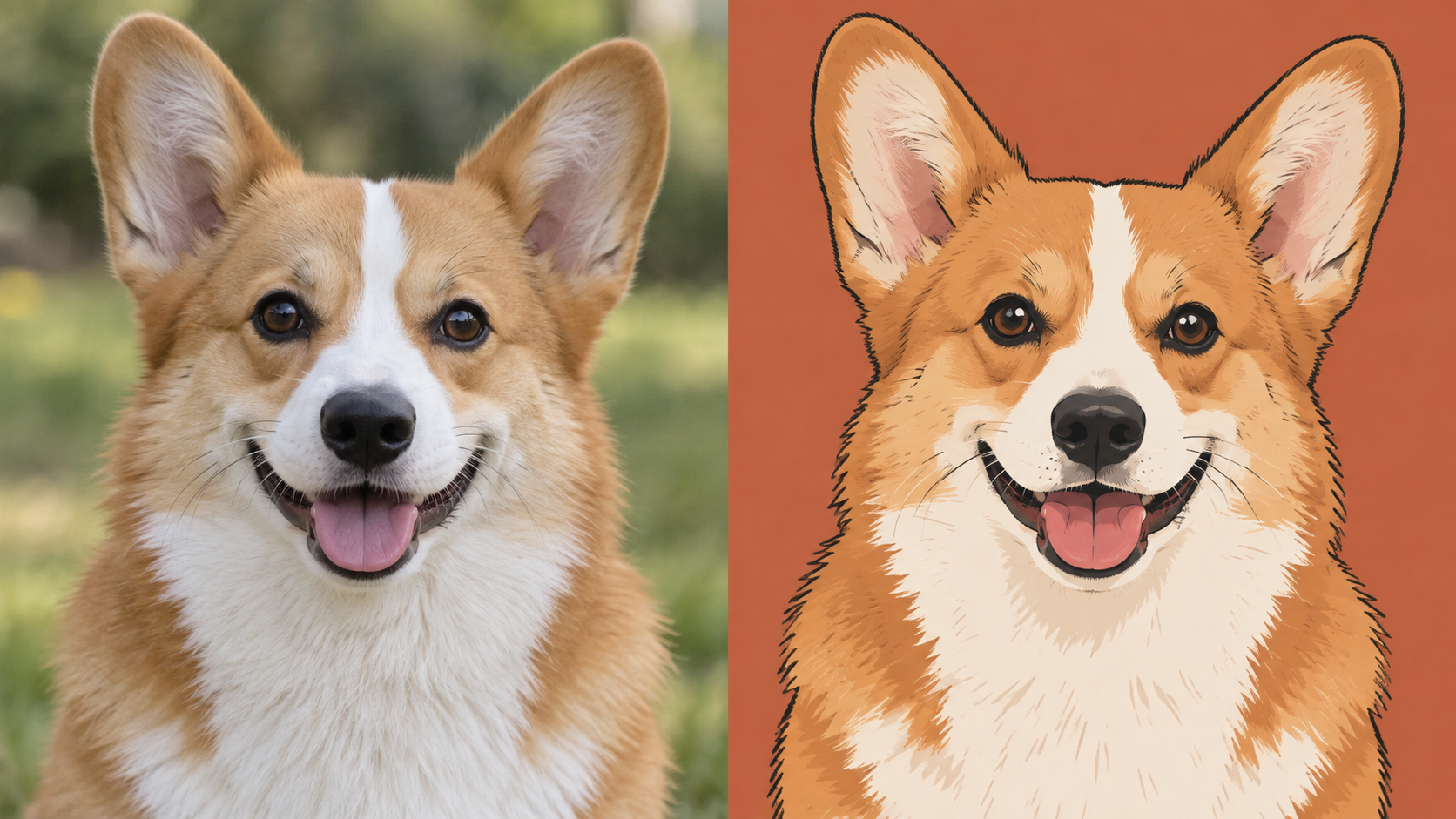
For a profile picture, ask the AI Pet Portrait Generator for a clear face, a simple background, and breathing room around the ears. For a keepsake concept, you might prefer softer edges and a warmer palette. Describe those visual priorities directly to the AI Pet Portrait Generator. Review how the composition reads at the size you intend to use.
Personal Ideas for the AI Pet Portrait Generator
The best starting point is often a pet photo with a story behind it. These AI Pet Portrait Generator projects give that photo a direction, from everyday profile pictures to thoughtful artwork concepts for people you know.

A Profile Picture With Personality
Give your pet’s profile a focused visual identity with the AI Pet Portrait Generator. A close portrait with a plain background can keep the expression readable in a small circle. Try a terracotta backdrop for a cream coat or a pale blue setting for warm brown fur. Ask the AI Pet Portrait Generator to leave space around the ears, then check the actual crop before choosing a version for your profile.

A Thoughtful Gift Concept
Use the AI Pet Portrait Generator to explore an artwork idea for someone who knows every detail of their pet’s face. Choose a photo that captures a familiar expression, then describe colors that suit the recipient’s taste. The AI Pet Portrait Generator provides a visual starting point for the gift. If you plan to have it printed, check the final image dimensions and the printer’s requirements before deciding on a physical size.

A Quiet Memorial Portrait
A familiar photo can be the starting point for a gentle memorial image. Give the AI Pet Portrait Generator restrained instructions: a soft background, natural coloring, and the expression from the source. You do not need elaborate scenery for the portrait to feel meaningful. Review the AI Pet Portrait Generator output carefully against your memories and the original image, keeping the version that feels closest to the animal you remember.

A Seasonal Portrait Idea
Ask the AI Pet Portrait Generator for a seasonal setting that complements your pet rather than hiding them. Autumn leaves at the edges or a muted winter background can suggest an occasion without covering the face. Keep accessories optional and describe them precisely if you want them. With the AI Pet Portrait Generator, begin with a clear composition and add only details that contribute to the mood you are trying to create.

A Portrait Series With a Shared Mood
Plan a small portrait series by reusing a written direction with the AI Pet Portrait Generator. Keep the palette, background treatment, and framing language similar across individual requests. Each animal still needs its own clear source photo and identifying details. Compare the AI Pet Portrait Generator results together and refine differences that distract from the collection. Shared instructions help communicate your intent, though separate generations may vary in style and composition.

A Starting Point for an Art Project
Explore a visual brief with the AI Pet Portrait Generator before committing to a larger creative project. A generated portrait can help you decide whether a dramatic backdrop, loose brushwork, or graphic shapes suit the subject. Note which choices you like and which features need closer attention. Use the AI Pet Portrait Generator image as a reference for your own planning, with a clear distinction between the concept and any finished commissioned artwork.
Portrait Ideas From Different Perspectives
People approach pet portraits with different priorities: a familiar expression, a favorite color, or a meaningful photo. These perspectives explore what someone might look for when shaping a personal project with the AI Pet Portrait Generator.
For a gift concept, I would choose the colors before deciding on the painting style. My sister likes soft greens and cream, and her beagle would suit that palette. I would describe those choices to the AI Pet Portrait Generator, then compare the result with the original photo.
For a gift concept, I would choose the colors before deciding on the painting style. My sister likes soft greens and cream, and her beagle would suit that palette. I would describe those choices to the AI Pet Portrait Generator, then compare the result with the original photo.
I would want a portrait of my rabbit that keeps her natural proportions. Upright ears and that small nose are enough to carry the image. My AI Pet Portrait Generator description would ask for a garden background with soft light, without clothing or extra props.
I would want a portrait of my rabbit that keeps her natural proportions. Upright ears and that small nose are enough to carry the image. My AI Pet Portrait Generator description would ask for a garden background with soft light, without clothing or extra props.
I would use a simple illustrated portrait for my dog’s profile picture. The face needs to read clearly when it is small, so I would ask the AI Pet Portrait Generator for clean shapes and a plain background. I would leave space around the ears in the composition.
I would use a simple illustrated portrait for my dog’s profile picture. The face needs to read clearly when it is small, so I would ask the AI Pet Portrait Generator for clean shapes and a plain background. I would leave space around the ears in the composition.
I would begin with an old favorite photo and keep the request understated. A soft painted background would suit the memory better than a dramatic scene. In the AI Pet Portrait Generator, I would describe the original expression and the gray fur around the muzzle.
I would begin with an old favorite photo and keep the request understated. A soft painted background would suit the memory better than a dramatic scene. In the AI Pet Portrait Generator, I would describe the original expression and the gray fur around the muzzle.

FAQs About AI Pet Portrait Generator
Choose a useful source photo, write a focused description, and know what to check in the result. These answers explain the AI Pet Portrait Generator workflow and offer practical guidance for developing a portrait you like.
The AI Pet Portrait Generator uses an uploaded image and your written description to generate a new portrait. The photo provides visual information about your pet, while the prompt describes the desired treatment. You might request painted texture, a different backdrop, or a simpler illustrated style. The result is a generated interpretation, so compare it with your source photo and revise the description if important details have changed.
Choose a clear image with visible eyes, an unobstructed face, and enough room around the ears. Even lighting helps show coat patterns that might disappear in deep shadow. For the AI Pet Portrait Generator, a straightforward photo is often easier to describe than a busy scene with overlapping animals. If your favorite image is blurry, consider another shot from the same moment that shows the features more clearly.
Describe the medium, background, lighting, and details you want preserved. For example: “Create a watercolor portrait on ivory paper. Keep the beagle’s brown ears, white blaze, and original head tilt. Use soft edges around the shoulders.” This gives the AI Pet Portrait Generator concrete direction without a long list of competing styles. If you want to revise the result, change one meaningful part of the prompt at a time.
A clear photo and specific preservation instructions can help communicate the likeness you want, but an exact match is not guaranteed. Ask the AI Pet Portrait Generator to retain eye color, coat patches, ear shape, and the original expression. Check those features in the generated image before choosing a favorite. If a marking moves or the muzzle looks different, revise your instructions or try a source photo with clearer detail.
You can describe visual treatments such as watercolor, oil painting, pencil drawing, or a clean cartoon portrait in your prompt. The AI Pet Portrait Generator interprets these written requests rather than requiring you to explain painting techniques in technical terms. Add a palette and background direction to make the request more specific. These are creative directions to explore; the exact appearance will depend on the uploaded photo and generated result.
For a first attempt with the AI Pet Portrait Generator, a photo of one animal makes it easier to assess likeness. If you use a group photo, describe each visible pet and ask to preserve their positions and individual markings. Inspect the result for blended features, missing animals, or extra limbs. Group compositions can be less predictable, so simpler source images are a useful starting point when accurate identification matters.
Try Your Photo in the AI Pet Portrait Generator
Choose a photo that captures your pet’s character and describe the portrait you imagine. Start with the AI Pet Portrait Generator, review the details that matter, and shape a result around your own creative direction.
