
Tell AI what to edit in your photo.
AI Image Tools
Everything You Need to Edit Photos Faster
Open the PicEditor AI tools library for background removal, photo enhancement, object cleanup, face swap, upscaling, and more focused image workflows.
AI Blemish Remover
FLUX 3 Image Klein
Ideogram 4.5
AI Portrait Retouching
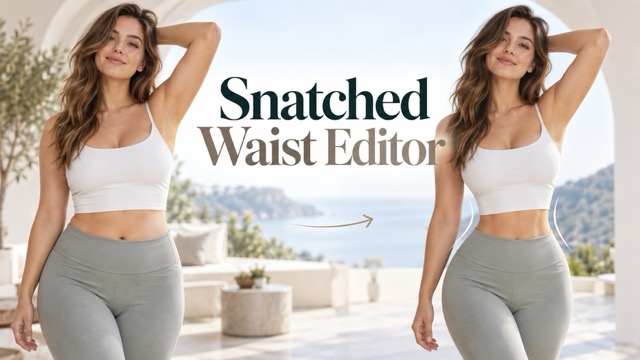
Snatched Waist Editor
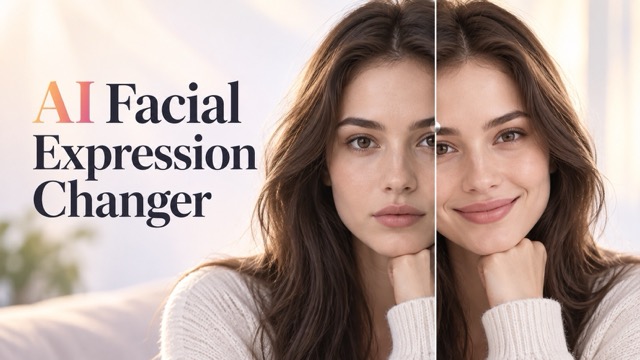
AI Facial Expression Changer
AI Texture Generator
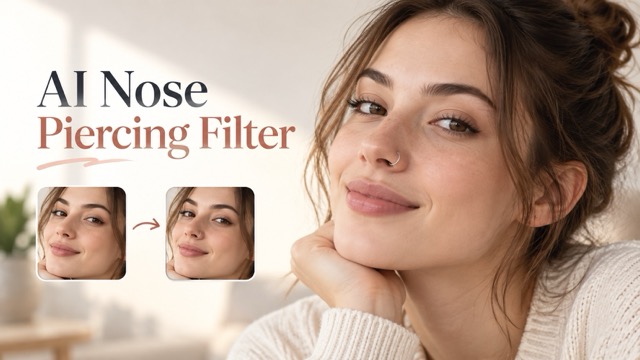
AI Nose Piercing Filter
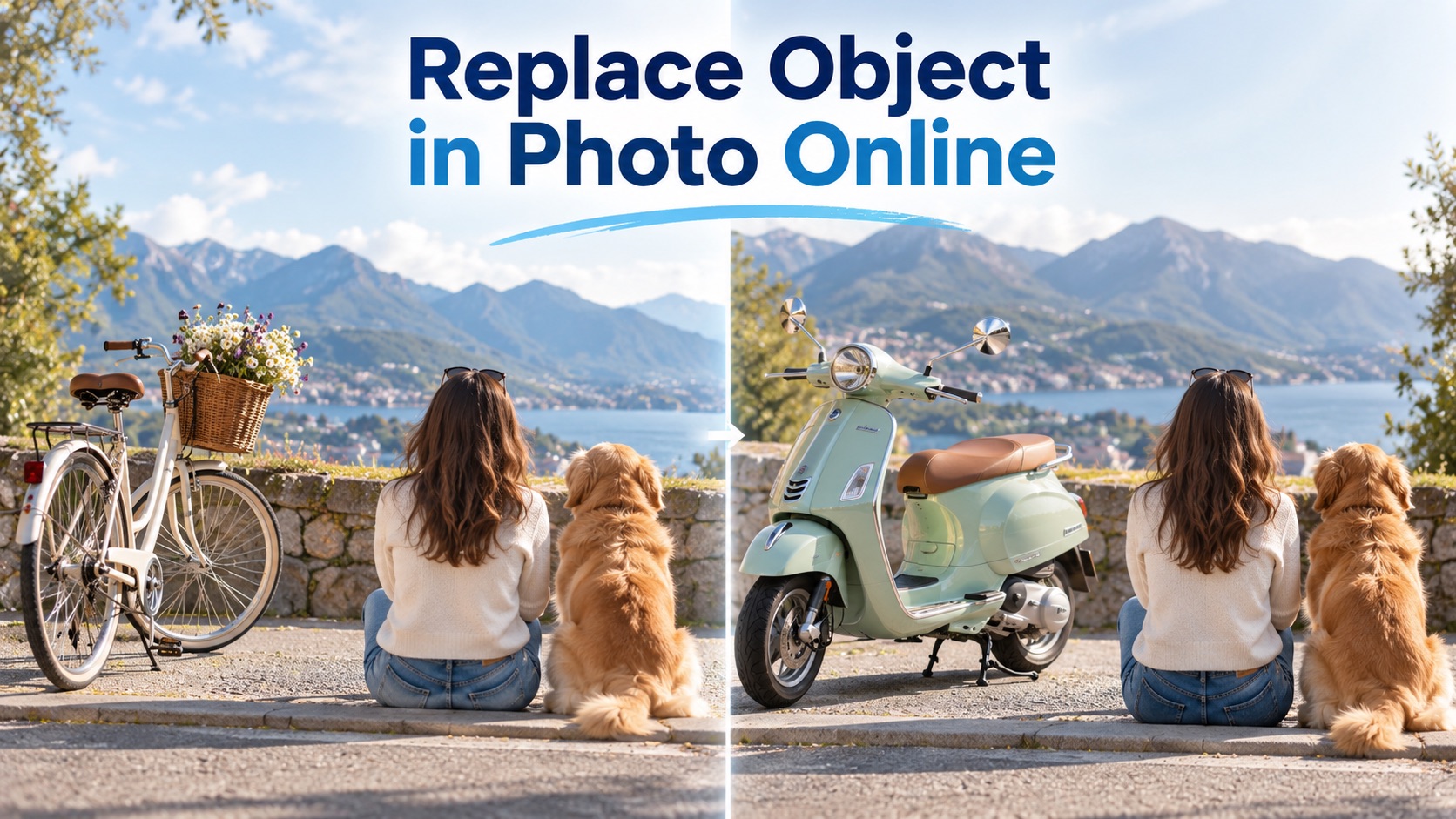
Replace Object in Photo Online
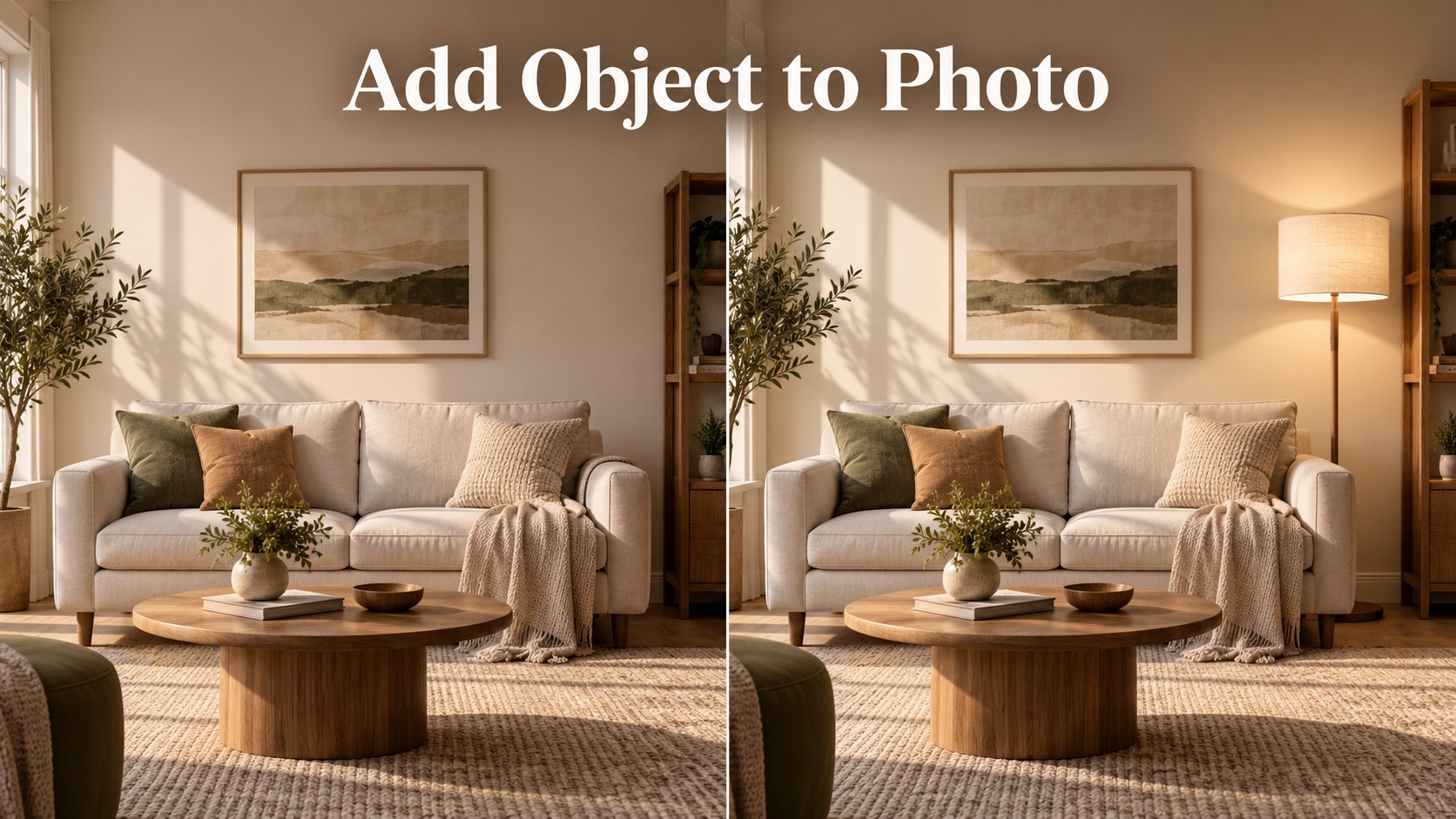
Add Object to Photo

Eyeliner Filter

AI Bust Down Filter

Image Splitter

Add White Background to Photo

Snapchat Text Remover

Realistic AI Skin Generator

Add speech bubble to photo

Change Photo Background

AI Clothes Wrinkle Remover

AI LinkedIn Profile Picture

GPT Transparent BG Image Editor

Image to Layers

3D Angle Editor

Change Background of Photo
AI Photo Editor: Edit Photos with AI Using Simple Text Prompts
Upload a photo, describe the change, and generate a realistic edit in seconds with AI Photo Editor.
AI Photo Editor helps anyone edit photos with AI through plain language. Upload an image, type what should change, click generate, and receive a clean result that follows your request while preserving faces, lighting, perspective, and the original photo feel. AI Photo Editor helps you edit photos with AI from the first prompt.
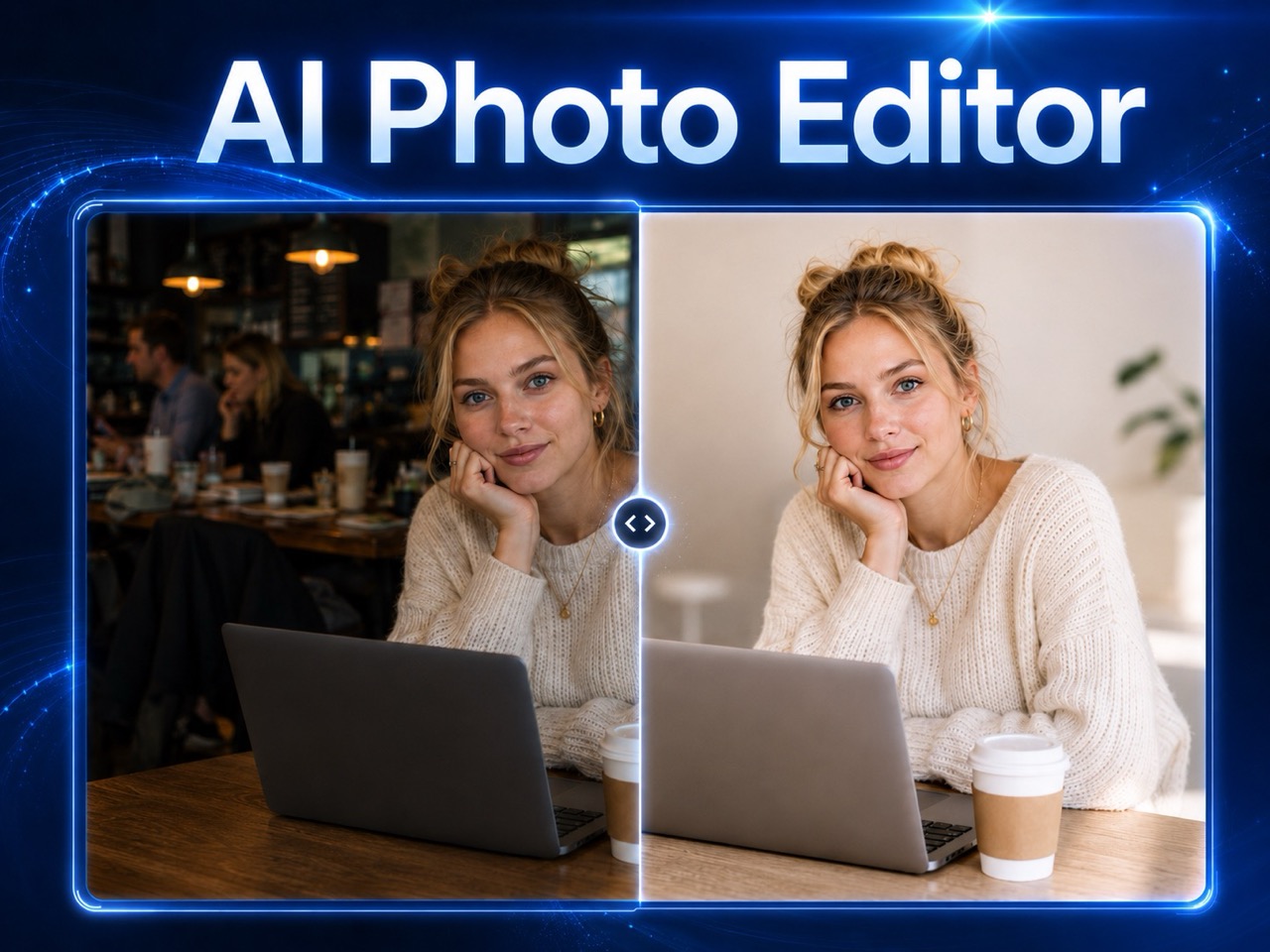
How to Use AI Photo Editor
AI Photo Editor follows a simple flow: upload your image, describe the edit, click generate, and preview the result. This makes it easy to edit photos with AI without complex tools or design experience. AI Photo Editor makes it easier to edit photos with AI without guessing which control to use.

Upload Your Photo
Start by uploading a JPG or PNG image to AI Photo Editor. Drag and drop your photo or click to select it. Choose a clear image when possible so the prompt based image editor can understand people, objects, background, and lighting before editing begins.
Enter Your Editing Request
Tell AI Photo Editor exactly what to change. You can ask it to remove an object, replace a background, improve lighting, retouch a portrait, or edit photo with text prompt instructions such as make this product photo look professional.
Click Generate
Click Generate Image and let AI Photo Editor process your request. The edit photos with AI workflow interprets your prompt, applies the requested change, and keeps the output natural instead of adding random effects you did not ask for.

Preview the Generated Result
Review the generated photo. If you want a different result, adjust the prompt and generate again. AI Photo Editor is built for quick iteration, so you can refine small details until the image matches your creative or practical goal.
Powerful Uses of AI Photo Editor
AI Photo Editor is made for realistic, instruction-led editing. It helps you edit photos with AI for cleanup, background changes, portrait fixes, product visuals, and creative transformations while keeping the final image believable.
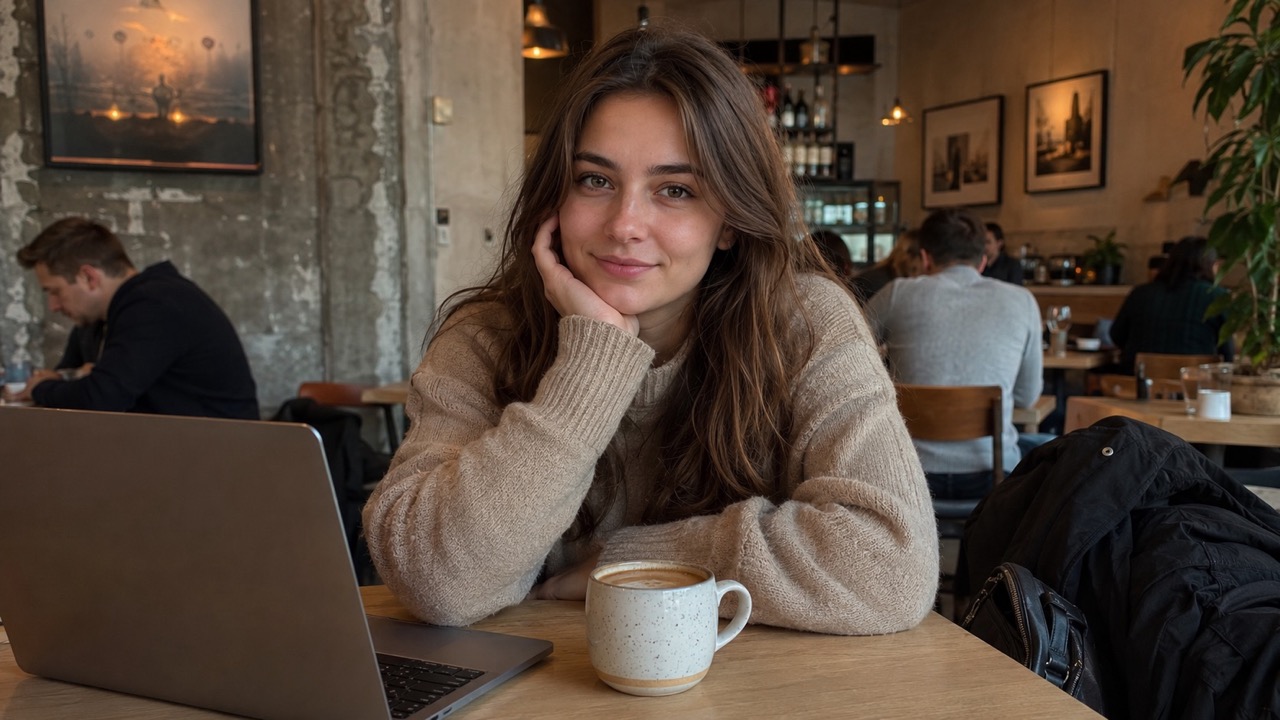
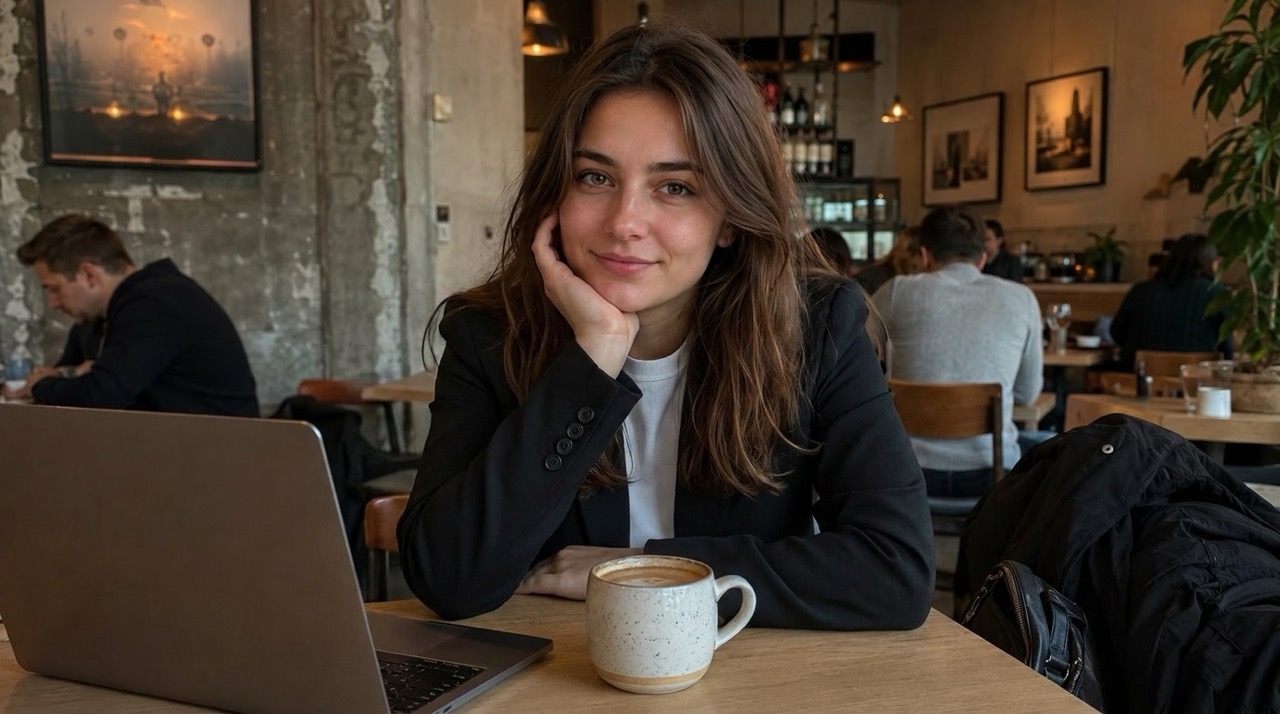
Edit by Describing What You Want
AI Photo Editor turns everyday language into practical image changes. Instead of learning layers, brushes, or masks, you can write a direct instruction and edit photos with AI in a guided way. Ask for a cleaner background, a warmer mood, brighter product lighting, softer skin, or a removed distraction. The prompt based image editor reads your request and focuses on the visual change that matters. This makes AI Photo Editor useful for creators, sellers, marketers, and casual users who need fast edits without rebuilding the whole image.
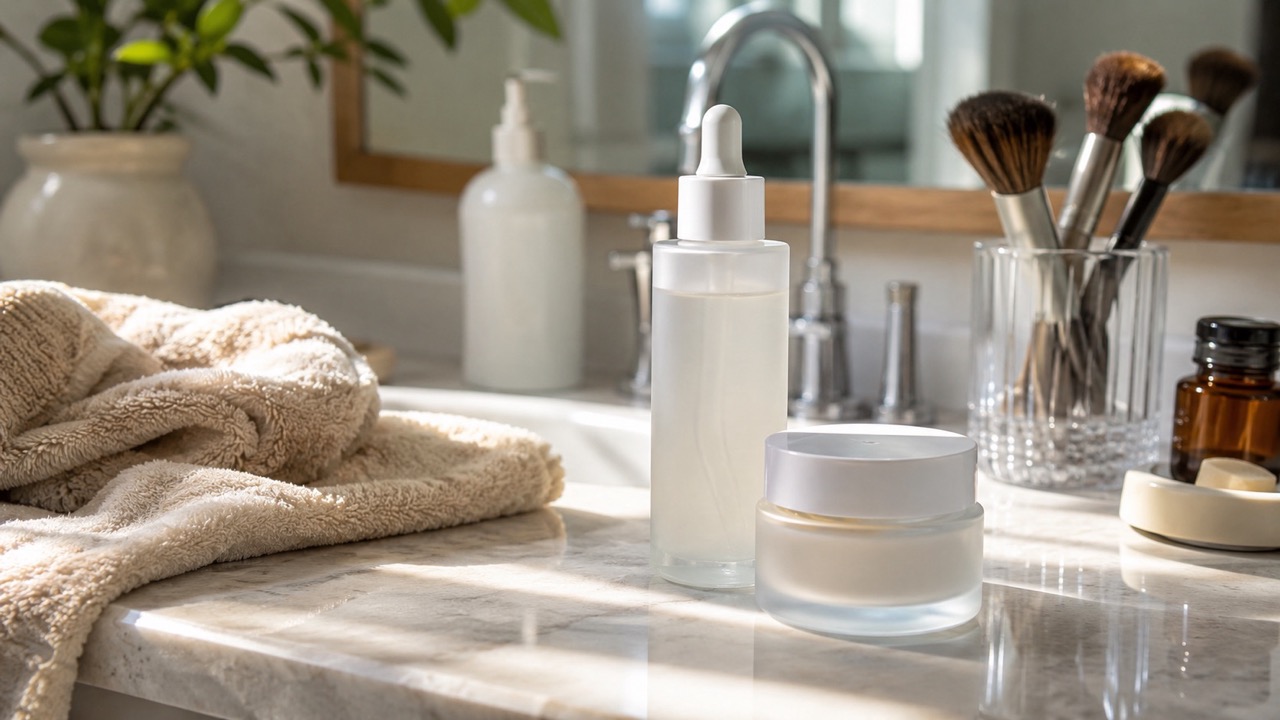
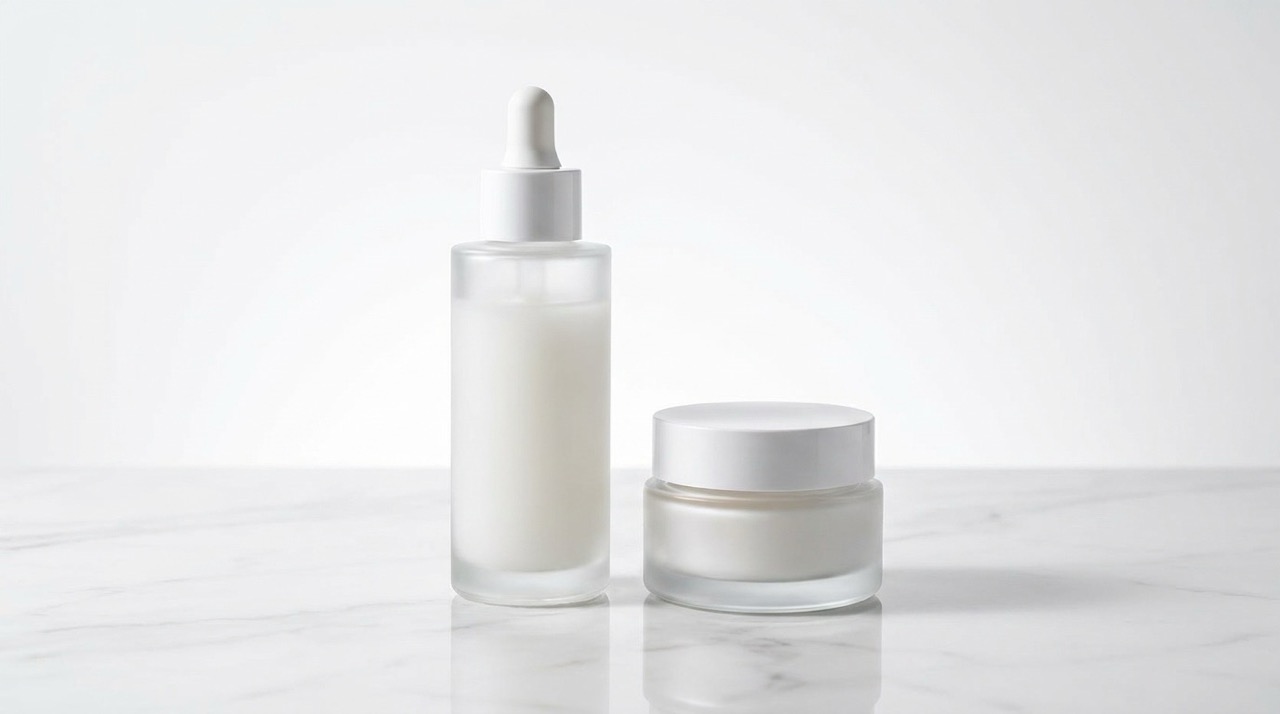
Remove Distractions Without Breaking the Photo
Unwanted people, messy objects, signs, cables, stains, and background clutter can weaken an otherwise strong image. AI Photo Editor helps remove these distractions and rebuilds the missing area so the scene still looks believable. This is especially helpful for travel shots, product photos, listing images, profile pictures, and social posts. When you edit photos with AI, the result should not look patched or artificial. AI Photo Editor aims to keep texture, shadows, depth, and color consistent with the original photo.
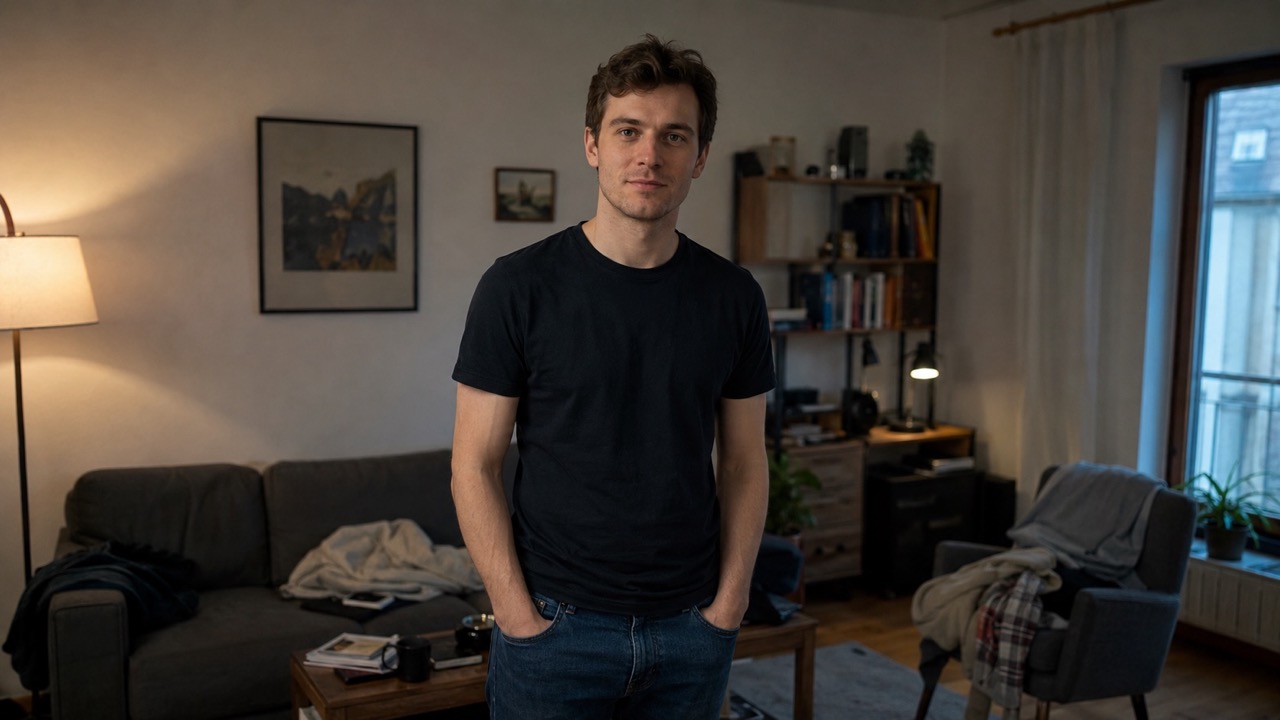
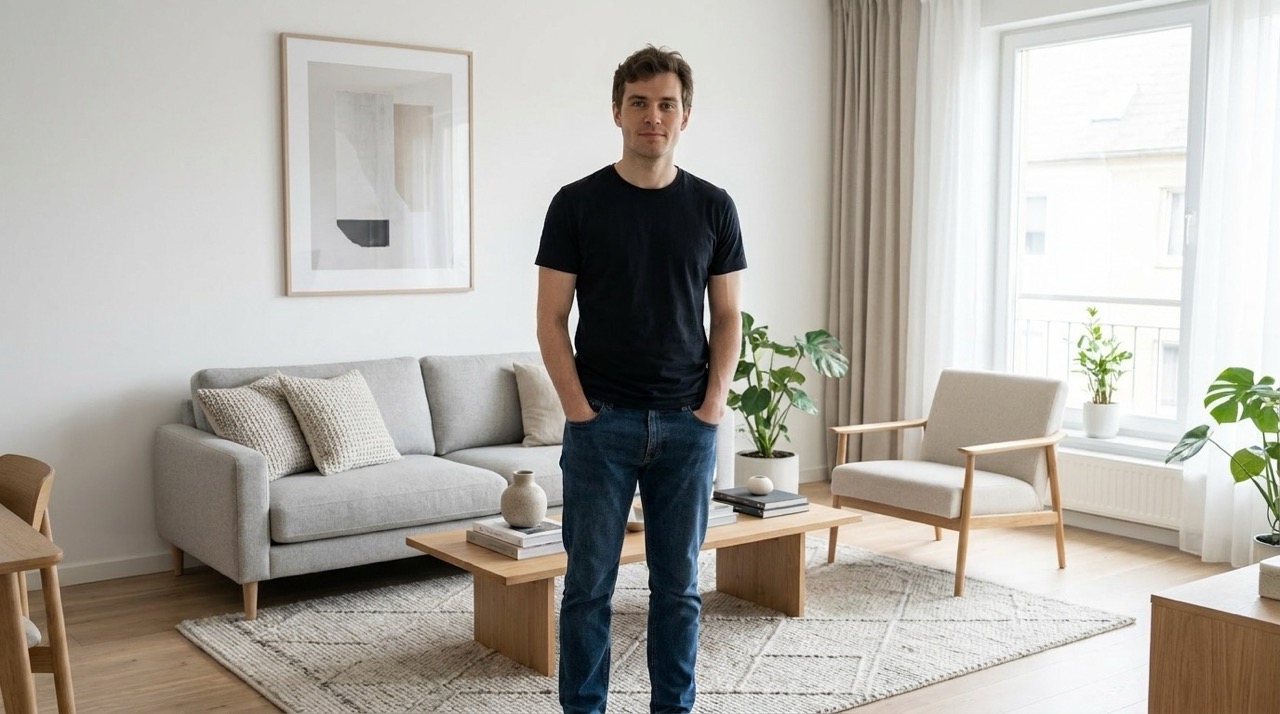
Change Backgrounds While Keeping the Subject Real
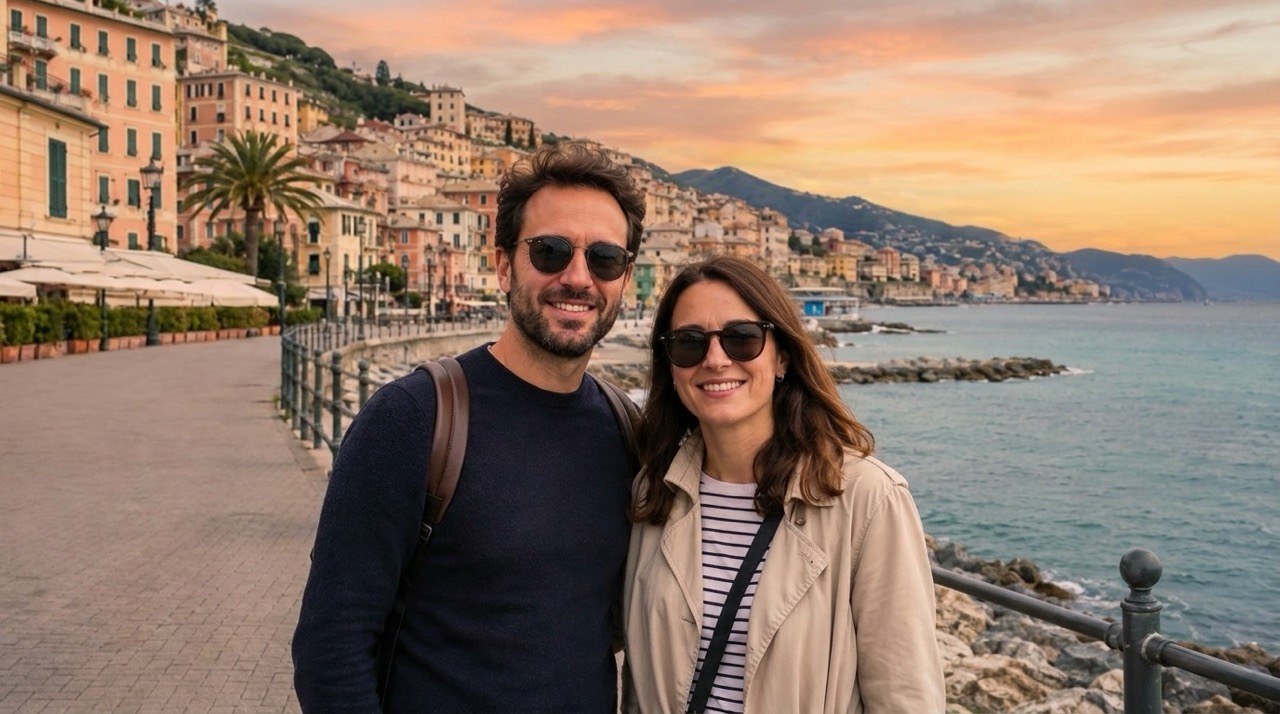
A strong background can turn an average picture into a polished visual. AI Photo Editor can replace dull walls, messy rooms, plain product setups, or boring outdoor scenes with a more fitting environment. You can ask for a studio backdrop, office setting, beach scene, luxury interior, clean ecommerce background, or cinematic street mood. The goal is not just replacement; AI Photo Editor helps match edges, lighting, and perspective so the subject feels like it belongs in the new scene.
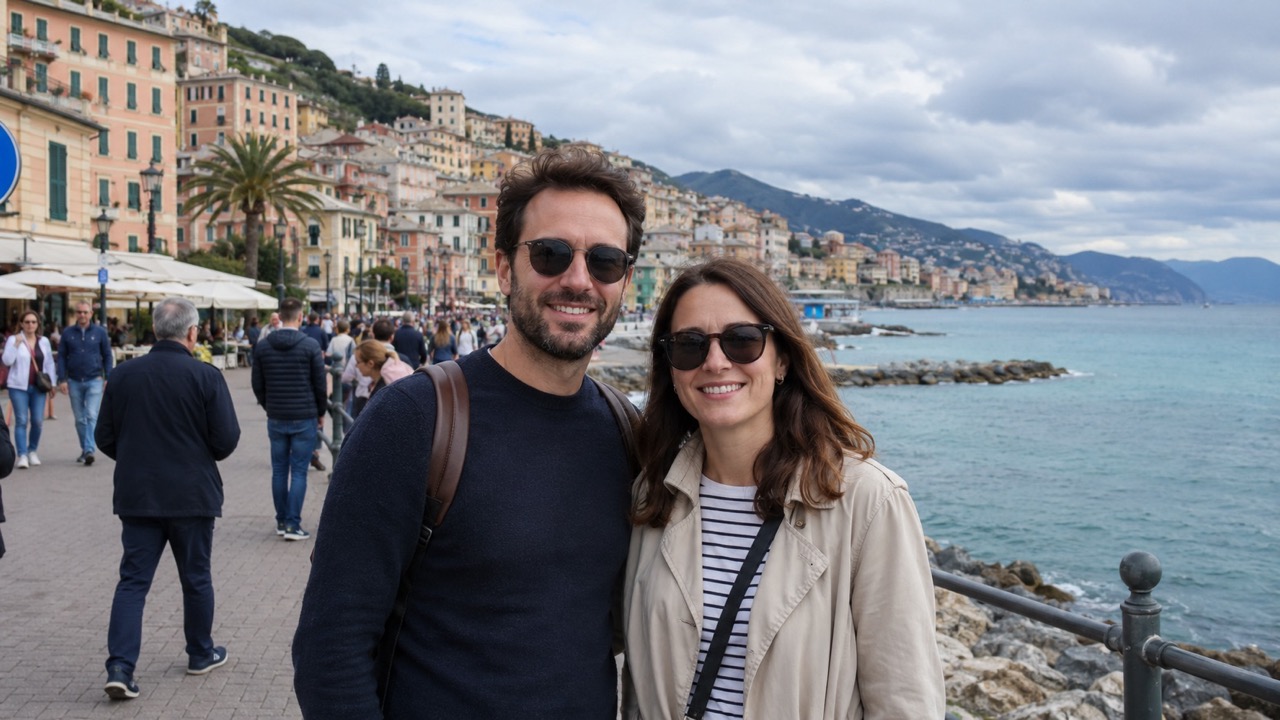
Improve Photos Without Overediting
Many photos need small improvements rather than dramatic changes. AI Photo Editor can brighten dark images, balance color, reduce noise, sharpen details, soften harsh shadows, and make portraits or products look cleaner. Because users can explain the desired outcome, it is easier to get edits that match the photo purpose. Use AI Photo Editor for marketplace images, profile photos, thumbnails, blog graphics, resumes, portfolios, and everyday memories that need a more polished finish. AI Photo Editor keeps the process simple for users who want better images without heavy retouching.
Who Can Use AI Photo Editor?
AI Photo Editor is for people who want quick, natural photo changes from simple instructions. Whether the goal is selling, posting, branding, or saving a memory, you can edit photos with AI in a focused workflow.

Online Sellers and Product Teams
AI Photo Editor helps sellers make product photos cleaner, brighter, and more trustworthy. Remove background clutter, fix lighting, create a consistent scene, or make a product image look ready for a catalog. Teams that need to edit photos with AI can move faster from raw shot to publishable visual. AI Photo Editor can also turn a quick phone shot into a cleaner product presentation.
Creators and Social Media Managers
Creators need images that match a story, mood, or campaign. AI Photo Editor can change environments, improve visual style, remove distractions, and create stronger thumbnails or posts. With AI photo editor online free intent in mind, this page serves users looking for fast editing without complicated production work. AI Photo Editor keeps creative changes prompt-led, so the final image still matches the original campaign idea.
Professionals Updating Personal Images
AI Photo Editor is useful for profile pictures, portfolio images, resumes, speaker bios, and personal branding. You can clean the background, fix lighting, improve facial presentation, or create a more professional tone. The ability to edit photos with AI helps users refresh images without arranging a new shoot. AI Photo Editor can support subtle professional updates without making the person look artificial.
Everyday Photo Fixes
Not every edit is commercial. AI Photo Editor can improve family pictures, travel photos, pet images, food shots, and casual portraits. Remove a stranger from a beach photo, fix a dim room, replace a messy background, or use free AI image editor online style searches to discover an easier editing flow. AI Photo Editor is also helpful when users want a simple AI photo editor online free style journey from upload to generated photo.
What Users Say About AI Photo Editor
People use AI Photo Editor for product photos, personal images, content visuals, and everyday corrections. The common benefit is simple: describe the edit, generate the result, and keep the photo looking realistic. AI Photo Editor lets new users edit photos with AI through clear instructions.
I used AI Photo Editor to remove background clutter from product photos before launching a small store. The prompt was simple, and the edited images looked clean without losing the real product texture. It helped me edit photos with AI much faster than manual retouching.
I used AI Photo Editor to remove background clutter from product photos before launching a small store. The prompt was simple, and the edited images looked clean without losing the real product texture. It helped me edit photos with AI much faster than manual retouching.
I needed a cleaner profile image for a speaker page. AI Photo Editor fixed the lighting, softened the background, and kept my face looking natural. I liked that I could describe the edit instead of choosing from confusing controls.
I needed a cleaner profile image for a speaker page. AI Photo Editor fixed the lighting, softened the background, and kept my face looking natural. I liked that I could describe the edit instead of choosing from confusing controls.
For social content, I often need quick scene changes. AI Photo Editor made a cafe photo look more cinematic and removed a distracting object on the table. It felt like the best AI photo editor 2026 option for simple prompt editing.
For social content, I often need quick scene changes. AI Photo Editor made a cafe photo look more cinematic and removed a distracting object on the table. It felt like the best AI photo editor 2026 option for simple prompt editing.
I tried AI Photo Editor on a travel picture where a person was walking through the background. The result looked natural, and the missing area was rebuilt well. It made it easy to edit photos with AI without spending time on manual fixes.
I tried AI Photo Editor on a travel picture where a person was walking through the background. The result looked natural, and the missing area was rebuilt well. It made it easy to edit photos with AI without spending time on manual fixes.


FAQs About AI Photo Editor
Learn how AI Photo Editor works, what edits it can handle, and how to write better prompts for more natural results when you edit photos with AI.
AI Photo Editor is an online image editing experience that lets you upload a photo, type an instruction, and generate a revised image. It is useful for cleanup, background changes, object removal, enhancement, and creative edits. AI Photo Editor is designed for users who prefer prompts over complex controls.
Upload your image, enter a clear editing request, click Generate Image, and review the result. AI Photo Editor works best when your prompt explains the exact change you want. This edit photos with AI process is fast, clear, and beginner friendly.
Yes. You can edit photo with text prompt instructions such as remove the chair, brighten the face, replace the background with a studio, or make the product image look professional.
You can remove unwanted objects, change backgrounds, retouch portraits, fix lighting, improve colors, enhance products, and create stylized but realistic image edits with AI Photo Editor. AI Photo Editor is best for changes you can describe clearly in words.
Use a clear image and write a specific prompt. Mention the subject, the change, and the desired mood. AI Photo Editor performs better when the request is direct and visual.
Yes. AI Photo Editor can support professional-looking product shots, profile images, social media content, listing photos, and marketing visuals when the prompt clearly describes the intended result.
Start Creating Better Photos with AI Photo Editor
Upload your image, describe the change, and let AI Photo Editor generate a clean, realistic edit.
