
AI Image Tools
Everything You Need to Edit Photos Faster
Open the PicEditor AI tools library for background removal, photo enhancement, object cleanup, face swap, upscaling, and more focused image workflows.
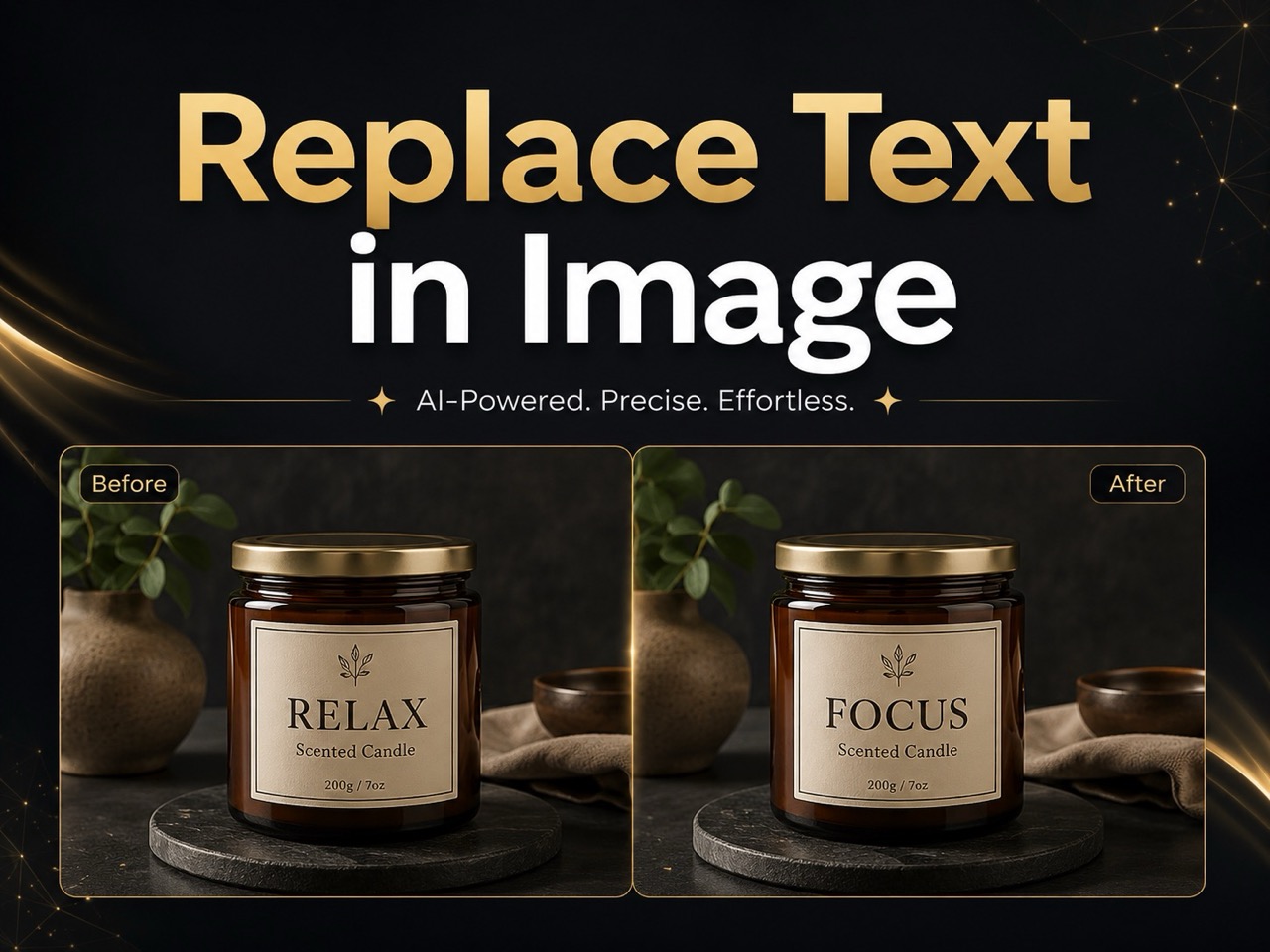
Replace Text in Image
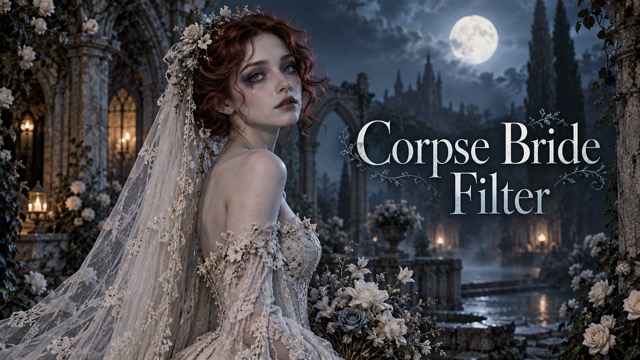
Corpse Bride AI Filter
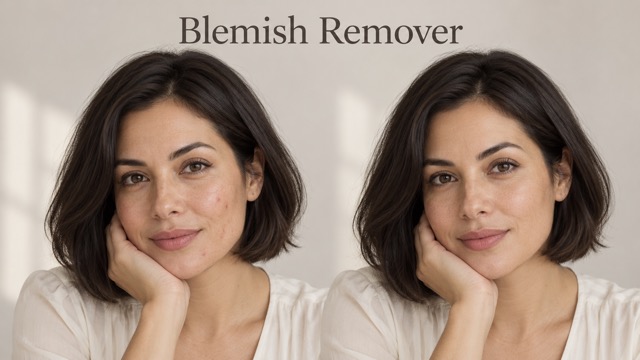
AI Blemish Remover
FLUX 3 Image Klein
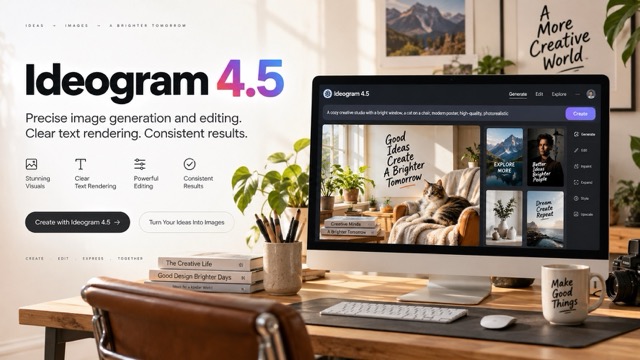
Ideogram 4.5
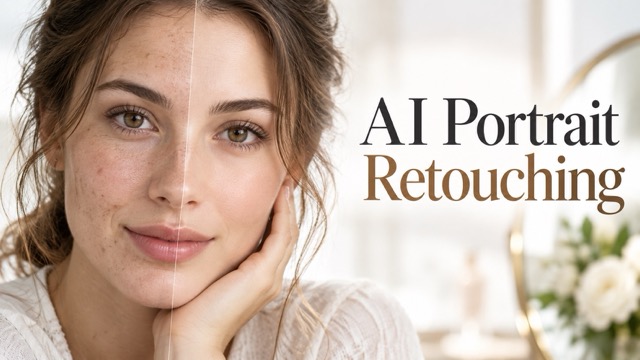
AI Portrait Retouching
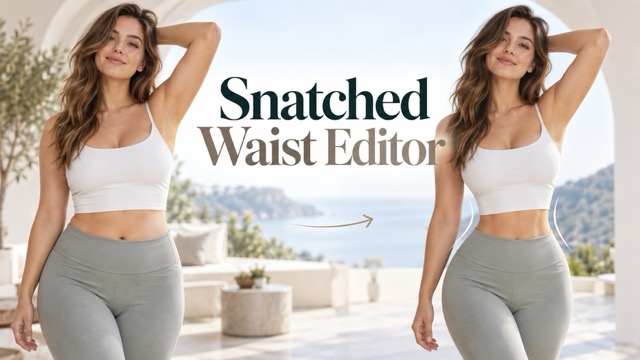
Snatched Waist Editor
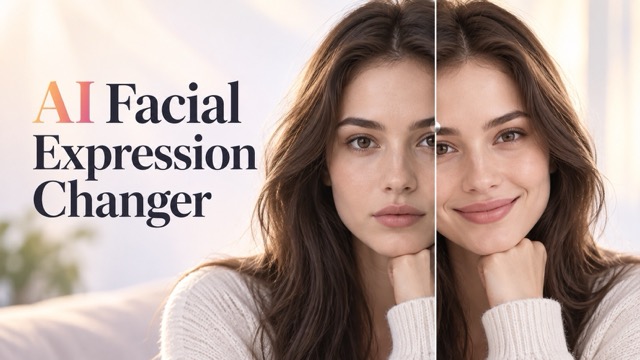
AI Facial Expression Changer
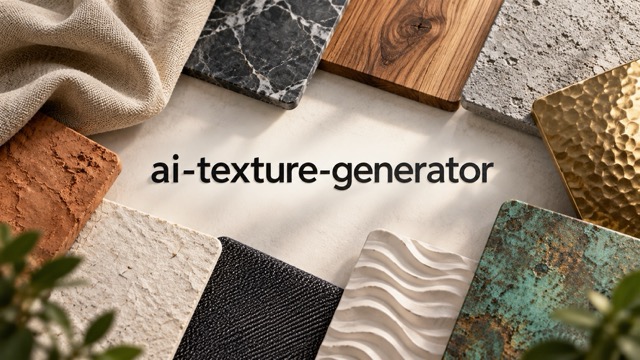
AI Texture Generator
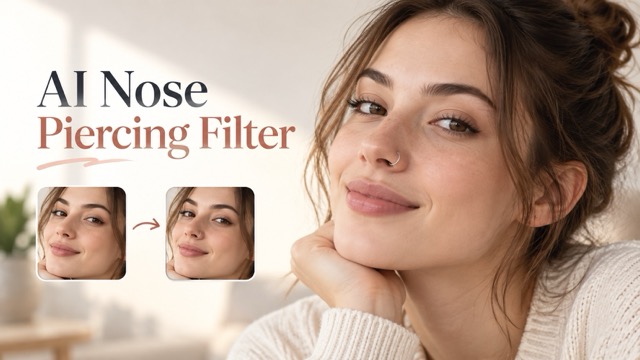
AI Nose Piercing Filter
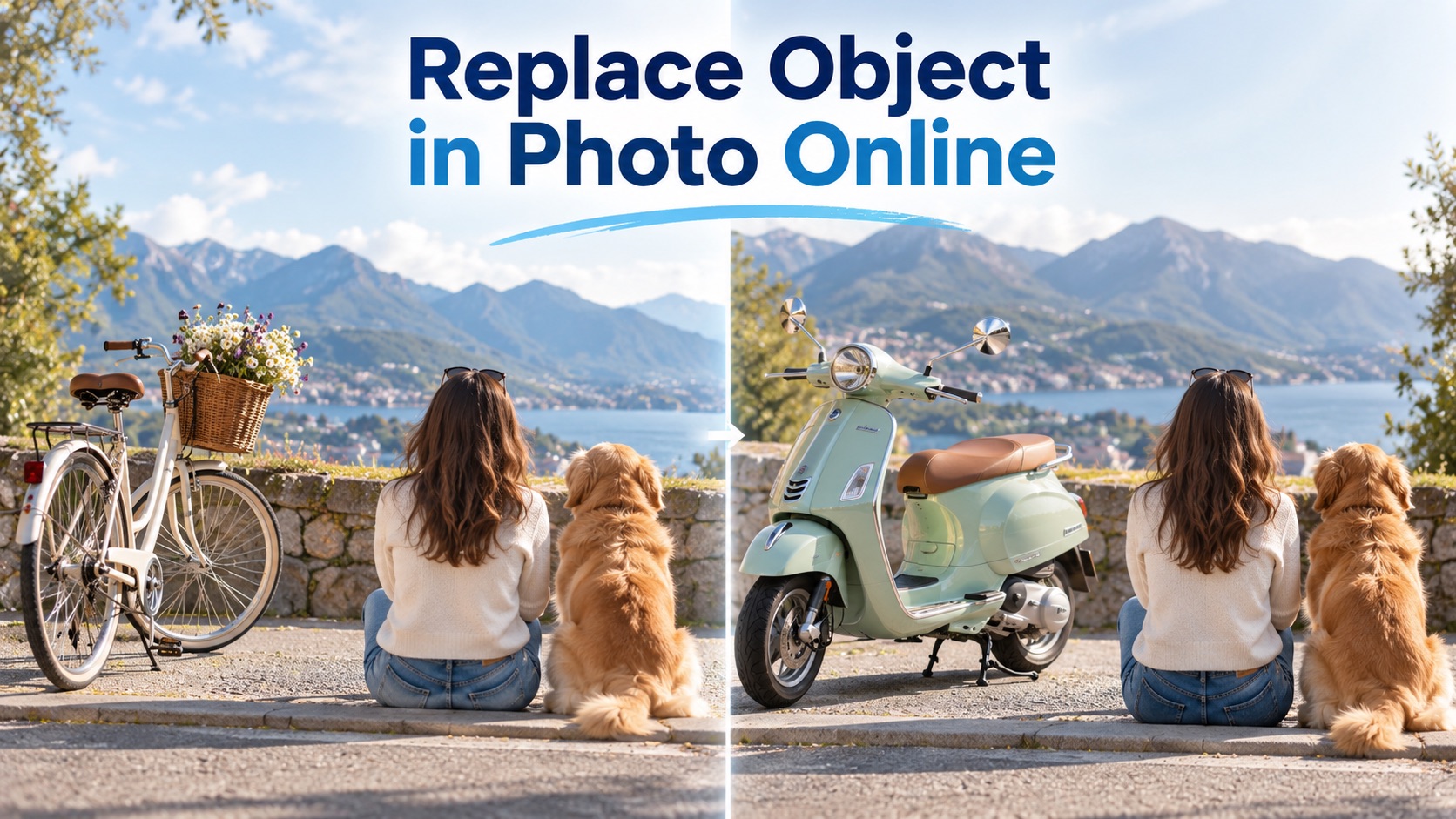
Replace Object in Photo Online
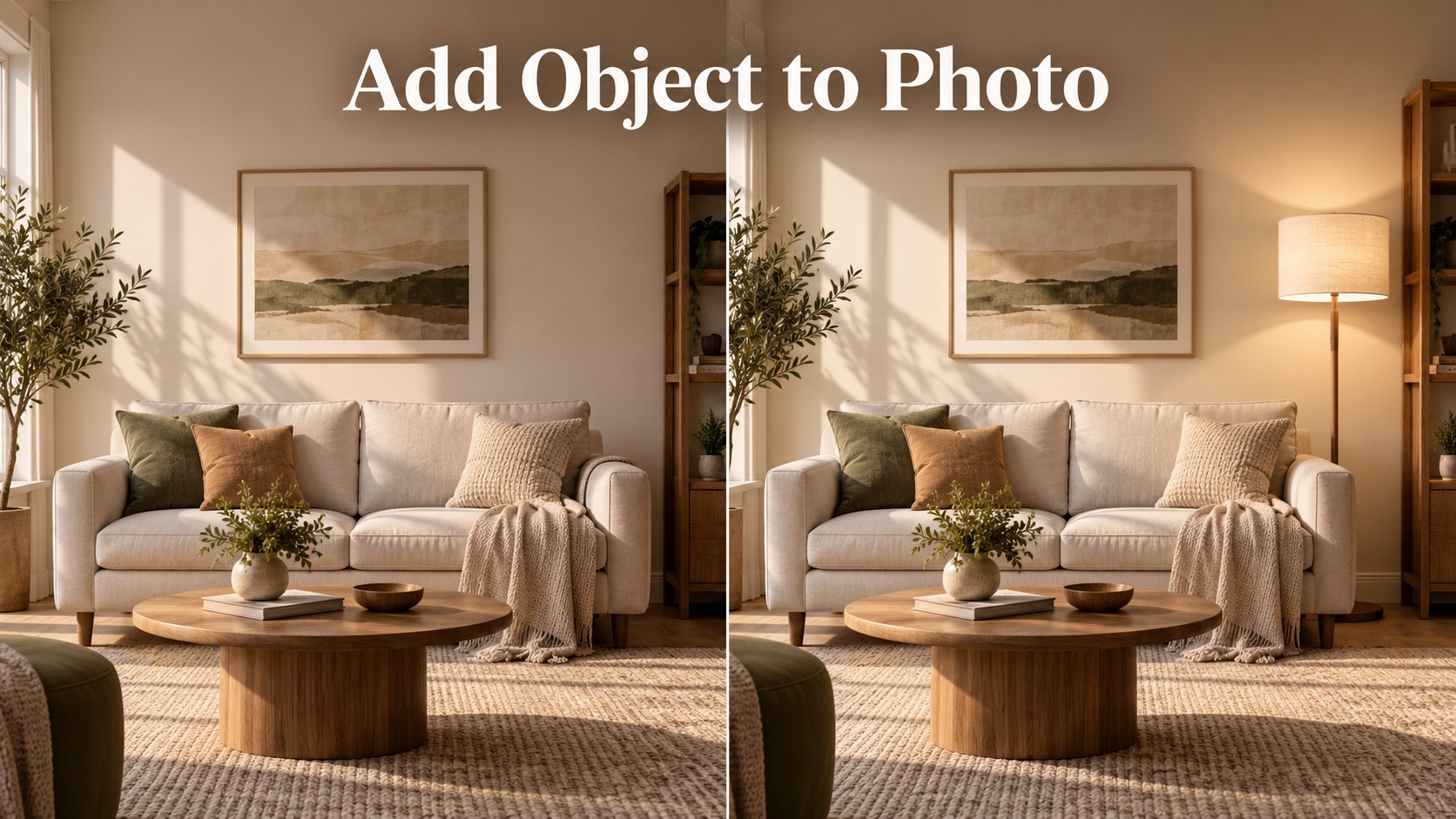
Add Object to Photo

Eyeliner Filter

AI Bust Down Filter

Image Splitter

Add White Background to Photo

Snapchat Text Remover

Realistic AI Skin Generator

Add speech bubble to photo

Change Photo Background

AI Clothes Wrinkle Remover

AI LinkedIn Profile Picture

GPT Transparent BG Image Editor

Image to Layers
Edit A Photo Online with AI
Edit A Photo by describing the change you want, then turn an ordinary image into a cleaner, sharper, more useful visual.
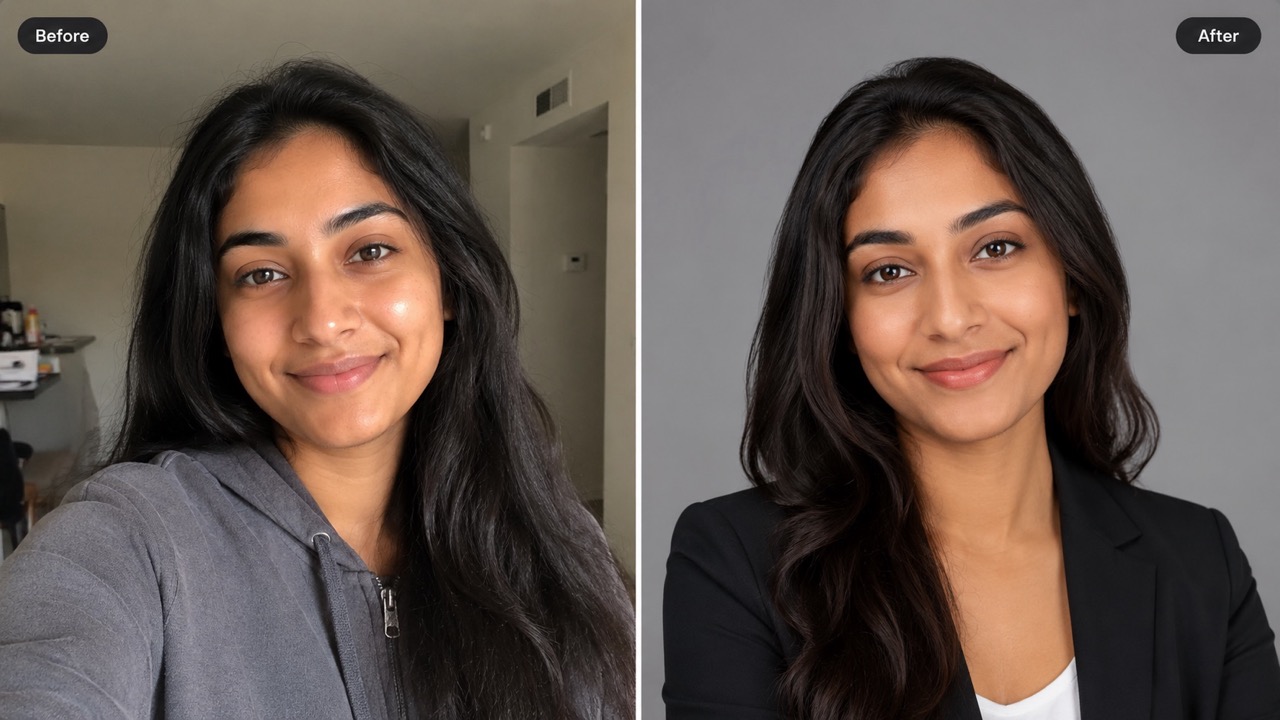
Edit A Photo with a simple prompt: upload a reference image, describe the change, choose key output options, and generate a polished result. It helps you edit photo with AI to remove distractions, replace objects, refine lighting, or create product and social visuals without complex manual editing.
How to Use Edit A Photo in 4 Important Steps
Edit A Photo follows the workflow shown on the page: upload a reference image, write your prompt, set practical options, and generate. It is a direct way to edit photo with AI, whether you want to edit a photo with AI free, edit a photo online free, or edit a photo for free for everyday projects. The process stays focused on the reference image and your written instruction.
Upload Your Reference Image
Start Edit A Photo by adding one clear reference image. Upload from your device or select from your asset library, then add more references only when they help explain the look, product, person, or scene you want to keep consistent. A strong reference gives the edit clearer boundaries.
Describe the Edit in the Prompt Box
Tell Edit A Photo what should change and what should stay untouched. You can ask it to remove an object, replace a background, fix lighting, add details, or edit photo with AI for a cleaner composition. Clear wording helps the generated image follow your goal.
Choose the Main Output Options
Use Edit A Photo controls to choose the image size, resolution, number of images, and public visibility setting. Keep the choices simple: pick what fits your final use before you generate the result. These settings guide output delivery without changing your creative prompt.

Generate and Review the Result
Click Generate Image to let Edit A Photo apply your prompt. Review the output, adjust the wording if needed, and generate again until the edited photo matches your goal. Small prompt changes can guide a more precise second result.
What Edit A Photo Helps You Do
Edit A Photo is built around useful image changes: clarify a scene, remove distractions, replace details, and create versions that match your purpose. It gives people a simple path to edit photo with AI without treating photo editing like a technical task.
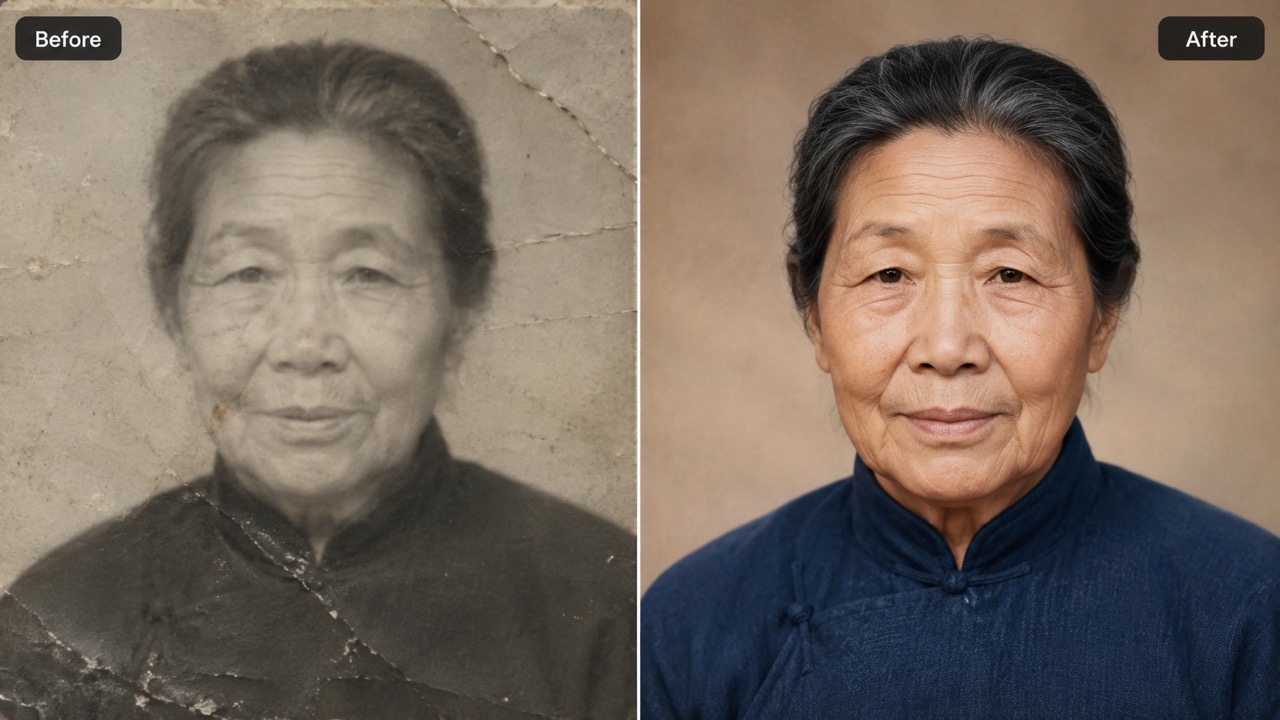
Edit A Photo to Turn Vague Ideas into Clear Changes
Edit A Photo helps when you know the result you want but do not want to handle every adjustment by hand. Write a plain instruction such as change the wall color, remove the extra bag, or make the food look brighter. The page reads your reference image and prompt together, so edits can feel connected to the original scene. This makes it practical to edit photo with AI for marketing visuals, profile images, product shots, and quick creative tests. Edit A Photo keeps the work centered on your purpose, not on complicated manual steps. When you need to edit a photo with AI free, you can start with a simple prompt and refine from there.
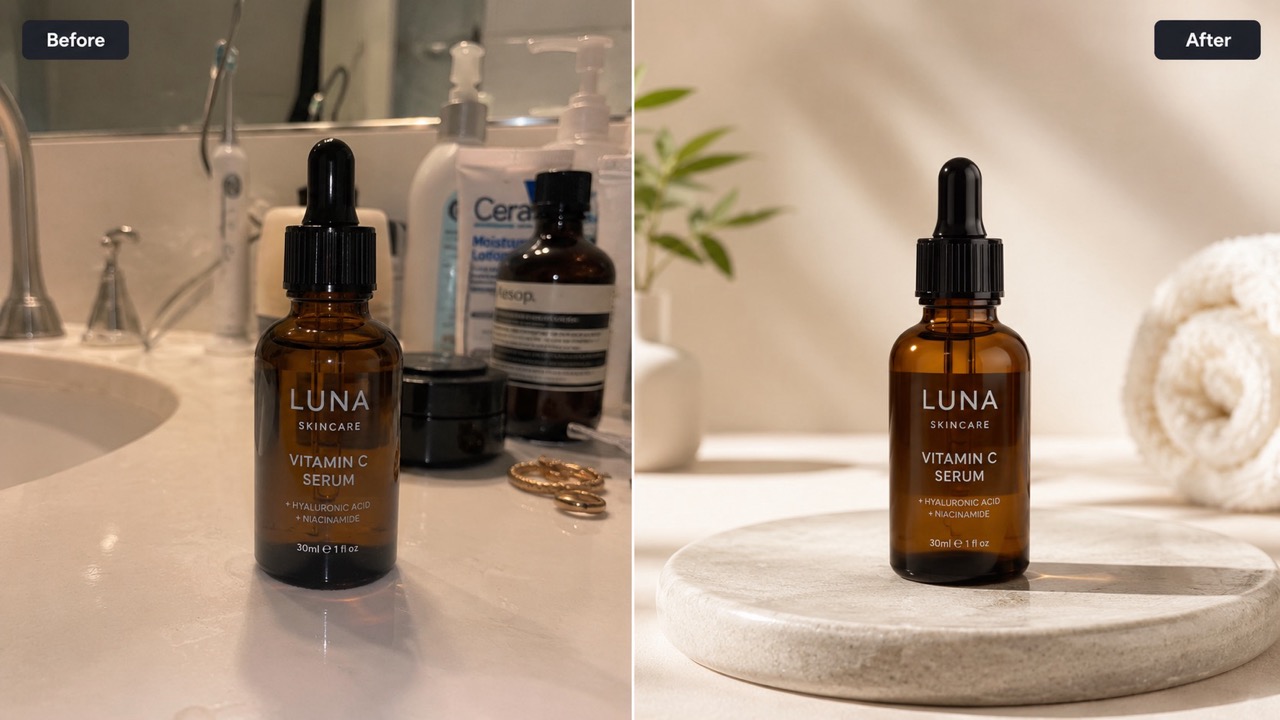
Edit A Photo to Clean Up Scenes Without Rebuilding
Edit A Photo is useful for targeted changes that preserve the parts you already like. Remove clutter from a desk, fix a distracting background item, soften harsh shadows, or replace one object while keeping the subject recognizable. Instead of starting over, you can edit photo with AI around the existing image and keep the story intact. Edit A Photo helps you improve what is already there, so the final picture still feels familiar. This is helpful for sellers, creators, students, and teams who need visual fixes quickly. Use it when you want to edit a photo online free and turn a messy picture into something ready to share.
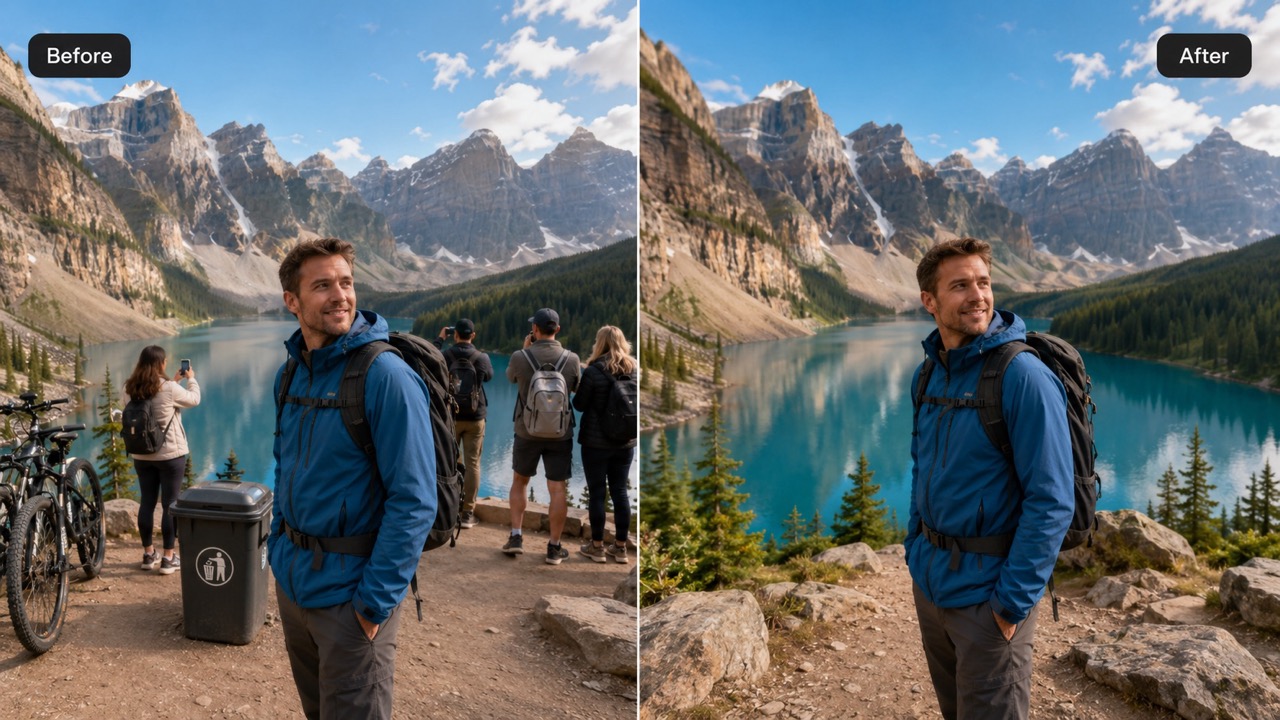
Edit A Photo to Adapt One Image for More Uses
Edit A Photo can help one image serve several purposes. Ask for a warmer lifestyle mood, a cleaner product setting, a seasonal detail, or a more dramatic background while keeping the key subject visible. This makes it easier to explore campaign angles, mood boards, listing photos, thumbnails, and personal edits without arranging a new shoot. You can edit photo with AI to test ideas before choosing a final direction. Edit A Photo is especially useful when the same original image needs several creative routes. It is also a natural place to edit a photo for free when you need fast variations for a real project.
Who Uses Edit A Photo?
Edit A Photo supports creators, sellers, designers, and casual users who need better images without complicated editing habits. Use it to edit photo with AI for content, commerce, concepts, and everyday fixes.

Edit A Photo for Social Content
Creators use Edit A Photo to make posts look more intentional before publishing. They can remove visual noise, adjust the scene mood, or add a detail that supports the caption. It helps them edit photo with AI quickly while keeping their own style recognizable. This is useful for thumbnails, reels, announcements, and seasonal posts that need a cleaner visual hook. For quick drafts, edit a photo with AI free and compare ideas before posting. A cleaner image can improve click-through, make text overlays easier to read, and help a post feel intentional. Many creators edit photo with AI to keep up with content calendars.
Edit A Photo for Product Photos
Sellers use Edit A Photo to make product images clearer, tidier, and more persuasive. A prompt can clean the background, improve the surface, or place the item in a more fitting scene. It is a practical way to edit photo with AI for listings, ads, and storefront visuals. Better product context can make the item easier to understand at a glance. Sellers can edit a photo online free while testing what presentation works best. This helps shoppers focus on shape, color, texture, and use case instead of accidental clutter. Quick changes also make seasonal promotions easier to prepare without another photoshoot.
Edit A Photo for Visual Direction Tests
Designers use Edit A Photo to explore a concept before committing to detailed production. They can test colors, backgrounds, props, and atmospheres with short prompts. This supports quick iteration, client conversations, and mood board creation. When the team needs options fast, Edit A Photo makes it easier to edit photo with AI and judge which direction deserves more time. Early drafts also make feedback more visual and specific. Designers can use rough results as discussion starters, not final commitments. The process helps teams decide whether a visual path feels premium, playful, calm, bold, or brand-ready.

Edit A Photo for Personal Picture Fixes
Everyday users choose Edit A Photo when a good picture needs one simple change. Remove a photobomber, improve a room photo, replace an awkward object, or make a travel shot look cleaner. The prompt-first workflow feels approachable, so anyone can edit a photo for free and create a version that feels worth saving. Family images, profile updates, and personal memories can become easier to polish. A direct prompt can turn a nearly good image into a shareable one. People edit photo with AI when they want a better picture without learning complex editing workflows.
What Users Say About Edit A Photo
People choose Edit A Photo when they want practical image changes, prompt-based control, and results that still respect the original photo.
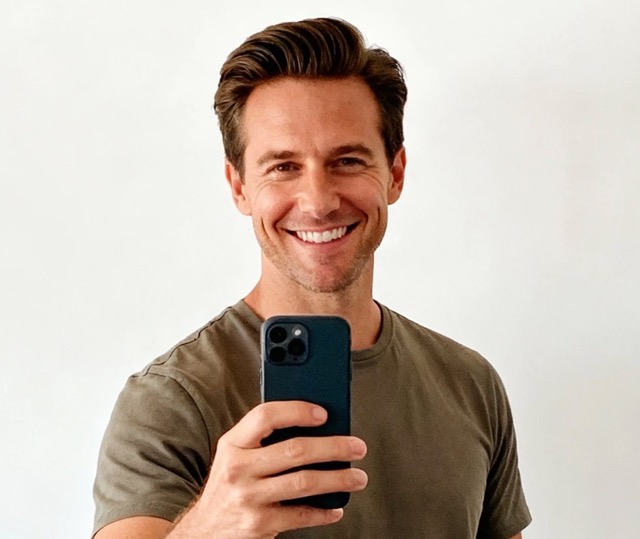
I used Edit A Photo to remove a distracting chair from a product shot, and the result looked natural. I liked that I could describe the change instead of masking the photo myself. It was the fastest way for me to edit photo with AI for a small shop update. Edit A Photo also helped me keep the handmade feel of the scene. I also tested a few background prompts, and the best version looked like it came from a planned product session.
I used Edit A Photo to remove a distracting chair from a product shot, and the result looked natural. I liked that I could describe the change instead of masking the photo myself. It was the fastest way for me to edit photo with AI for a small shop update. Edit A Photo also helped me keep the handmade feel of the scene. I also tested a few background prompts, and the best version looked like it came from a planned product session.
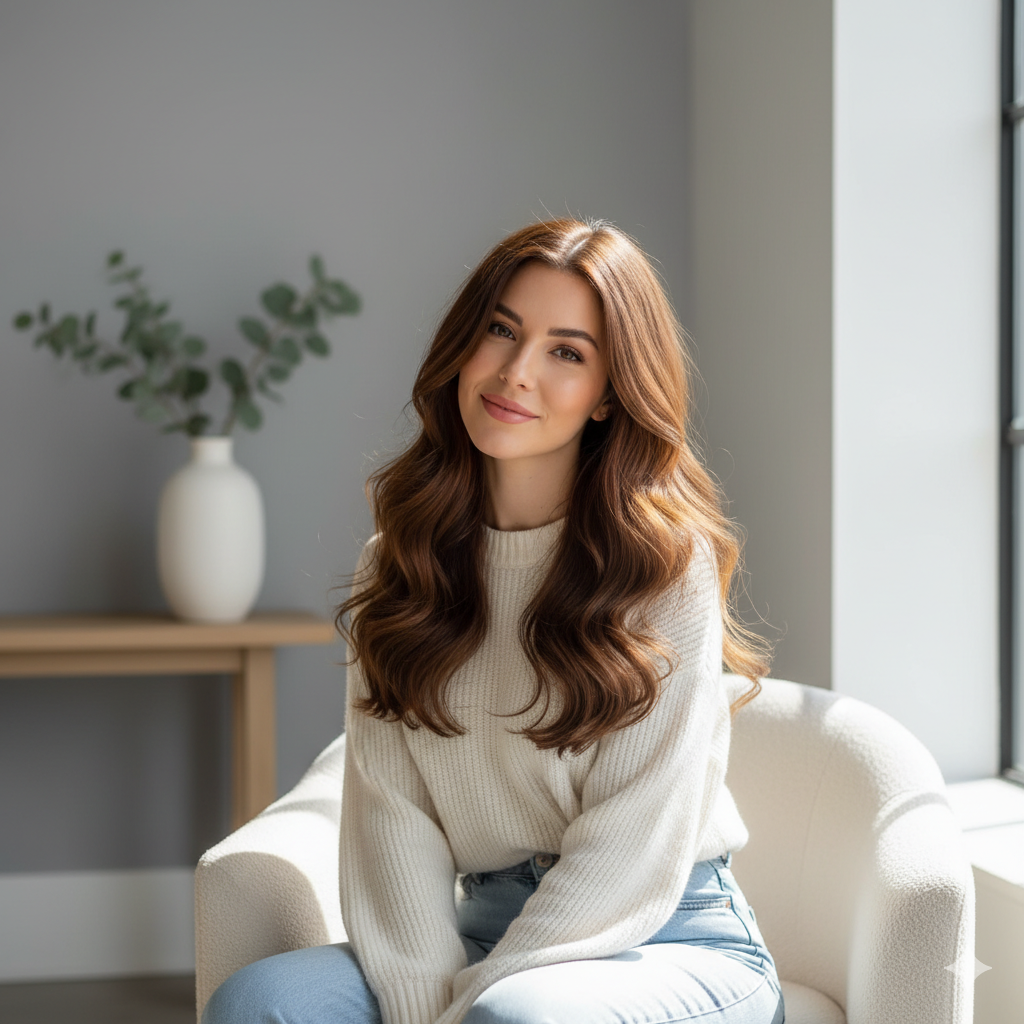
Edit A Photo helped me turn a plain portrait into a cleaner profile image. I asked for softer lighting and a simpler background, and it kept my face looking like me. I also tried edit a photo online free for a few older images and found the prompt process very easy. Edit A Photo gave me usable options without a long learning curve. I could make the image friendlier for my website and more polished for professional profiles.
Edit A Photo helped me turn a plain portrait into a cleaner profile image. I asked for softer lighting and a simpler background, and it kept my face looking like me. I also tried edit a photo online free for a few older images and found the prompt process very easy. Edit A Photo gave me usable options without a long learning curve. I could make the image friendlier for my website and more polished for professional profiles.
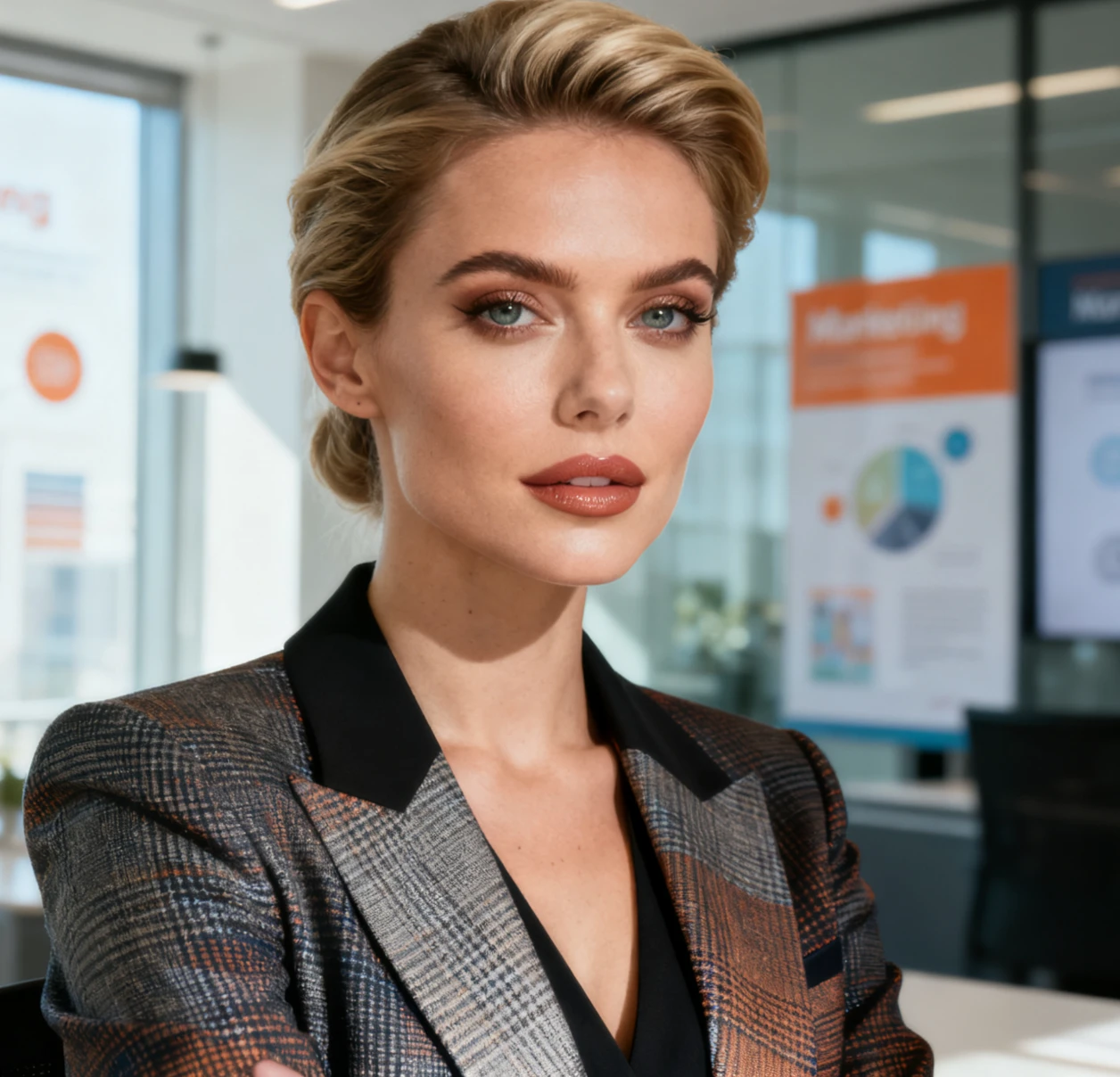
For campaign mockups, Edit A Photo saves time. I can change props, background mood, and small scene details before asking the team for feedback. It is a practical way to edit photo with AI when we need visual options in the same afternoon. Edit A Photo makes early creative conversations much easier. We used the outputs as draft visuals, then chose the concept that matched our message.
For campaign mockups, Edit A Photo saves time. I can change props, background mood, and small scene details before asking the team for feedback. It is a practical way to edit photo with AI when we need visual options in the same afternoon. Edit A Photo makes early creative conversations much easier. We used the outputs as draft visuals, then chose the concept that matched our message.
I wanted to edit a photo with AI free for a personal travel picture, and Edit A Photo made it simple. I asked it to remove a trash bin and brighten the street a little. The final image looked clean without feeling fake. Edit A Photo is now my first stop for quick photo fixes. The process made me more confident about fixing photos that were close but not quite ready.
I wanted to edit a photo with AI free for a personal travel picture, and Edit A Photo made it simple. I asked it to remove a trash bin and brighten the street a little. The final image looked clean without feeling fake. Edit A Photo is now my first stop for quick photo fixes. The process made me more confident about fixing photos that were close but not quite ready.
FAQs About Edit A Photo
Find quick answers before you use Edit A Photo to edit photo with AI for personal, creative, or business images.
Upload a reference image, describe the change in the prompt box, choose the key output options, and generate. Edit A Photo then applies the instruction to your image, giving you a result to review. You can adjust the wording and generate another version.
Yes. Edit A Photo can remove objects, change backgrounds, adjust mood, add details, and clean up distracting areas when your prompt is clear and specific. It is best for visual changes that can be described directly.
For best results, tell Edit A Photo what to change, what to keep, and the style you want. Short, specific prompts usually work best for focused edits. Mention colors, objects, mood, and areas to protect.
Use a clear image with visible subjects and good lighting. Edit A Photo works better when the reference photo already shows the key details you want to preserve. Avoid blurry uploads when accuracy matters.
Yes. Edit A Photo can support product visuals, social posts, profile images, thumbnails, mood boards, and everyday photo fixes for different projects. Check usage needs for each project before publishing.
Adjust the prompt and generate again. Edit A Photo responds well when you add more detail about the exact object, background, lighting, or mood. Treat each result as a prompt refinement opportunity.
Ready to Edit A Photo with AI?
Edit A Photo gives you a simple way to transform an image from a prompt. Upload a reference photo, describe the result, and create a cleaner version for content, commerce, design, or personal use. Edit A Photo works well for quick corrections, creative variations, and practical visual updates. Try edit a photo with AI free, edit a photo online free, or edit a photo for free whenever you need a faster visual change.
