
AI Image Tools
Everything You Need to Edit Photos Faster
Open the PicEditor AI tools library for background removal, photo enhancement, object cleanup, face swap, upscaling, and more focused image workflows.
Corpse Bride AI Filter

AI Blemish Remover
FLUX 3 Image Klein
Ideogram 4.5

AI Portrait Retouching

Snatched Waist Editor

AI Facial Expression Changer

AI Texture Generator

AI Nose Piercing Filter

Replace Object in Photo Online

Add Object to Photo

Eyeliner Filter

AI Bust Down Filter

Image Splitter

Add White Background to Photo

Snapchat Text Remover

Realistic AI Skin Generator

Add speech bubble to photo

Change Photo Background

AI Clothes Wrinkle Remover

AI LinkedIn Profile Picture

GPT Transparent BG Image Editor

Image to Layers

3D Angle Editor
Text & Image to Image with FLUX 3 Image Generator
Learn what the Flux 3 AI Image Generator is designed to do and how to prepare useful prompts.
FLUX 3 Image is the image capability within a multimodal model trained across images, video, and audio. This preview separates confirmed functions from assumptions, helping creators evaluate the FLUX 3 Image Generator with realistic expectations.
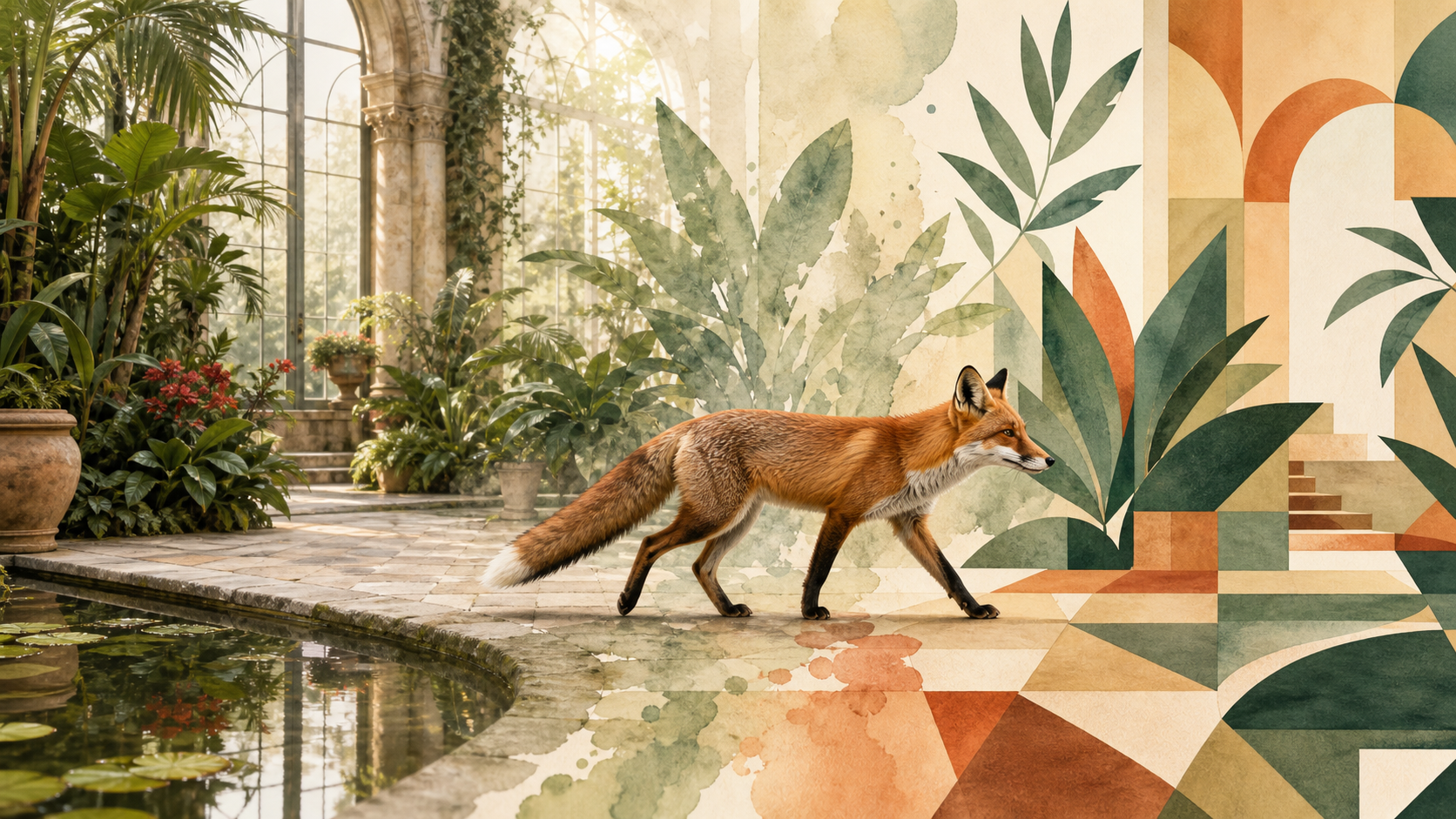
A Practical FLUX 3 Image Prompting Workflow
This three-step preview turns official capability notes into a reusable process for the Flux 3 AI Image Generator. It is guidance for preparing prompts, not a promise that every interface, control, or output option is already available.

Describe the Visual Goal
Start with the subject, setting, composition, lighting, style, and any required on-image wording. Flux 3 AI Image Generator is reported to improve complex prompt handling, so a structured brief should give FLUX 3 Image clearer relationships to interpret instead of relying on a list of disconnected adjectives.

Add References
For an FLUX 3 Image workflow, label what each reference controls—subject, composition, or style—and state which details must remain stable through synthesis or editing. When the tool becomes available, this reference map will make preservation and transformation requests easier to review systematically.

Review and Refine the Result
Revise one instruction at a time so you can see how FLUX 3 Image responds. Wider image access is still rolling out, so exact controls may change. Save the prompt and chosen reference roles with each result so later comparisons are based on documented changes, not memory.
What FLUX 3 Image Is Designed to Do
The confirmed FLUX 3 Image scope combines synthesis and editing with broader visual flexibility. These four areas translate Black Forest Labs’ preliminary image findings into practical creative directions while keeping early-access uncertainty visible.
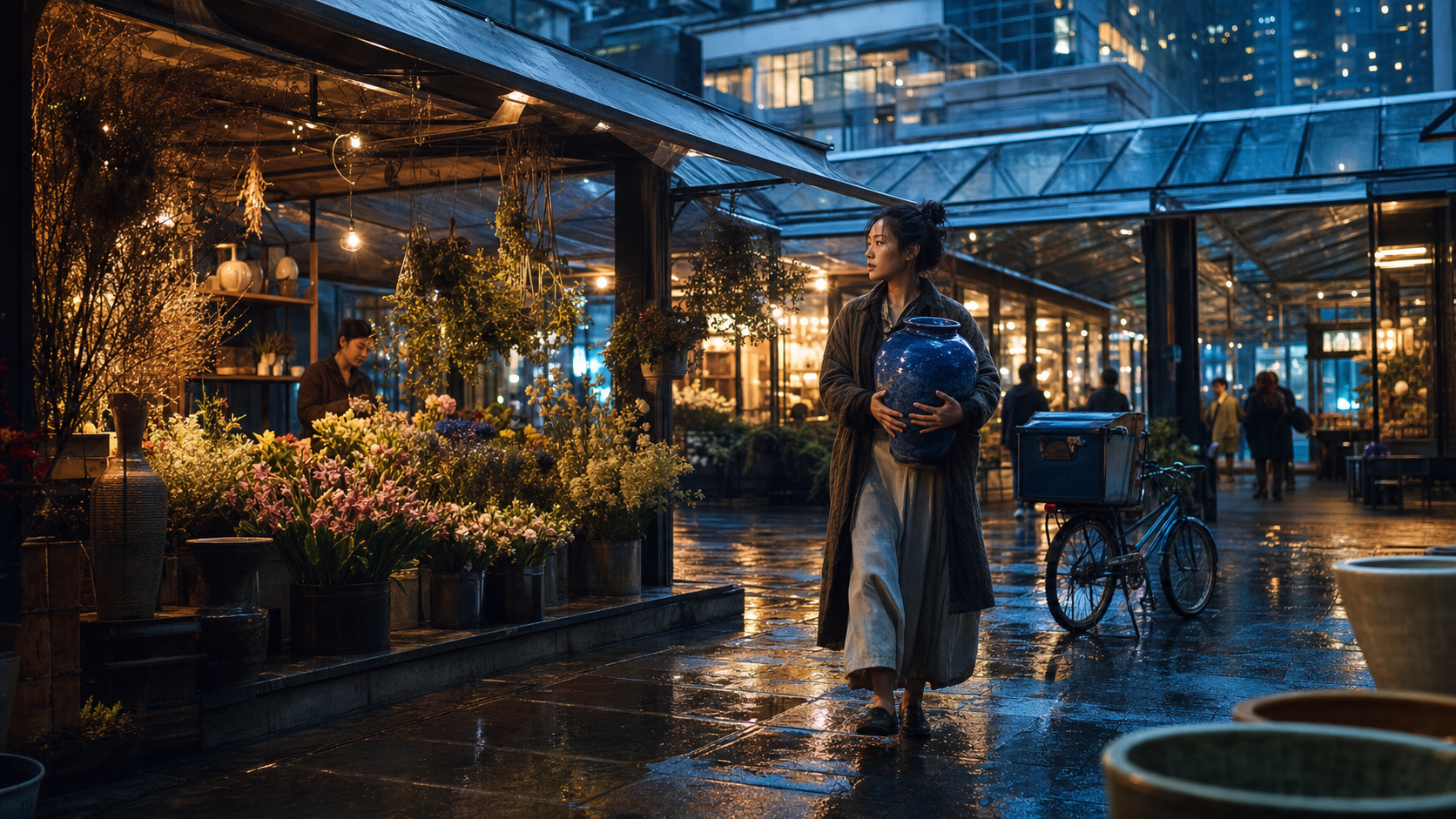
Handle Detailed, Multi-Element Prompts
Official preliminary evaluations say FLUX 3 Image has improved significantly at handling complex prompts. Use that strength for scenes with several subjects, deliberate placement, material cues, and a precise camera angle. The Flux 3 AI Image Generator should still receive a clear hierarchy: define the focal subject first, then supporting details and constraints. FLUX 3 Image still needs precise constraints and deliberate human review.

Create Images with Multilingual Typography
Black Forest Labs reports high-accuracy text generation across multiple languages in early FLUX 3 Image results. That makes posters, packaging concepts, editorial covers, and title cards important tests for the FLUX 3 Image Generator. Quote required wording exactly, limit unnecessary copy, and inspect spelling before using any generated design. FLUX 3 Image outputs should remain editable drafts, not finished claims.

Move Across Styles, Ratios, and Resolutions
FLUX 3 Image is officially described as supporting synthesis and editing across many styles, aspect ratios, and resolutions. Use the Flux 3 AI Image Generator to test one concept as photography, illustration, or graphic art, while keeping the subject and composition explicit. Availability of particular sizes remains implementation-dependent. FLUX 3 Image flexibility is most useful when comparisons share a clear brief.
Generate or Edit from Reference Inputs
The wider FLUX 3 model can mix modalities and use references, while FLUX 3 Image is planned for both synthesis and editing. For reference-led work, tell the Flux 3 AI Image Generator what to preserve and what to change. Avoid assuming identity, layout, or product details will remain stable without explicit constraints. FLUX 3 Image results should be checked closely after every requested change.
Where FLUX 3 Image Could Fit Creative Work
FLUX 3 Image is positioned for broad synthesis and editing rather than one narrow task. These use cases focus on defensible creative applications and include review steps that remain important for any generative image workflow.

Editorial and Campaign Concepts
Build art-direction studies for covers, campaign key art, and social concepts before committing to production. FLUX 3 Image may be especially useful when a scene needs specific composition plus intentional typography. Treat every output as a draft to review for spelling, anatomy, brand fit, and factual accuracy. A disciplined FLUX 3 Image review can keep exploratory speed separate from approval.

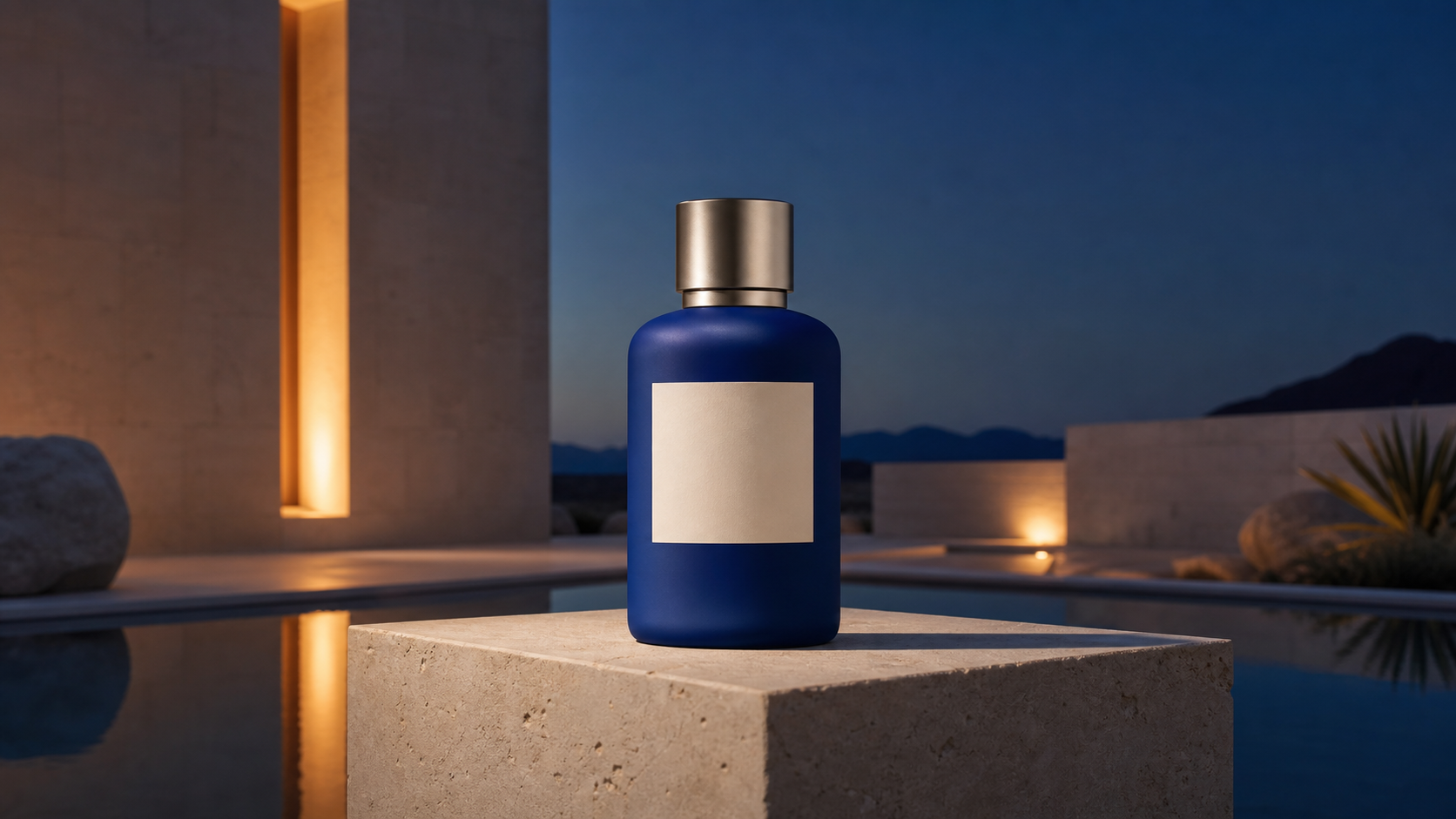
Product Visualization
Use the FLUX 3 Image Generator to explore products in different environments, lighting setups, or campaign styles. Keep labels, proportions, colors, and package geometry in the prompt. Generated concepts can speed visual exploration, but they should not be presented as faithful product photography without careful human review. A controlled FLUX 3 Image brief makes those preservation checks easier to repeat.

Concept Art and World Building
The unified multimodal training behind FLUX 3 Image is intended to build a richer representation of how objects, motion, and events relate. For still-image work, that direction could help artists explore coherent environments, props, and characters while iterating from broad world rules to precise scene details. FLUX 3 Image should support exploration, while the artist remains responsible for narrative logic.

Multilingual Poster Exploration
Test title cards, posters, packaging, and event graphics that depend on readable words. The Flux 3 AI Image Generator has shown improved multilingual text generation in preliminary evaluation, but every character still needs verification. Keep requested copy short and separate visual direction from verbatim text requirements. Use native-language reviewers rather than relying on visual plausibility alone for final approval decisions.

Style and Format Studies
Explore how the same brief changes across photographic, painterly, animated, or graphic treatments. Because FLUX 3 Image is designed for varied styles, ratios, and resolutions, it can support early art-direction comparisons. Hold the subject and framing constant when you want style differences to remain easy to judge. Record the prompt variables so each comparison remains useful to collaborators later on.

Reference-Guided Iteration
Bring a composition, subject, or visual language into the FLUX 3 Image Generator as a reference, then state the intended transformation. The most reliable brief distinguishes locked details from editable ones. This makes review easier and reduces the chance that a useful element changes during a broader revision. Review each iteration against the same checklist before accepting a final direction.
Illustrative FLUX 3 Image Workflow Scenarios
These are fictional, clearly labeled scenarios showing how different creative roles might evaluate FLUX 3 Image. They are not verified customer testimonials, performance evidence, or claims that the model is already generally available.
For campaign development, FLUX 3 Image would earn its place in my workflow if it can turn a dense brief into a few coherent directions without flattening the art direction. I’d use FLUX 3 Image during the first review, then bring designers in to refine the typography, product details, and final composition. That could make stakeholder feedback much more specific.
For campaign development, FLUX 3 Image would earn its place in my workflow if it can turn a dense brief into a few coherent directions without flattening the art direction. I’d use FLUX 3 Image during the first review, then bring designers in to refine the typography, product details, and final composition. That could make stakeholder feedback much more specific.
I care less about a flashy first render than whether the scene actually follows the brief. With FLUX 3 Image, I’d test character placement, architecture, props, and lighting in one prompt, then compare the result against my source notes. FLUX 3 Image would be valuable if it helps the team discuss a believable world earlier, before we spend days polishing the wrong direction.
I care less about a flashy first render than whether the scene actually follows the brief. With FLUX 3 Image, I’d test character placement, architecture, props, and lighting in one prompt, then compare the result against my source notes. FLUX 3 Image would be valuable if it helps the team discuss a believable world earlier, before we spend days polishing the wrong direction.
Poster concepts often fall apart when the image looks strong but the type feels disconnected. I’d use FLUX 3 Image to test one short headline, a clear hierarchy, and a tightly defined visual style. If FLUX 3 Image gets the composition close, I can spend more time refining spacing, language, and brand details instead of rebuilding the entire direction from scratch.
Poster concepts often fall apart when the image looks strong but the type feels disconnected. I’d use FLUX 3 Image to test one short headline, a clear hierarchy, and a tightly defined visual style. If FLUX 3 Image gets the composition close, I can spend more time refining spacing, language, and brand details instead of rebuilding the entire direction from scratch.
For product campaigns, I’d give FLUX 3 Image a locked reference and ask it to change only the environment and lighting. FLUX 3 Image would need to preserve the bottle shape, label placement, materials, and brand colors before I could use the result in a client review. If those details hold, it could save real time during visual exploration without slowing the review down.
For product campaigns, I’d give FLUX 3 Image a locked reference and ask it to change only the environment and lighting. FLUX 3 Image would need to preserve the bottle shape, label placement, materials, and brand colors before I could use the result in a client review. If those details hold, it could save real time during visual exploration without slowing the review down.
FLUX 3 Image interests me most as a bridge between early story ideas and visual planning. I’d use it to establish locations, character beats, and key frames before a sequence moves into production. FLUX 3 Image would be genuinely useful if the visual logic stays coherent enough for the team to spot continuity problems while changes are still inexpensive for everyone involved.
FLUX 3 Image interests me most as a bridge between early story ideas and visual planning. I’d use it to establish locations, character beats, and key frames before a sequence moves into production. FLUX 3 Image would be genuinely useful if the visual logic stays coherent enough for the team to spot continuity problems while changes are still inexpensive for everyone involved.
I’d evaluate FLUX 3 Image as a hypothesis tool, not a one-click finishing system. My workflow would keep the prompt controlled, compare variations, document what changed, and refine one variable at a time. FLUX 3 Image becomes useful when the team can explain why a result works, reproduce the direction, and hand it off for careful production-quality finishing across teams.
I’d evaluate FLUX 3 Image as a hypothesis tool, not a one-click finishing system. My workflow would keep the prompt controlled, compare variations, document what changed, and refine one variable at a time. FLUX 3 Image becomes useful when the team can explain why a result works, reproduce the direction, and hand it off for careful production-quality finishing across teams.
FAQs About FLUX 3 Image Generator
These answers summarize official FLUX 3 Image information available on July 24, 2026 and flag unresolved details. Check Black Forest Labs’ current model page and documentation as access, controls, licensing, and pricing evolve.
FLUX 3 Image is the planned image synthesis and editing capability within Black Forest Labs’ FLUX 3 multimodal foundation model. Official material says FLUX 3 jointly learns from images, video, and audio in one architecture. For image work, the company highlights varied styles, aspect ratios, and resolutions, plus improved complex-prompt handling and multilingual text generation in preliminary evaluations. Those capabilities remain preliminary.
The official announcement describes both image synthesis and image editing, and the broader model accepts pure text prompts as well as input references. That supports text-to-image and reference-guided workflows in principle. The exact upload limits, editing controls, interface behavior, and preservation strength of any FLUX 3 Image Generator implementation may differ, so check the provider’s current documentation before production use.
Black Forest Labs says preliminary midtraining evaluations show significant improvement over earlier FLUX versions in complex prompt handling and text generation. The company also reports high-accuracy text in multiple languages. These are early findings rather than final benchmark guarantees, so use FLUX 3 Image typography as a draft and verify every word, character, and layout before publishing. Human proofing remains essential.
FLUX 3 Image belongs to a unified model that learns images, video, and audio together instead of training each modality as an isolated system. Black Forest Labs says the architecture builds on Self-Flow, its method for aligning multimodal generation and understanding. The practical image benefits are still being evaluated, so claims beyond the announced capabilities should remain tentative. Technical details remain limited.
The official image section says FLUX 3 Image can synthesize and edit across a wide variety of styles, aspect ratios, and resolutions. It does not list a final resolution table in the announcement. Avoid assuming a fixed 4K option or specific dimensions until the provider publishes current technical documentation for the exact FLUX 3 Image Generator implementation you plan to use.
Start with a specific subject, environment, composition, camera position, lighting, materials, style, and exact text. If you add references, define each reference’s job and list the details that must remain unchanged. The Flux 3 AI Image Generator is expected to handle complex prompts more effectively, but a clear hierarchy and one-change-at-a-time revisions still make results easier to assess. Clear constraints reduce ambiguity.
Prepare for FLUX 3 Image
Study the confirmed capabilities, build a precise prompt, and follow the early-access rollout. FLUX 3 Image is promising, but the most useful creative workflow starts with clear constraints, careful review, and honest expectations.
