
AI Image Tools
Everything You Need to Edit Photos Faster
Open the PicEditor AI tools library for background removal, photo enhancement, object cleanup, face swap, upscaling, and more focused image workflows.
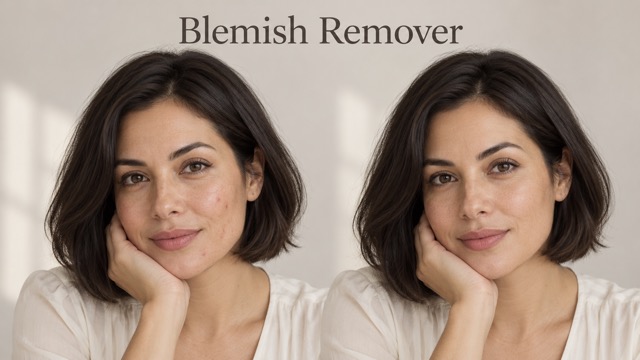
AI Blemish Remover
FLUX 3 Image Klein
Ideogram 4.5
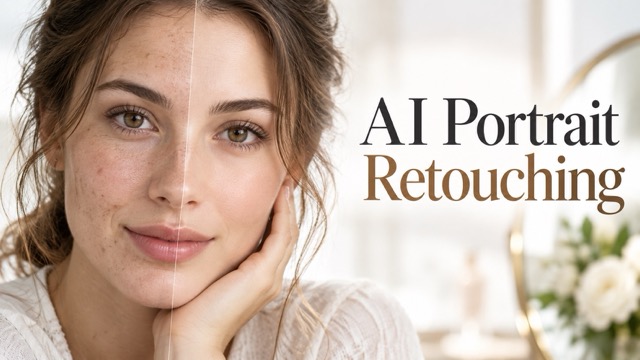
AI Portrait Retouching
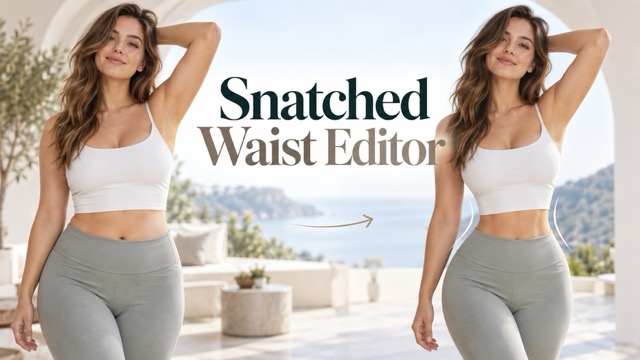
Snatched Waist Editor
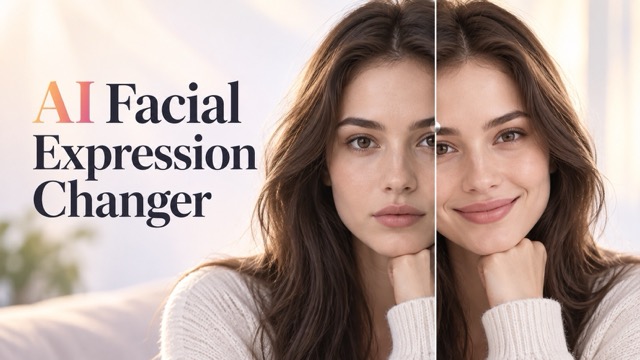
AI Facial Expression Changer
AI Texture Generator
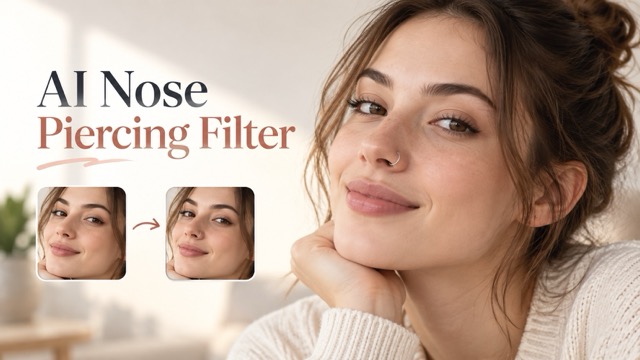
AI Nose Piercing Filter
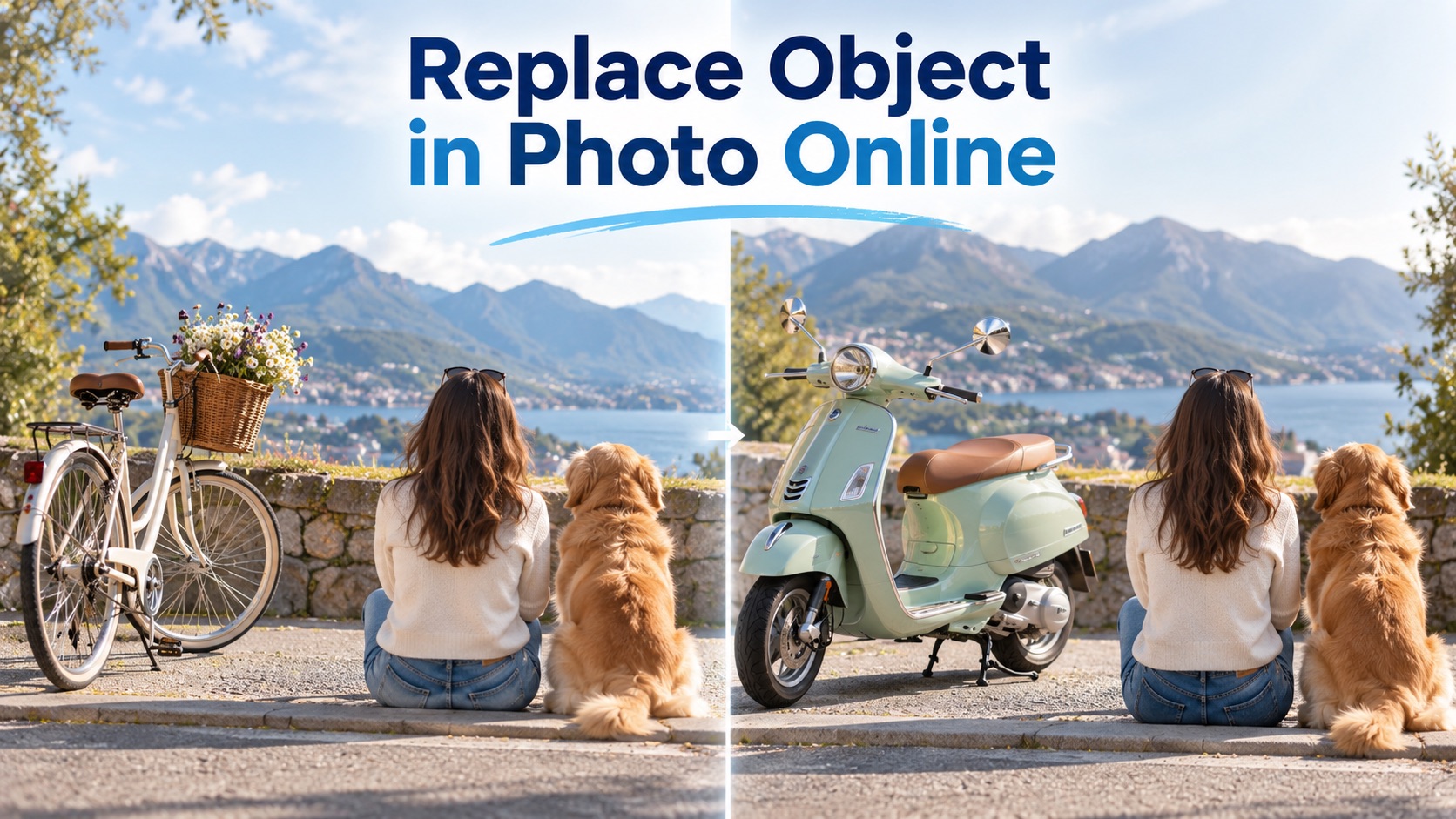
Replace Object in Photo Online
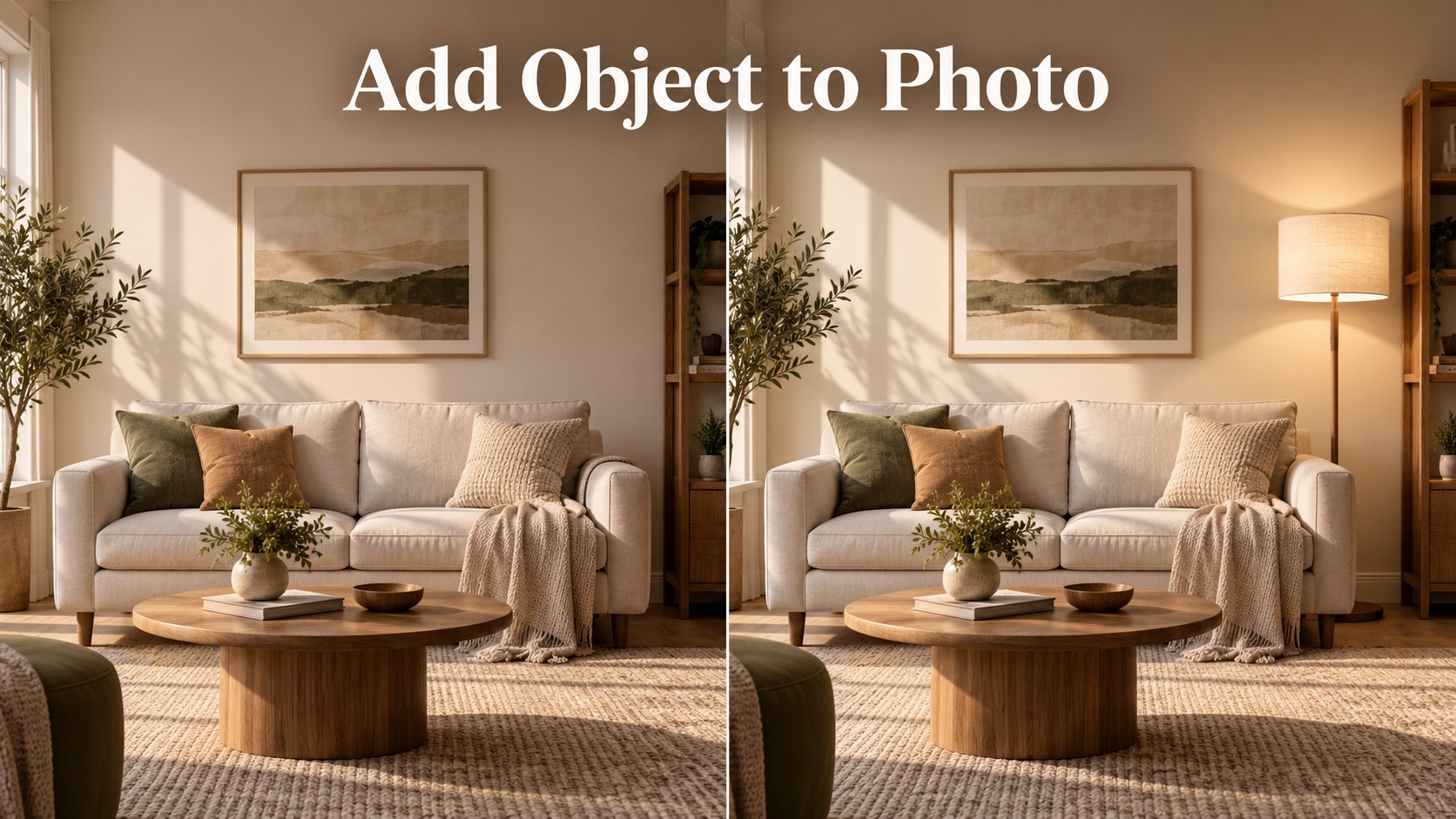
Add Object to Photo

Eyeliner Filter

AI Bust Down Filter

Image Splitter

Add White Background to Photo

Snapchat Text Remover

Realistic AI Skin Generator

Add speech bubble to photo

Change Photo Background

AI Clothes Wrinkle Remover

AI LinkedIn Profile Picture

GPT Transparent BG Image Editor

Image to Layers

3D Angle Editor

Change Background of Photo
GPT Photo Editor: Edit Photos with AI Prompts Online
Upload a photo, describe the edit, and generate a polished image with GPT Photo Editor. This AI Image Editor helps you remove distractions, refine portraits, change backgrounds, and transform visuals with simple natural language. GPT Photo Editor also works as an AI Image Editor for fast visual cleanup.
GPT Photo Editor turns your words into practical image edits. Upload a photo, type what you want changed, and create a clean result without complex tools. From portrait retouching to product image cleanup, GPT Photo Editor makes advanced editing feel direct, visual, and fast. GPT Photo Editor is ideal when you need a photo improved, corrected, or transformed without learning professional controls.
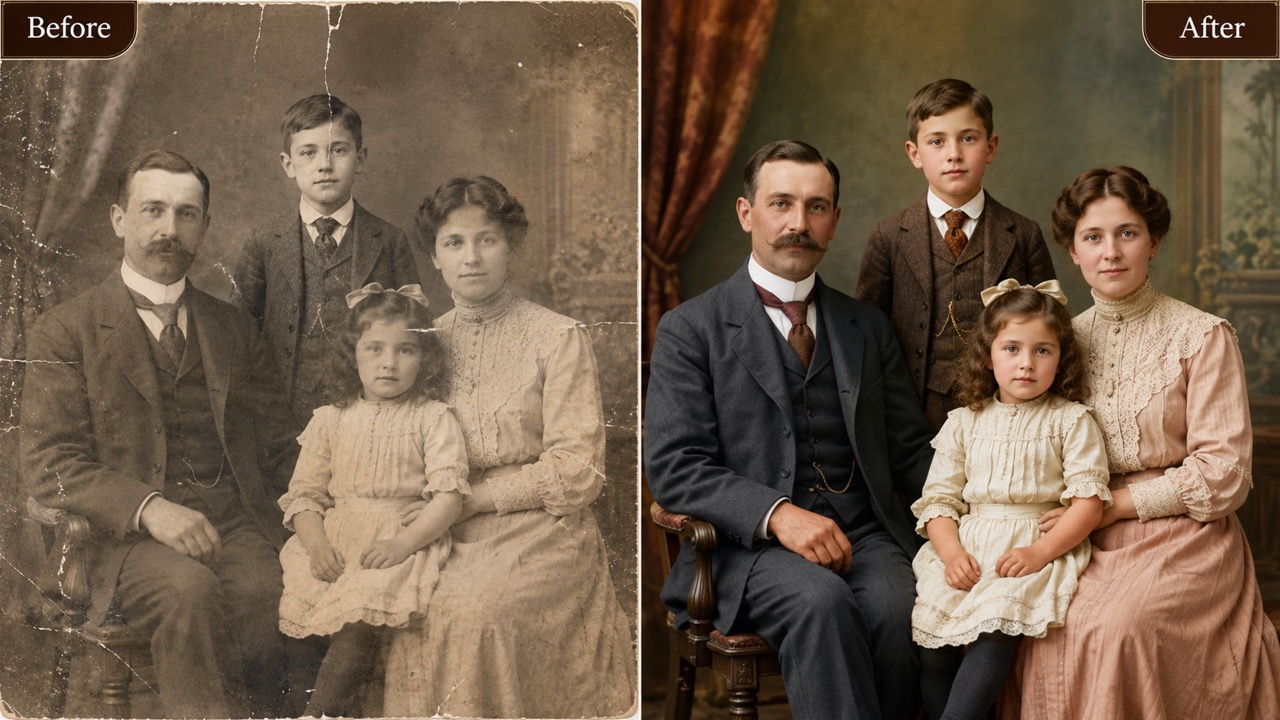
How to Use GPT Photo Editor in 3 Simple Steps
GPT Photo Editor follows a direct workflow: upload your photo, write your editing prompt, and generate the edited result. AI Image Editor guidance is built for users who want practical changes without manual layers, masks, or complicated controls. GPT Photo Editor keeps the path focused on the actual edit.

Upload Your Photo
Start GPT Photo Editor by dragging an image into the upload area or selecting a JPG or PNG from your asset library. Use a clear photo with the subject visible so the AI Image Editor can understand faces, objects, lighting, edges, and background details before editing.

Describe the Edit You Want
Tell GPT Photo Editor exactly what to change. You can ask it to remove a person, replace a background, retouch skin, fix lighting, change clothing color, clean a product photo, or create a new style. Specific prompts help AI Image Editor produce more accurate results.

Click Generate and Get the Result
Choose your preferred image shape and output count, then click Generate Image. GPT Photo Editor reads your instruction, edits the uploaded photo, and returns a finished image. Review the result, refine the prompt if needed, and generate again until the image matches your goal.
What Makes GPT Photo Editor Useful
GPT Photo Editor focuses on real editing outcomes: clearer photos, cleaner subjects, better backgrounds, and prompt-driven transformations. AI Image Editor technology helps turn simple instructions into practical image results for work, content, and personal projects.
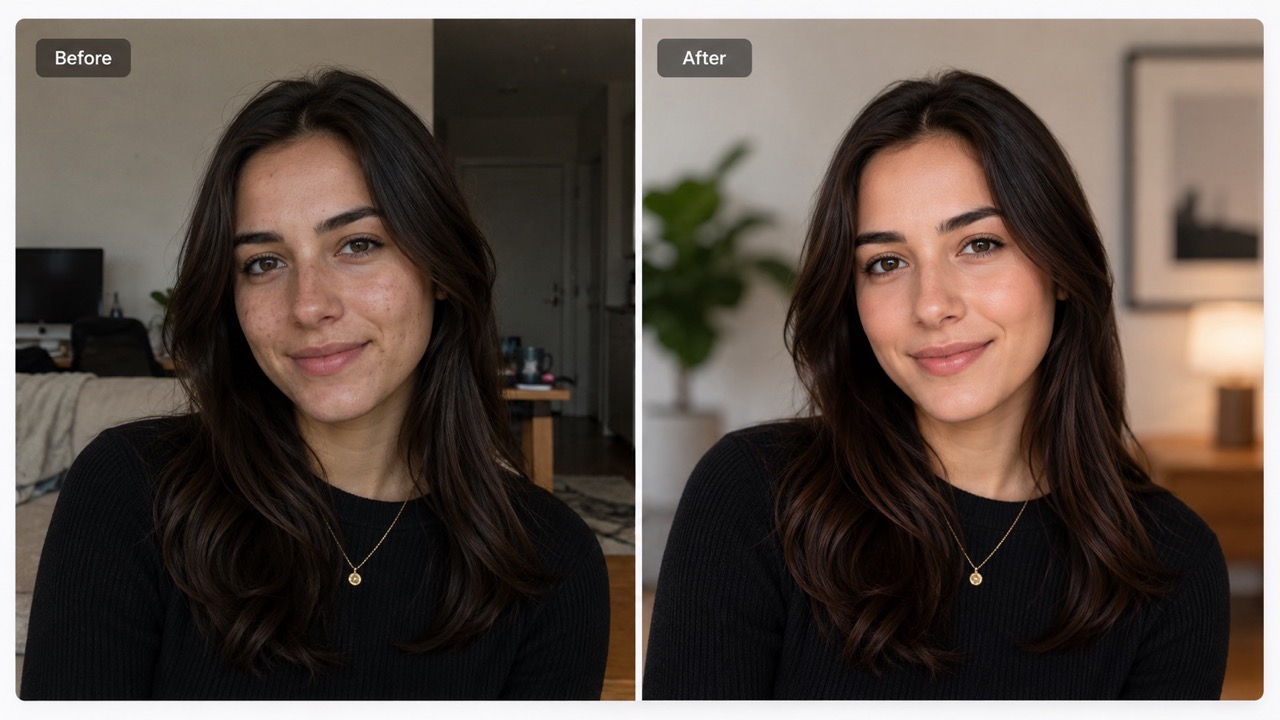
Edit Photos by Explaining the Final Look
GPT Photo Editor is built for people who know what they want but do not want to edit manually. Instead of searching for sliders or brushes, describe the final look in plain English. Ask GPT Photo Editor to brighten a dim portrait, make a product photo cleaner, remove a messy table, or create a softer lifestyle mood. The AI Image Editor interprets the image and the request together, so edits feel connected to the original photo rather than pasted on top. This makes GPT Photo Editor useful for creators, sellers, marketers, and everyday users who need quick visual changes.
Remove, Replace, and Rebuild Image Details
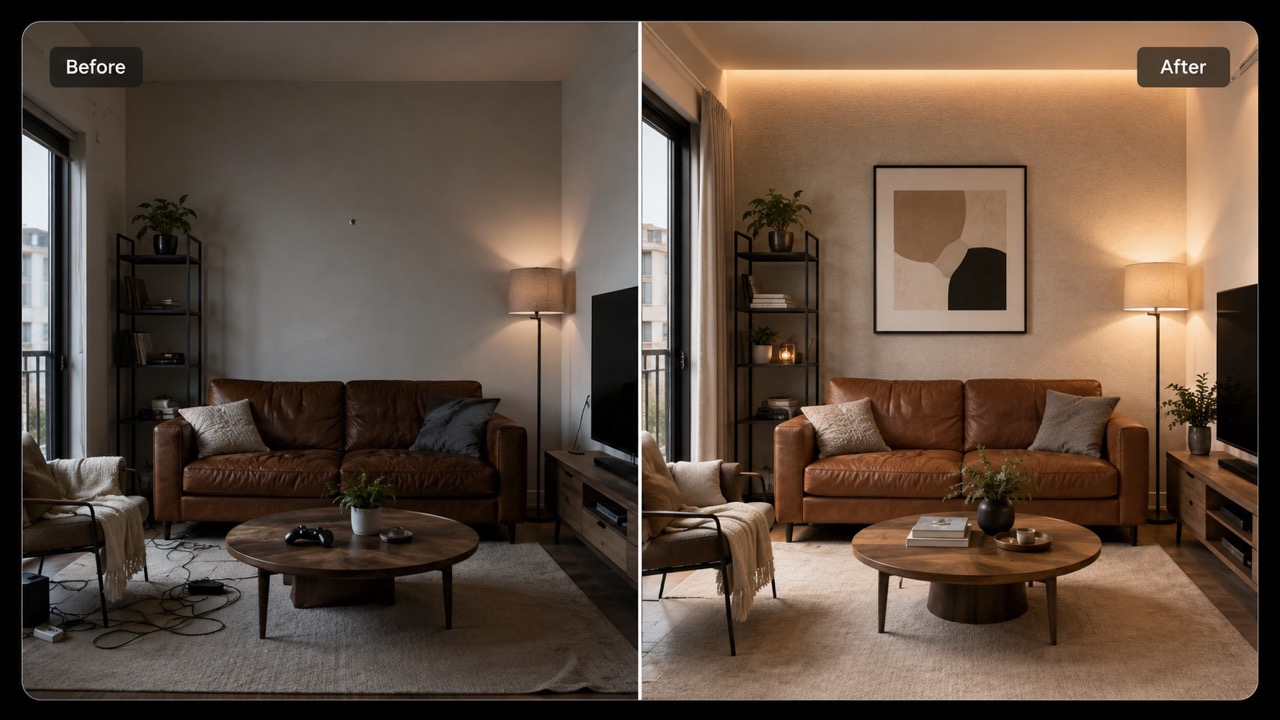
GPT Photo Editor helps with edits that are hard to do by hand, such as removing objects, replacing backgrounds, or rebuilding hidden areas. Tell GPT Photo Editor to erase a passerby, remove clutter from a room, replace a dull sky, or clean reflections on a product. The AI Image Editor studies nearby texture, lighting, and perspective to make the edit blend naturally. For online stores, social posts, profile photos, and travel images, Chat GPT Photo Editor can turn a distracting picture into a focused visual without forcing users to learn advanced editing methods.
Create Consistent Edits for Real Use Cases
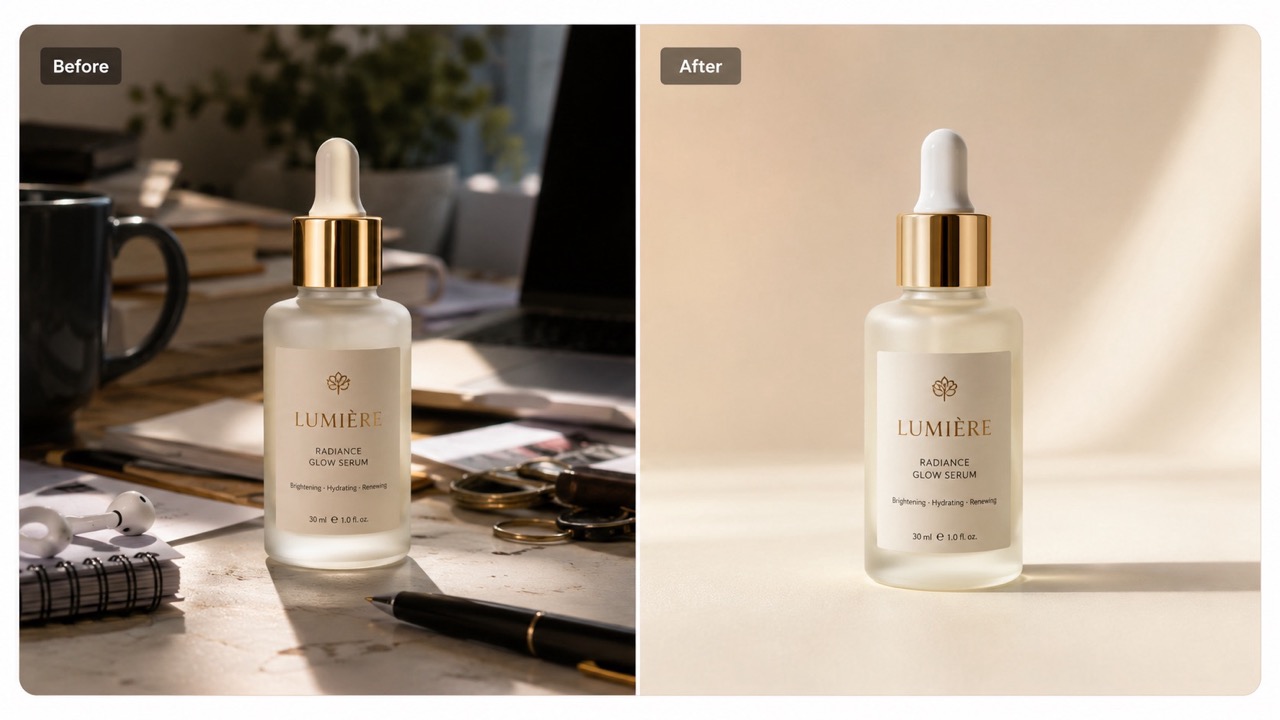
Chat GPT Photo Editor is not only for fun transformations. It is also useful when you need repeatable results across many visual tasks. Use GPT Photo Editor to match product backgrounds, create clean profile portraits, prepare campaign images, or turn casual photos into polished content. The AI Image Editor can follow style instructions such as natural daylight, clean studio look, warm editorial tone, or minimal ecommerce background. Because Chat GPT Photo Editor understands prompts, users can guide mood, composition, and details in one instruction instead of performing many separate edits.
Who Can Use GPT Photo Editor?
GPT Photo Editor is designed for people who need useful photo edits quickly. Whether the goal is content creation, product cleanup, personal branding, or everyday image repair, AI Image Editor prompting keeps the process simple and flexible.

Creators Making Social Content
Creators use Chat GPT Photo Editor to produce stronger thumbnails, posts, profile visuals, and story images. Ask GPT Photo Editor to remove distractions, make colors more cinematic, improve lighting, or change a background to match a theme. The AI Image Editor helps turn everyday photos into more shareable visuals while keeping the subject recognizable. Chat GPT Photo Editor also supports quick variations for A/B testing visual ideas.

Online Sellers and Product Teams
Product teams use Chat GPT Photo Editor to clean catalog photos, remove clutter, adjust backgrounds, and make items look more consistent. Instead of reshooting every image, sellers can describe the needed change. AI Image Editor results can help create clearer product visuals for listings, ads, marketplaces, and promotional pages. Chat GPT Photo Editor can help test visual directions before arranging new product shoots. AI Image Editor prompts make revisions easier to communicate.

Professionals Updating Personal Photos
Chat GPT Photo Editor can improve headshots, resumes, portfolio photos, and profile pictures. Users can request cleaner backgrounds, balanced lighting, more natural skin tone, or a polished professional feel. The AI Image Editor supports subtle edits that make the photo look better without changing identity or creating an unrealistic portrait. GPT Photo Editor is useful when the original photo is close to perfect but needs a cleaner presentation.

Anyone Fixing Everyday Images
GPT Photo Editor is helpful for travel shots, family pictures, pet photos, home images, and creative experiments. Remove a stranger, fix an awkward shadow, replace a boring wall, or make an image match a specific mood. AI Image Editor prompting makes casual photo repair easier for users without editing experience. Chat GPT Photo Editor makes small fixes feel accessible, even when the photo was captured quickly. AI Image Editor output depends on a clear request.
What Users Say About GPT Photo Editor
People use Chat GPT Photo Editor to save time, rescue imperfect photos, and create polished visuals from simple prompts. AI Image Editor workflows help users move from idea to edited image with fewer steps.
I used Chat GPT Photo Editor to clean up travel photos where crowds ruined the background. I wrote one clear prompt and the people disappeared naturally. The result looked like I had taken the photo at the perfect moment. This AI Image Editor saved me from throwing away several great shots. GPT Photo Editor felt simple because I only had to describe the problem.
I used Chat GPT Photo Editor to clean up travel photos where crowds ruined the background. I wrote one clear prompt and the people disappeared naturally. The result looked like I had taken the photo at the perfect moment. This AI Image Editor saved me from throwing away several great shots. GPT Photo Editor felt simple because I only had to describe the problem.
Our product photos had inconsistent backgrounds, so I tried Chat GPT Photo Editor for quick cleanup. It helped remove props, brighten the scene, and make the items look more professional. The AI Image Editor understood prompts like clean white studio background and kept the product shape intact. GPT Photo Editor became part of our listing workflow.
Our product photos had inconsistent backgrounds, so I tried Chat GPT Photo Editor for quick cleanup. It helped remove props, brighten the scene, and make the items look more professional. The AI Image Editor understood prompts like clean white studio background and kept the product shape intact. GPT Photo Editor became part of our listing workflow.
I needed a better profile picture but did not want a heavy makeover. GPT Photo Editor improved the lighting, softened the background, and kept my face natural. It felt more controlled than a basic filter. AI Image Editor prompting made the result match what I actually asked for. GPT Photo Editor was direct, and the result looked like me.
I needed a better profile picture but did not want a heavy makeover. GPT Photo Editor improved the lighting, softened the background, and kept my face natural. It felt more controlled than a basic filter. AI Image Editor prompting made the result match what I actually asked for. GPT Photo Editor was direct, and the result looked like me.
GPT Photo Editor is great for visual ideas. I uploaded a simple room photo and asked for a warmer interior style with fewer distractions. The edited image looked believable and gave me a clear direction. This AI Image Editor is especially useful when words are easier than manual editing. GPT Photo Editor helped me explore options before hiring a photographer.
GPT Photo Editor is great for visual ideas. I uploaded a simple room photo and asked for a warmer interior style with fewer distractions. The edited image looked believable and gave me a clear direction. This AI Image Editor is especially useful when words are easier than manual editing. GPT Photo Editor helped me explore options before hiring a photographer.


FAQs About GPT Photo Editor
Learn how Chat GPT Photo Editor handles prompts, backgrounds, portraits, and object edits. AI Image Editor answers are short so you can start generating faster. GPT Photo Editor keeps common questions focused on practical editing.
Chat GPT Photo Editor is a prompt-based image editing experience. Upload a photo, write the change you want, and generate an edited image. AI Image Editor technology interprets both the image and your instruction. GPT Photo Editor is designed for edits you can explain in words.
Write clear, direct prompts. For example, ask GPT Photo Editor to remove the background, clean the table, make lighting softer, or replace the sky. AI Image Editor results improve when the goal is specific. GPT Photo Editor responds best to details about subject, background, lighting, and style.
Yes. GPT Photo Editor can remove unwanted objects and rebuild the surrounding area when the prompt is clear. Complex scenes may need a second generation.
Yes. GPT Photo Editor can change backgrounds while keeping the subject. Ask for the new setting, mood, lighting, and level of realism.
GPT Photo Editor can improve portrait lighting, background, tone, and small visual issues. It should preserve identity unless you ask for a creative transformation.
Chat GPT photo editor, ChatGPT image editor, and Free AI Photo Editor Online are common ways people describe this type of prompt-based editing. GPT Photo Editor focuses on the same simple upload, prompt, and generate workflow.
Start Editing with Chat GPT Photo Editor
Upload your photo, describe the change, and generate a polished result with Chat GPT Photo Editor. GPT Photo Editor gives you a faster way to test visual ideas before starting over with a new photo.
