
AI Image Tools
Everything You Need to Edit Photos Faster
Open the PicEditor AI tools library for background removal, photo enhancement, object cleanup, face swap, upscaling, and more focused image workflows.
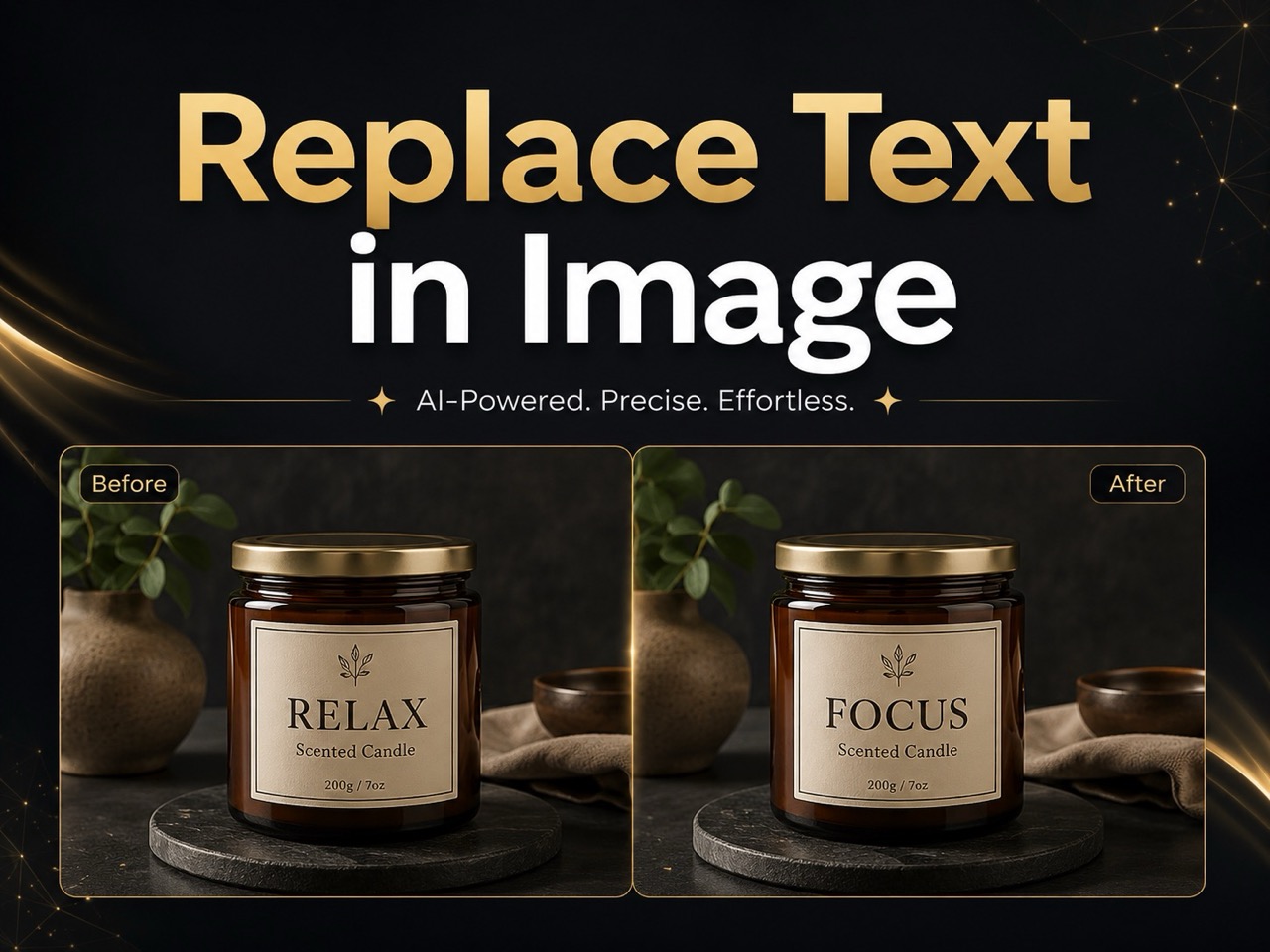
Replace Text in Image
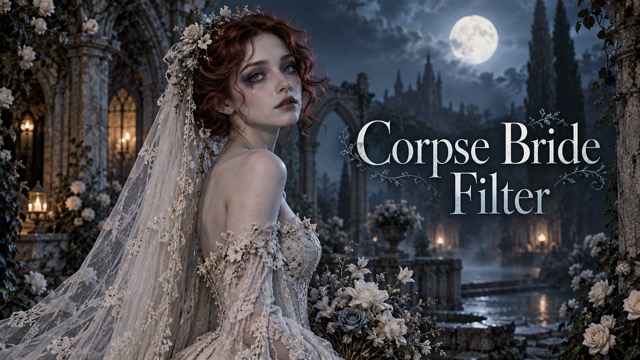
Corpse Bride AI Filter
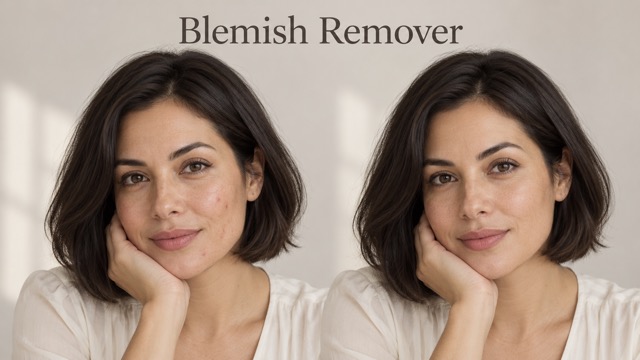
AI Blemish Remover
FLUX 3 Image Klein
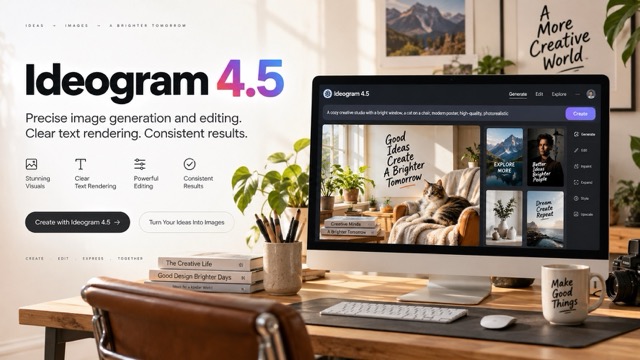
Ideogram 4.5
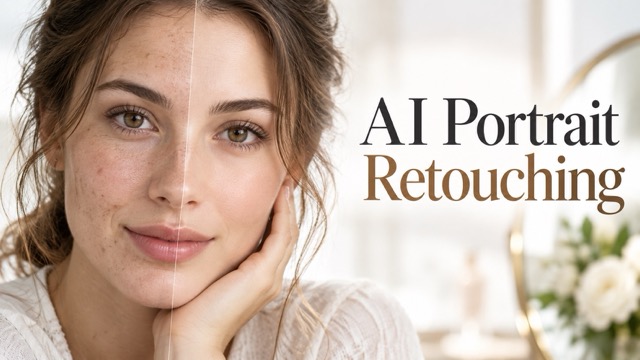
AI Portrait Retouching

Snatched Waist Editor
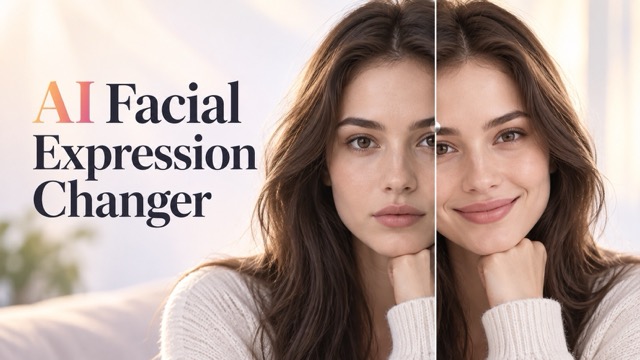
AI Facial Expression Changer

AI Texture Generator
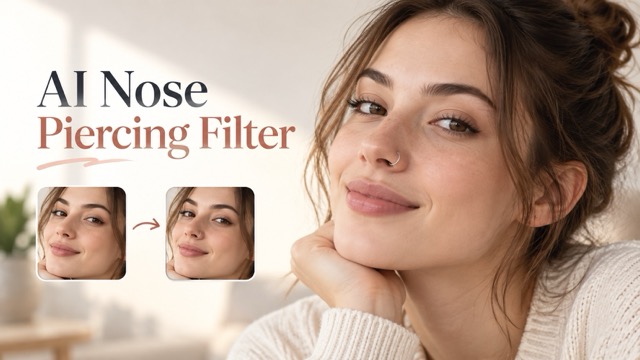
AI Nose Piercing Filter
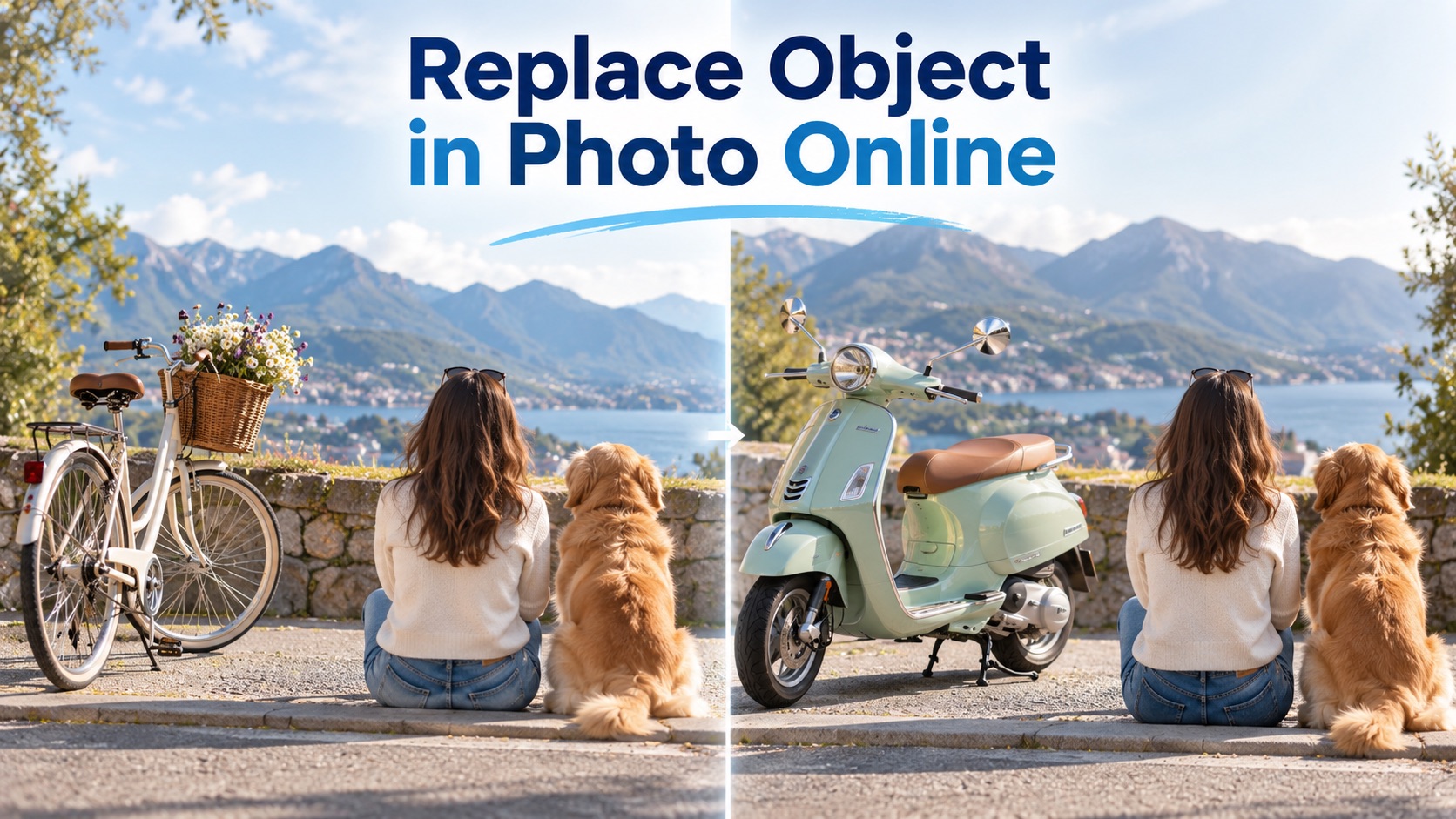
Replace Object in Photo Online
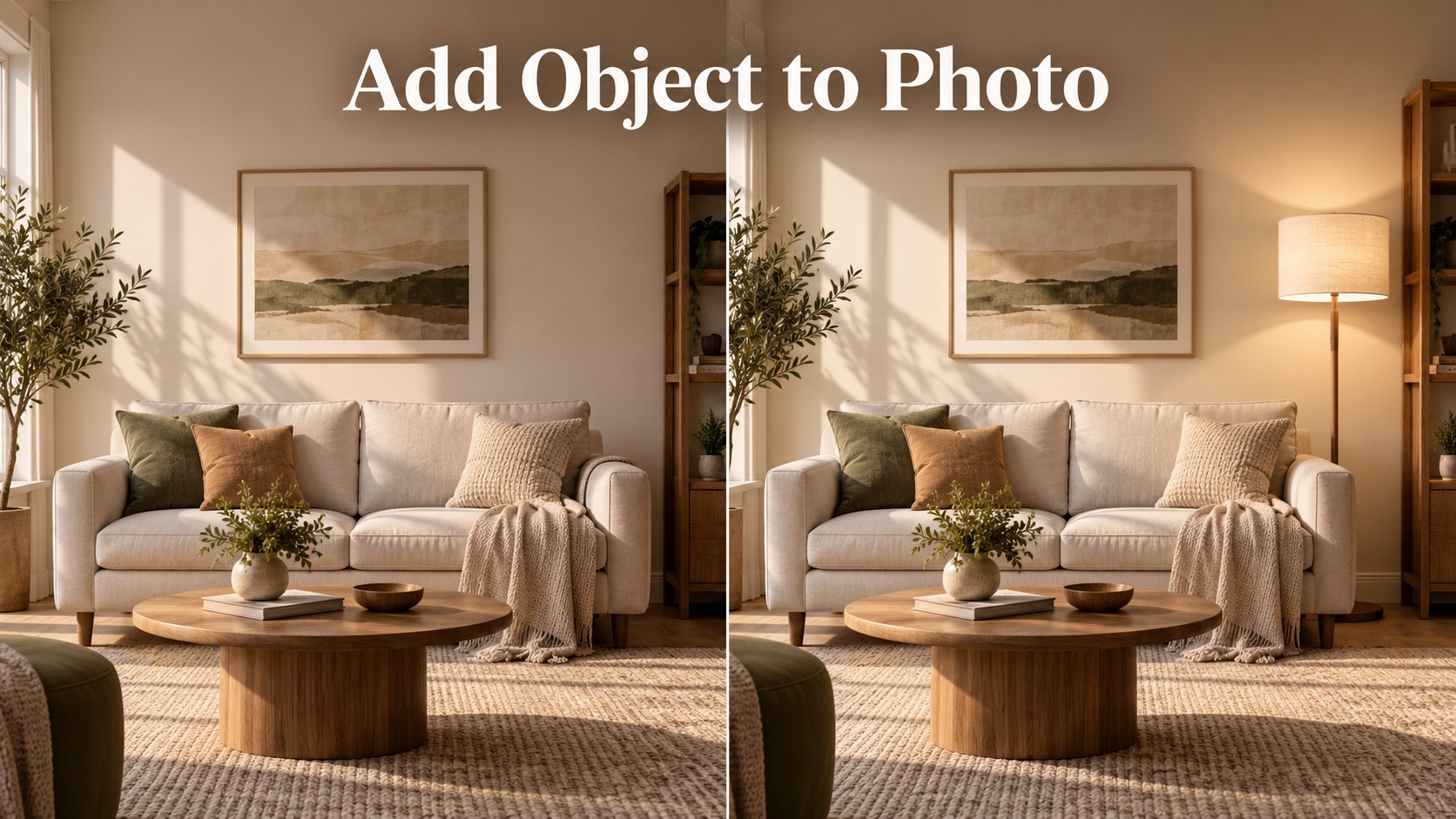
Add Object to Photo

Eyeliner Filter

AI Bust Down Filter

Image Splitter

Add White Background to Photo

Snapchat Text Remover

Realistic AI Skin Generator

Add speech bubble to photo

Change Photo Background

AI Clothes Wrinkle Remover

AI LinkedIn Profile Picture

GPT Transparent BG Image Editor

Image to Layers
Photo Editing Tool: Edit Photos with AI Prompts Online
Upload a reference image, describe the edit you want, and generate a polished result with Photo Editing Tool.
This editor lets you upload an image, describe the exact change, and generate a realistic edit in moments. Use Photo Editing Tool for object removal, background changes, color fixes, product images, and portraits without complex controls.
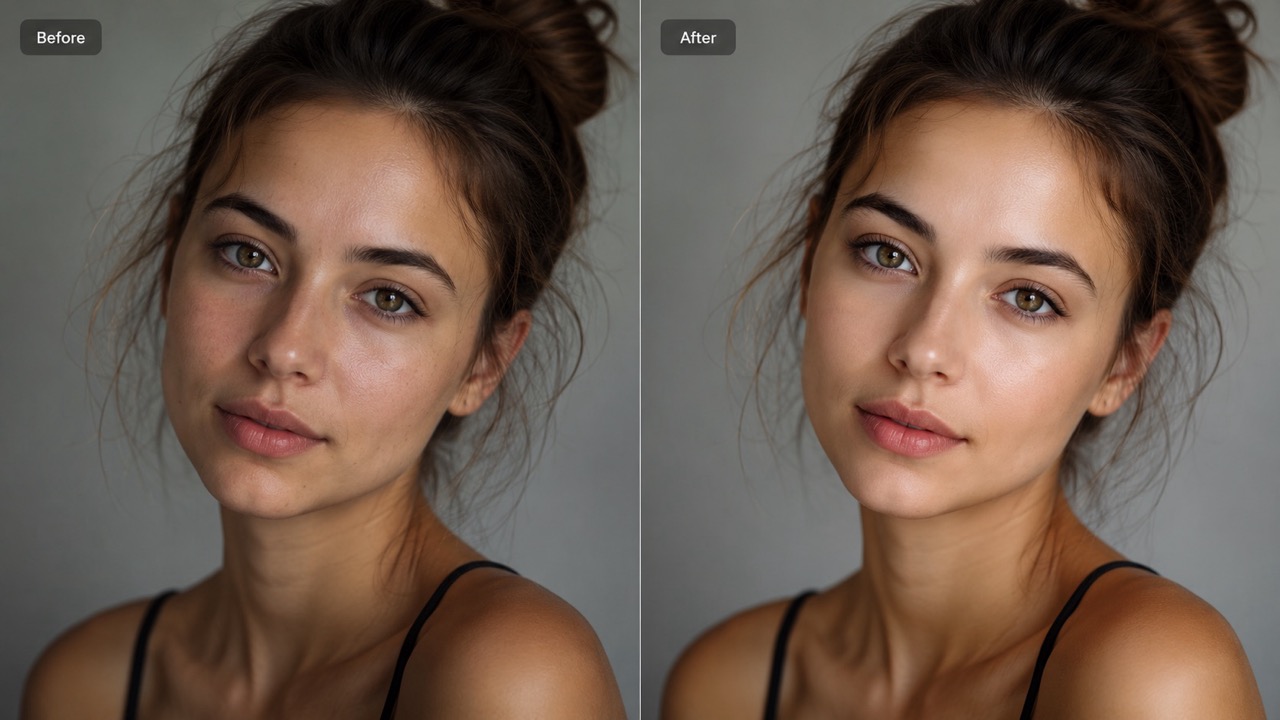
How to Use Photo Editing Tool in 3 Steps
Photo Editing Tool keeps the workflow simple: upload your image, describe the edit, and generate. This AI photo editor is built for users who want clear results without learning complicated manual editing controls.

Upload Your Reference Image
Start by uploading the image you want to change. This editor uses your reference image as the visual base, so choose a clear photo with the subject, object, or scene you want edited. You can also add more reference images when your idea needs extra visual guidance.

Describe the Edit in the Prompt Box
Type a direct prompt that explains what should be changed, removed, added, restored, or adjusted. This editor understands everyday instructions such as change the background, remove the object, retouch the face, adjust the color, or make the image look cleaner.

Click Generate Image
Choose your image format and generation settings, then click Generate Image. Photo Editing Tool reads your prompt and creates the edited result. Review the image, refine your prompt if needed, and generate again until the edit matches your vision.
Why Choose Photo Editing Tool for Prompt-Based Image Editing
Photo Editing Tool combines a simple upload-and-prompt workflow with practical AI editing results. Use this AI photo editor to fix, refine, restyle, or clean up images for real projects.
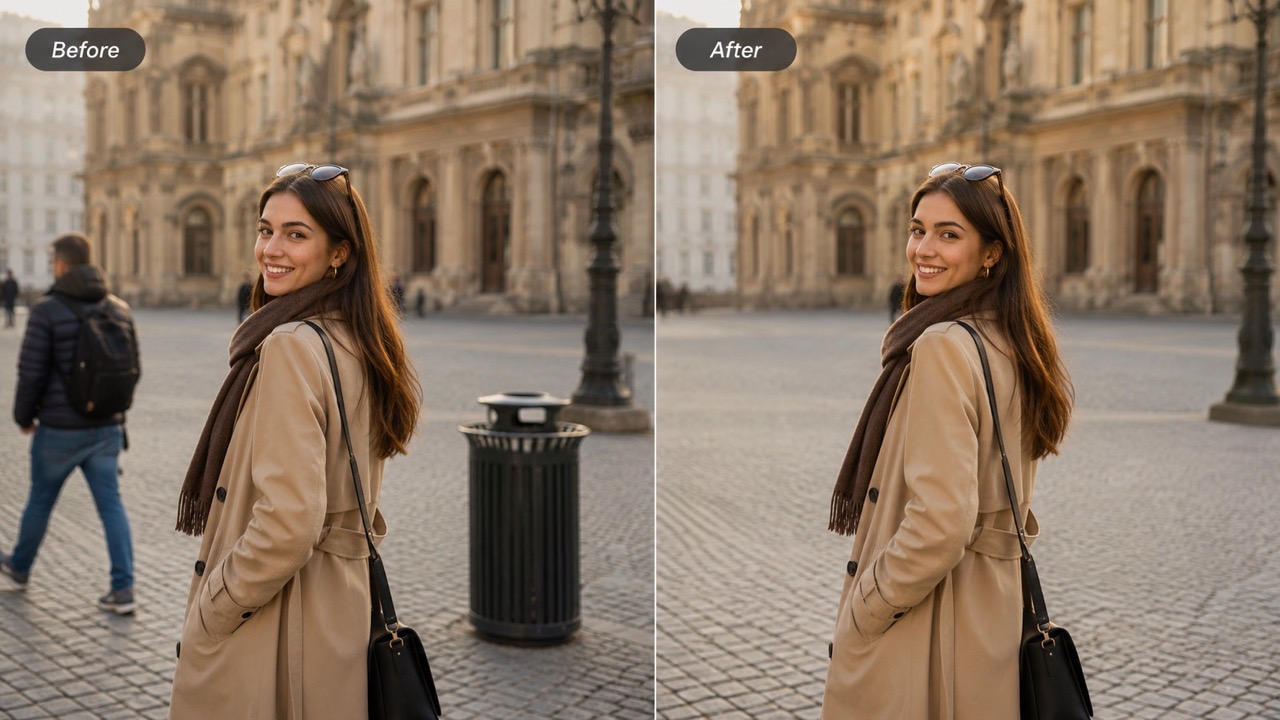
Turn Plain Instructions into Precise Visual Edits
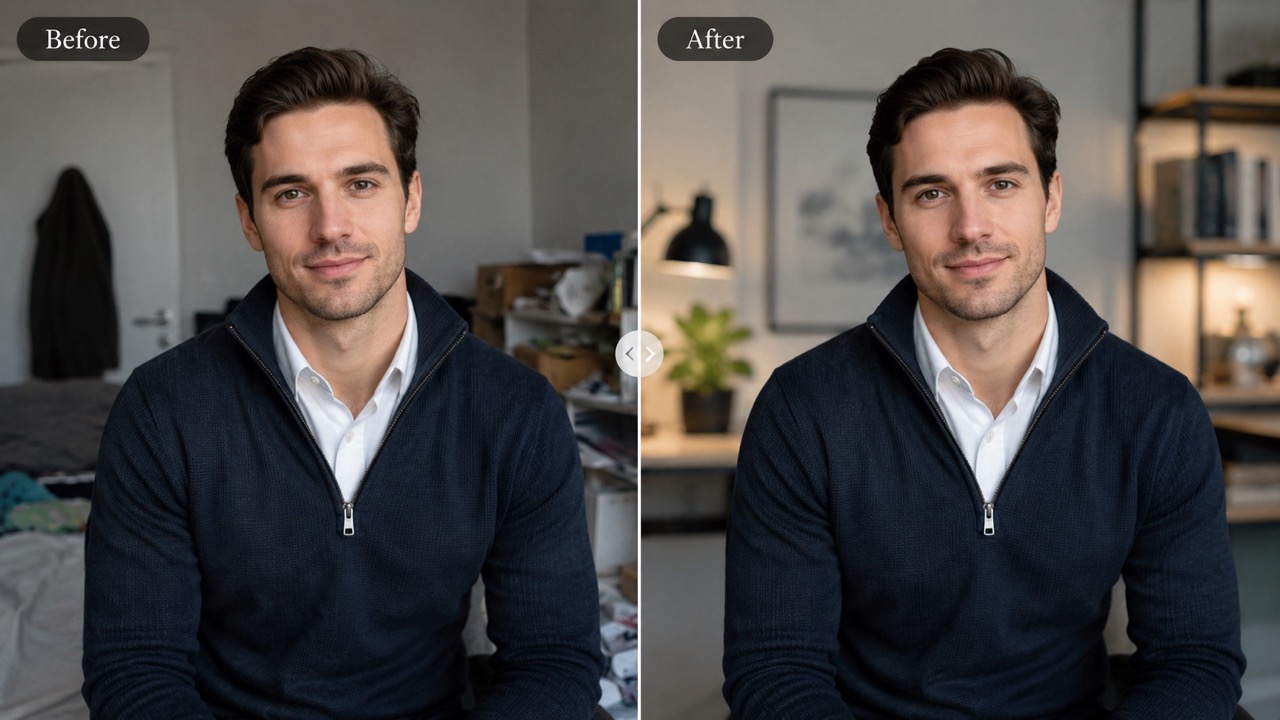
This tool is useful when you know what you want but do not want to mask layers, adjust sliders, or redraw details by hand. Tell this AI photo editor to remove a distracting object, replace a dull sky, clean a messy background, brighten a face, or change a product color. Photo Editing Tool interprets your request and keeps the rest of the image consistent. For creators comparing tools, best photo editing tool should feel simple and responsive, and Photo Editing Tool focuses on that prompt-first experience.
Fix Photos for Work, Social Media, and Stores
This tool helps turn everyday images into usable visuals for posts, listings, ads, thumbnails, profiles, and presentations. Use Photo Editing Tool free online when you need a cleaner photo for a product page, a more balanced portrait, or a background that matches your campaign. This AI photo editor online free approach removes the pressure of traditional editing. Photo Editing Tool can make small corrections feel natural, so your photo still looks like the original scene, only improved.
Explore Creative Changes Without Starting Over
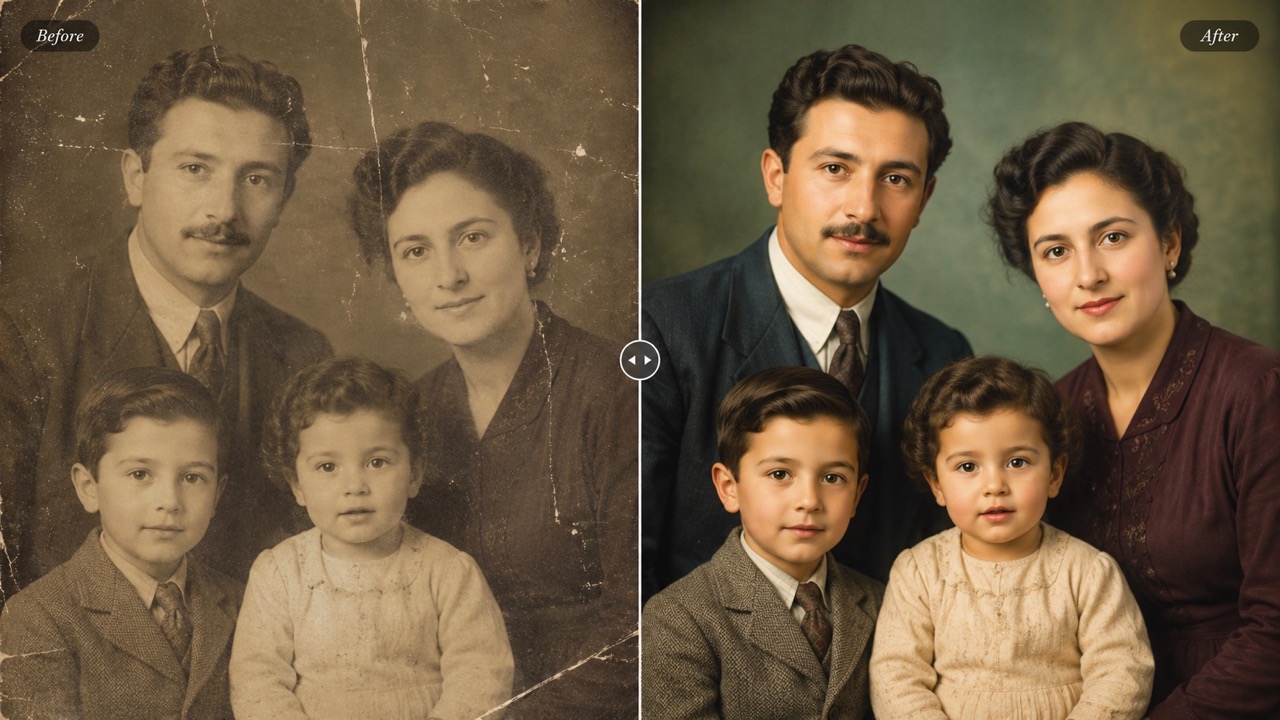
Photo Editing Tool gives you room to experiment with different looks from the same uploaded image. Ask for a softer studio background, a seasonal setting, a cleaner outfit color, a restored old photo, or a more cinematic mood. Free AI image editor searches often lead users to basic filters, but Photo Editing Tool is designed for instruction-based editing. This AI photo editor helps you test ideas quickly while keeping identity, composition, and important visual details recognizable.
Who Can Use Photo Editing Tool?
Photo Editing Tool is made for creators, sellers, designers, marketers, students, and everyday users. Whether you need Free AI image editor convenience or professional-looking edits, this AI photo editor keeps the process direct. Photo Editing Tool also fits users comparing best photo editing tool choices, because it focuses on results, not complex controls.

Creators Making Faster Visual Content
Photo Editing Tool helps creators adjust images for thumbnails, posts, stories, banners, and profile visuals. Instead of rebuilding a scene, describe the edit and let this AI photo editor handle the change. Photo Editing Tool is useful for quick background cleanup, style testing, color tweaks, and small visual improvements. For quick publishing cycles, Photo Editing Tool works like an AI photo editor that understands content goals, not just effects.

Online Sellers Improving Product Images
Photo Editing Tool supports sellers who need cleaner, more consistent product photos. Use Photo Editing Tool free online to remove clutter, replace a distracting surface, improve lighting balance, or create a more polished listing image. For store owners, best photo editing tool is one that saves time and keeps products clear. Photo Editing Tool can also act as a Free AI image editor starting point when sellers need to test multiple visual directions before choosing a final product image.

Designers Testing Visual Directions
Photo Editing Tool lets designers try fast concept variations before committing to a final edit. This AI photo editor can adjust backgrounds, moods, colors, object placement, or visual style based on written instructions. Photo Editing Tool helps teams explore options without interrupting the creative flow. Teams comparing best photo editing tool options can use Photo Editing Tool when early concepts need fast, visual proof. This AI photo editor keeps experimentation lightweight.

Everyday Users Fixing Personal Photos
Photo Editing Tool is practical for family photos, travel shots, profile pictures, invitations, and personal memories. With AI photo editor online free editing, users can remove photobombers, repair small flaws, clean backgrounds, or improve portraits. Photo Editing Tool makes photo changes feel accessible even without editing experience. Photo Editing Tool free online access helps casual users try edits before learning advanced design methods. This AI photo editor keeps common fixes approachable.
What Users Say About Photo Editing Tool
Users choose Photo Editing Tool for prompt-based edits that feel quick, clear, and practical. This AI photo editor helps turn simple text instructions into useful image changes. Photo Editing Tool is valued by people who want fewer steps and more control over the final image.
I needed to remove a messy background from a product photo and make it look cleaner for a listing. Photo Editing Tool did exactly what I described in the prompt. I tried a few Free AI image editor options before, but this felt easier because the prompt box guided the whole edit. Photo Editing Tool free online made the whole process feel practical for my store.
I needed to remove a messy background from a product photo and make it look cleaner for a listing. Photo Editing Tool did exactly what I described in the prompt. I tried a few Free AI image editor options before, but this felt easier because the prompt box guided the whole edit. Photo Editing Tool free online made the whole process feel practical for my store.
Photo Editing Tool helped me update campaign images without sending every small change to a designer. I used it as an AI photo editor for background changes and object removal. For my workflow, best photo editing tool means fast, accurate, and easy to revise, and this matched that need. I would recommend Photo Editing Tool to anyone who wants an AI photo editor for daily visual tasks.
Photo Editing Tool helped me update campaign images without sending every small change to a designer. I used it as an AI photo editor for background changes and object removal. For my workflow, best photo editing tool means fast, accurate, and easy to revise, and this matched that need. I would recommend Photo Editing Tool to anyone who wants an AI photo editor for daily visual tasks.
I wanted a simple AI photo editor online free experience where I could upload a portrait and describe what to fix. Photo Editing Tool cleaned the lighting and softened the background while keeping the face natural. It saved me from learning complicated editing steps. It is also a Free AI image editor style experience that feels more flexible than presets.
I wanted a simple AI photo editor online free experience where I could upload a portrait and describe what to fix. Photo Editing Tool cleaned the lighting and softened the background while keeping the face natural. It saved me from learning complicated editing steps. It is also a Free AI image editor style experience that feels more flexible than presets.
I use Photo Editing Tool free online for quick social images. It is especially helpful when I want to test a different scene or remove something distracting. Photo Editing Tool understands short prompts well, and the results usually look natural enough to post right away. For anyone searching AI photo editor online free, this is a strong option for prompt-based edits.
I use Photo Editing Tool free online for quick social images. It is especially helpful when I want to test a different scene or remove something distracting. Photo Editing Tool understands short prompts well, and the results usually look natural enough to post right away. For anyone searching AI photo editor online free, this is a strong option for prompt-based edits.


FAQs About Photo Editing Tool
Get quick answers about Photo Editing Tool, prompt writing, image changes, and how this AI photo editor supports everyday editing tasks. AI photo editor guidance starts with a clear prompt, and AI photo editor results improve when the request is specific.
Upload an image, write a prompt that describes the edit, then click Generate Image. Photo Editing Tool will create a new edited result based on your instruction.
Photo Editing Tool can remove objects, replace backgrounds, adjust colors, retouch portraits, add elements, restore photos, and restyle images through prompts. Photo Editing Tool works best when your prompt names the target area and desired result.
Write clearly and specifically. Tell the AI photo editor what to change, what to keep, and the style or mood you want in the final image. Photo Editing Tool responds well to prompts such as remove the chair, replace the background with a studio wall, or make the lighting softer.
Yes. Photo Editing Tool is designed to preserve identity, composition, and untouched areas unless your prompt asks for a bigger change. This AI photo editor is useful when you want changes that blend into the existing lighting and scene.
Yes. AI photo editor online free workflows are helpful for product photos, social posts, ads, thumbnails, portraits, and creative visuals. Photo Editing Tool can support fast branded visuals when your prompt explains the style and use case.
Photo Editing Tool focuses on prompt-based editing, while a basic filter usually applies a fixed effect to the whole image. A Free AI image editor may only apply presets, but Photo Editing Tool follows a custom instruction.
Start Editing Images with Photo Editing Tool
Upload your image, describe the edit, and generate a polished result with Photo Editing Tool.
