
AI Image Tools
Everything You Need to Edit Photos Faster
Open the PicEditor AI tools library for background removal, photo enhancement, object cleanup, face swap, upscaling, and more focused image workflows.
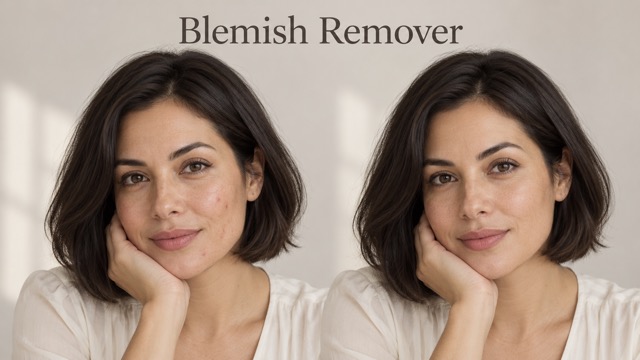
AI Blemish Remover
FLUX 3 Image Klein
Ideogram 4.5
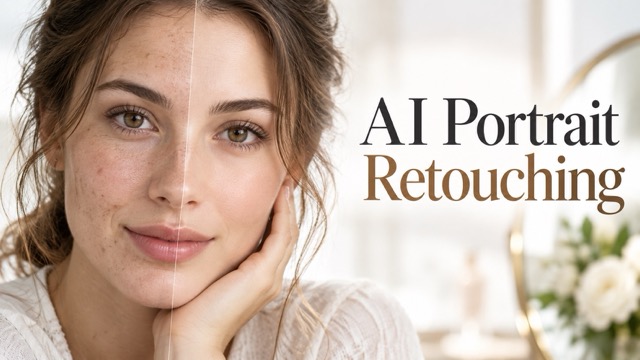
AI Portrait Retouching
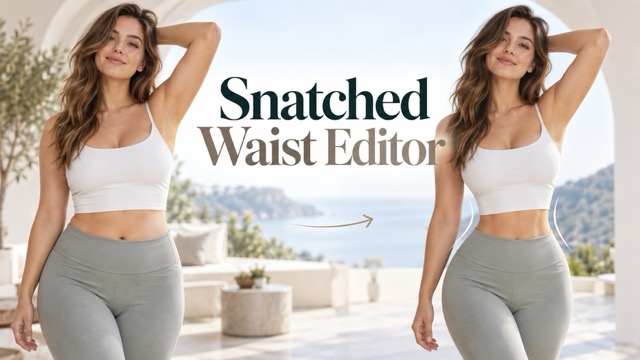
Snatched Waist Editor
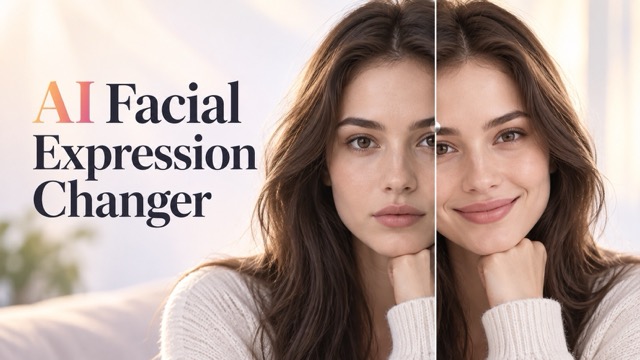
AI Facial Expression Changer
AI Texture Generator
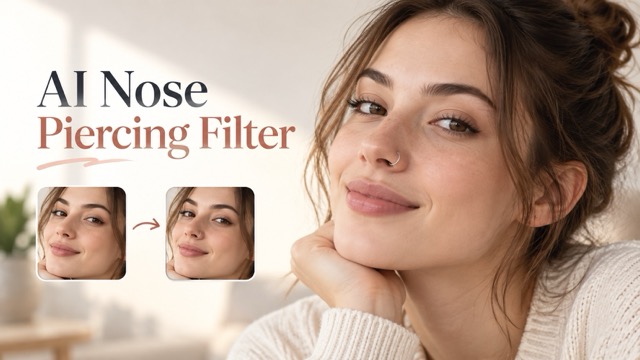
AI Nose Piercing Filter
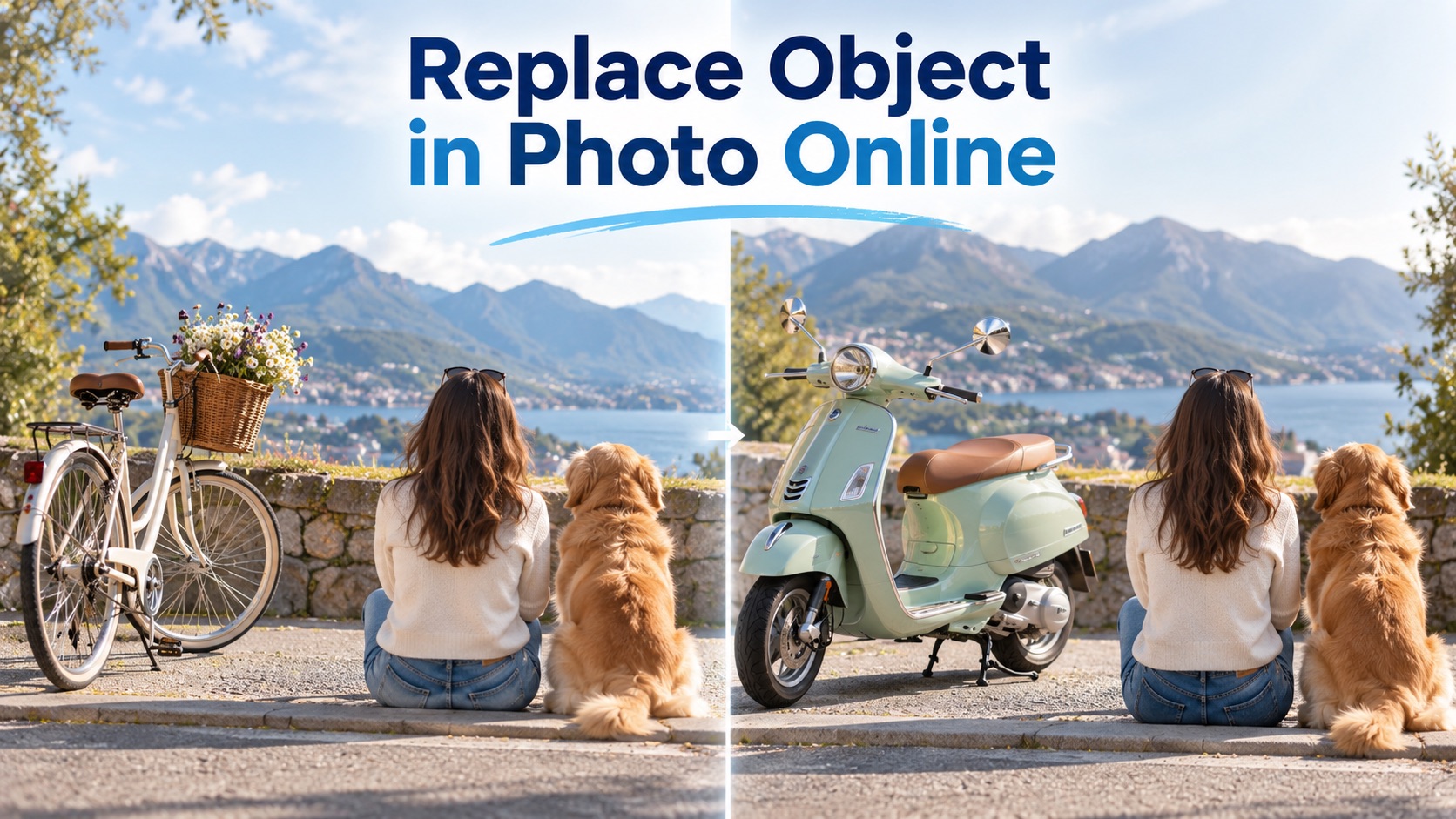
Replace Object in Photo Online
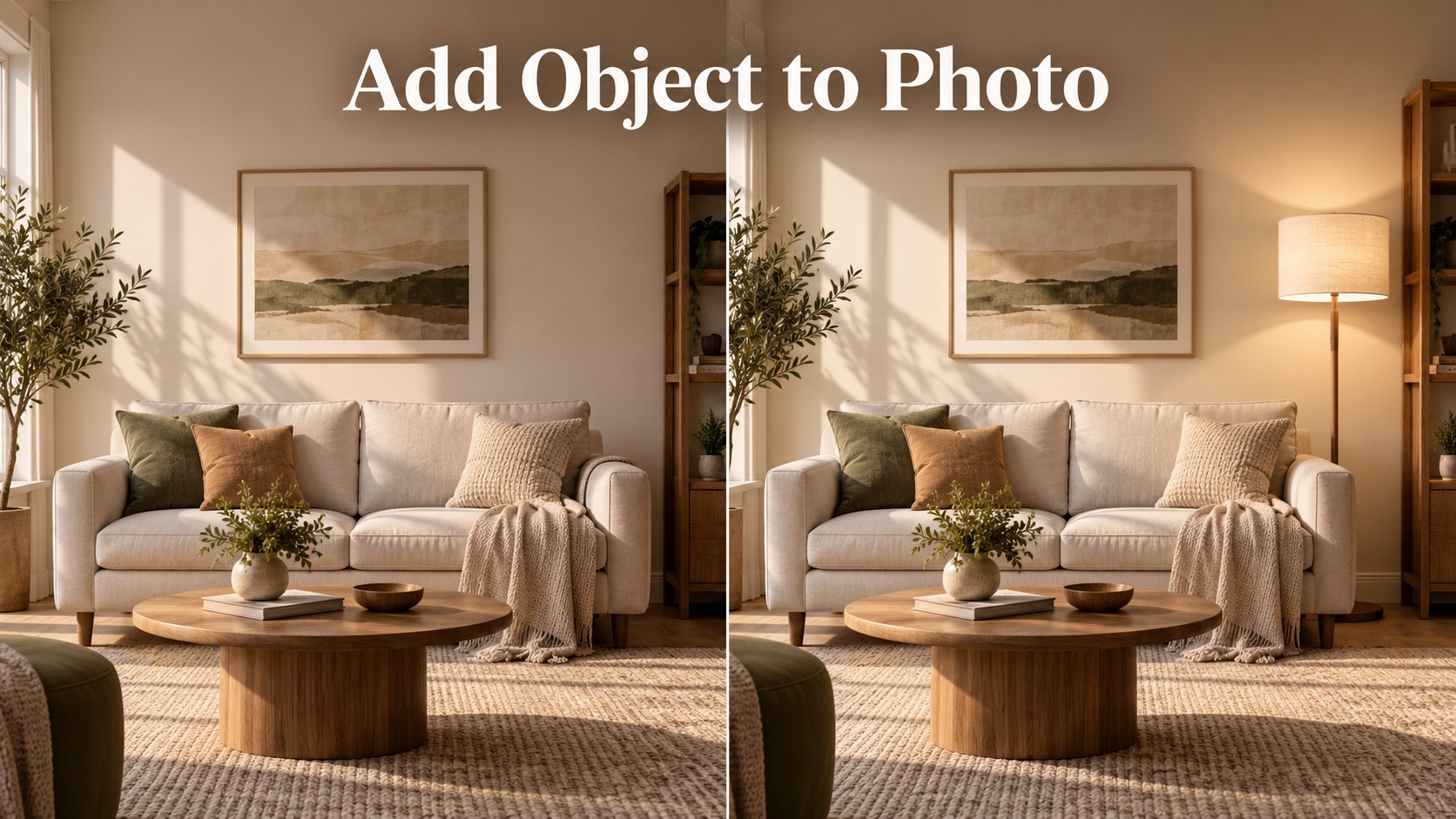
Add Object to Photo

Eyeliner Filter

AI Bust Down Filter

Image Splitter

Add White Background to Photo

Snapchat Text Remover

Realistic AI Skin Generator

Add speech bubble to photo

Change Photo Background

AI Clothes Wrinkle Remover

AI LinkedIn Profile Picture

GPT Transparent BG Image Editor

Image to Layers

3D Angle Editor

Change Background of Photo
AI Photo Editor For Fast Text-Based Image Editing
Upload a photo, type your edit, choose size and resolution, then generate a polished result with PicEditor AI.
PicEditor AI is an AI photo editor built for simple, flexible, and fast image editing. Use this AI photo editor to retouch portraits, change backgrounds, adjust product photos, improve social content, redesign details, or create a new look from an existing image. If you want an AI photo editor no restrictions experience for everyday creative workflows, PicEditor AI helps you describe the change in plain text and generate a clean result without complicated manual tools. This AI photo editor no restrictions workflow makes image editing easier for creators, sellers, marketers, designers, and anyone who wants to edit photos with natural language.
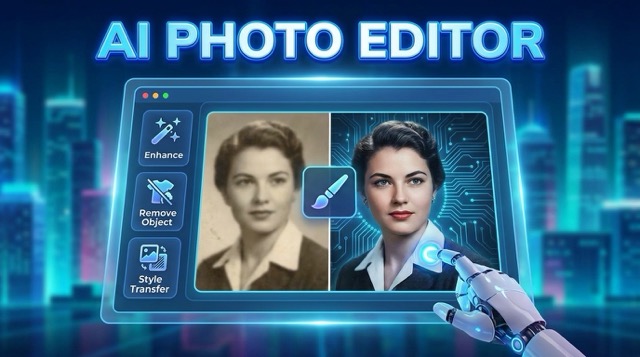
How To Use PicEditor AI Photo Editor
PicEditor AI keeps the AI photo editor process simple. Upload an image, write what you want to edit, select your output size and resolution, then let the AI photo editor generate a new version. The AI photo editor no restrictions approach gives you more freedom for creative edits, visual tests, product updates, profile images, and social media content.

Upload Your Image
Start with any photo you want to improve or transform. The AI photo editor reads the image structure, subject, background, lighting, and composition so your edit can stay natural. Whether you upload a portrait, product photo, travel shot, poster, or lifestyle image, this AI photo editor no restrictions workflow gives you a flexible starting point.
Describe The Edit In Text
Type exactly what you want to change. You can ask the AI photo editor to replace a background, enhance lighting, remove distractions, change style, adjust clothing, improve colors, or create a new scene. PicEditor AI works like an AI photo editor no restrictions tool for broad creative directions while keeping the process easy.
Choose Size And Resolution
Select the image size and resolution that fit your final use. The AI photo editor helps you prepare content for profile photos, ads, product listings, blogs, banners, thumbnails, and social posts. This makes the AI photo editor no restrictions workflow practical for both quick edits and polished visual assets.
Generate And Download
Click generate and let PicEditor AI create the edited image. The AI photo editor turns your text instruction into a ready-to-use result. With an AI photo editor no restrictions editing flow, you can test multiple ideas, compare different outputs, and keep improving your image until it fits your goal.
Edit Photos With A Flexible AI Photo Editor
PicEditor AI is designed for users who want an AI photo editor that feels direct, fast, and creative. Instead of using layers, masks, brushes, and complex software controls, you can upload an image and tell the AI photo editor what to change. The AI photo editor no restrictions experience helps you explore more styles, more corrections, and more content ideas from one simple workspace.
Natural Language AI Photo Editor
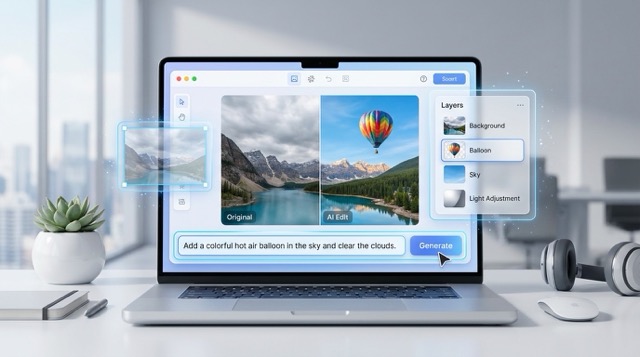
Use PicEditor AI as an AI photo editor that understands plain text. Describe the object, area, mood, color, background, lighting, or detail you want to edit. The AI photo editor interprets your instruction and rebuilds the image around your request. This AI photo editor no restrictions workflow is ideal when you want creative control without learning professional editing software.
Portrait, Product, And Social Image Editing
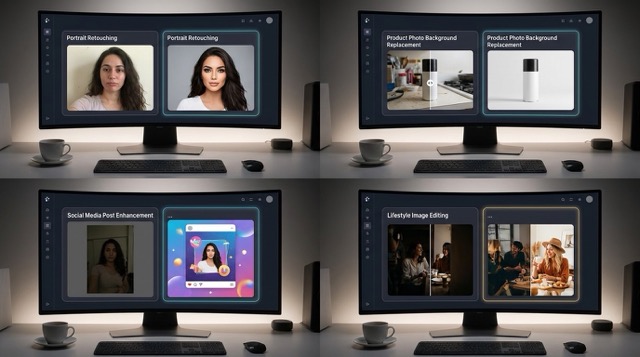
PicEditor AI works as an AI photo editor for many image types. Retouch a portrait, improve a product shot, create a lifestyle background, adjust brand visuals, or make a social media post more eye-catching. The AI photo editor no restrictions editing flow lets you move from idea to image quickly, whether you need a clean commercial result or a creative visual experiment.
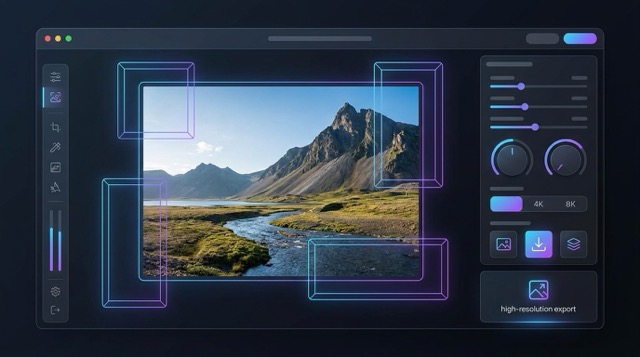
Control Output Size And Resolution
A useful AI photo editor should match your publishing needs. PicEditor AI lets you select size and resolution before generation, so your edited result fits banners, thumbnails, profile images, product pages, landing pages, or campaign assets. This AI photo editor no restrictions setup makes it easier to create images for different platforms from the same original photo.
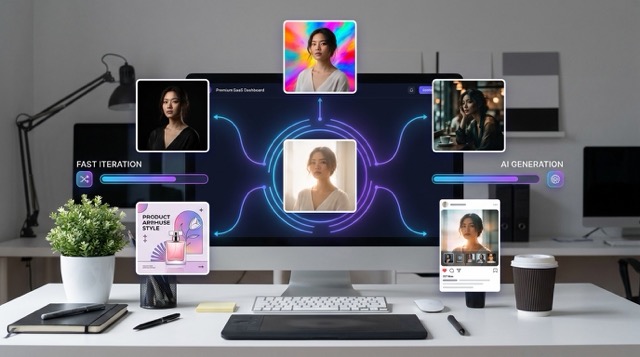
Fast Creative Testing For Any Image
PicEditor AI helps you use an AI photo editor as a creative testing engine. Upload one image and generate multiple edits with different prompts, styles, moods, colors, and layouts. The AI photo editor no restrictions experience makes rapid variation easier, helping creators and businesses discover the best visual direction before publishing.
AI Photo Editor FAQ
Learn how PicEditor AI works, what you can edit, and why this AI photo editor no restrictions workflow is useful for creators, sellers, designers, and everyday users.
PicEditor AI photo editor is a text-based image editing tool. You upload a photo, describe what you want to change, choose size and resolution, then generate the result. The AI photo editor helps with backgrounds, lighting, details, product photos, portraits, social content, and creative edits.
AI photo editor no restrictions means PicEditor AI is designed for flexible creative editing across many normal image workflows. You can test different prompts, change visual styles, refine image details, and generate new versions from one upload. The AI photo editor still works best when your prompt is clear, specific, and responsible.
Yes. This AI photo editor can help improve product images by changing backgrounds, adjusting lighting, creating lifestyle scenes, cleaning visual distractions, or preparing content for online stores. The AI photo editor no restrictions workflow is especially useful for sellers who need many visual variations.
Yes. You can use the AI photo editor to retouch portraits, adjust background, improve lighting, create profile images, or test different visual styles. For best results, describe the edit clearly and ask the AI photo editor to preserve the person’s identity, face, pose, and natural details.
No. PicEditor AI is an AI photo editor made for simple text-based control. You do not need layers, masking, or complex design tools. The AI photo editor no restrictions workflow lets you type the change you want and generate the image directly.
You can create social posts, profile photos, product visuals, ad images, blog graphics, thumbnails, creative portraits, brand concepts, and polished image variations. The AI photo editor no restrictions experience gives you more room to test ideas and quickly produce usable photo edits.
Creators Use PicEditor AI Photo Editor Every Day
PicEditor AI helps different users turn simple uploads into polished edits. From campaigns to profile images, this AI photo editor no restrictions workflow supports fast image creation without complex editing steps.
PicEditor AI became my daily AI photo editor for campaign visuals. I upload one product image, describe the change, select resolution, and create several polished versions. The AI photo editor no restrictions workflow helps my team test ideas much faster.
PicEditor AI became my daily AI photo editor for campaign visuals. I upload one product image, describe the change, select resolution, and create several polished versions. The AI photo editor no restrictions workflow helps my team test ideas much faster.
I use this AI photo editor for ecommerce product images because it saves time on background and lighting edits. The AI photo editor no restrictions experience gives me more creative options without needing a full design team.
I use this AI photo editor for ecommerce product images because it saves time on background and lighting edits. The AI photo editor no restrictions experience gives me more creative options without needing a full design team.
As a creator, I need quick edits that still look clean. PicEditor AI is an AI photo editor that lets me type a prompt and get useful results for thumbnails, posts, and profile content. The AI photo editor no restrictions flow is perfect for testing concepts.
As a creator, I need quick edits that still look clean. PicEditor AI is an AI photo editor that lets me type a prompt and get useful results for thumbnails, posts, and profile content. The AI photo editor no restrictions flow is perfect for testing concepts.
PicEditor AI helps me create visual drafts before a client shoot. The AI photo editor understands background, mood, and composition prompts well. With the AI photo editor no restrictions workflow, I can explore more directions before final production.
PicEditor AI helps me create visual drafts before a client shoot. The AI photo editor understands background, mood, and composition prompts well. With the AI photo editor no restrictions workflow, I can explore more directions before final production.
I recommend PicEditor AI to small teams that need flexible image editing. This AI photo editor makes it easy to turn rough photos into polished web assets. The AI photo editor no restrictions process is simple enough for non-designers.
I recommend PicEditor AI to small teams that need flexible image editing. This AI photo editor makes it easy to turn rough photos into polished web assets. The AI photo editor no restrictions process is simple enough for non-designers.
For landing pages and ads, I often need image variations fast. PicEditor AI works as an AI photo editor for background changes, style tests, and layout ideas. The AI photo editor no restrictions approach gives me the speed I need.
For landing pages and ads, I often need image variations fast. PicEditor AI works as an AI photo editor for background changes, style tests, and layout ideas. The AI photo editor no restrictions approach gives me the speed I need.
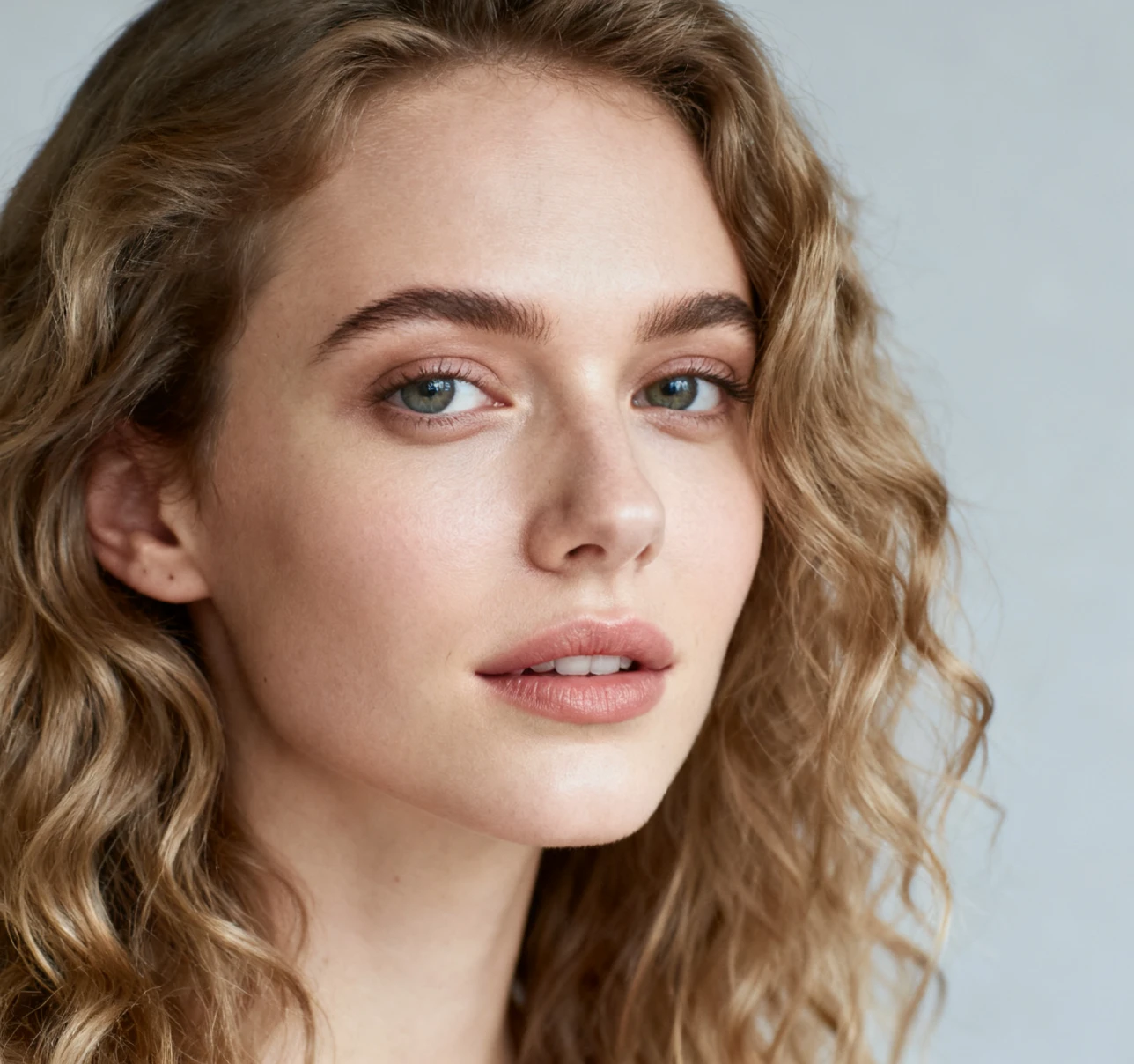
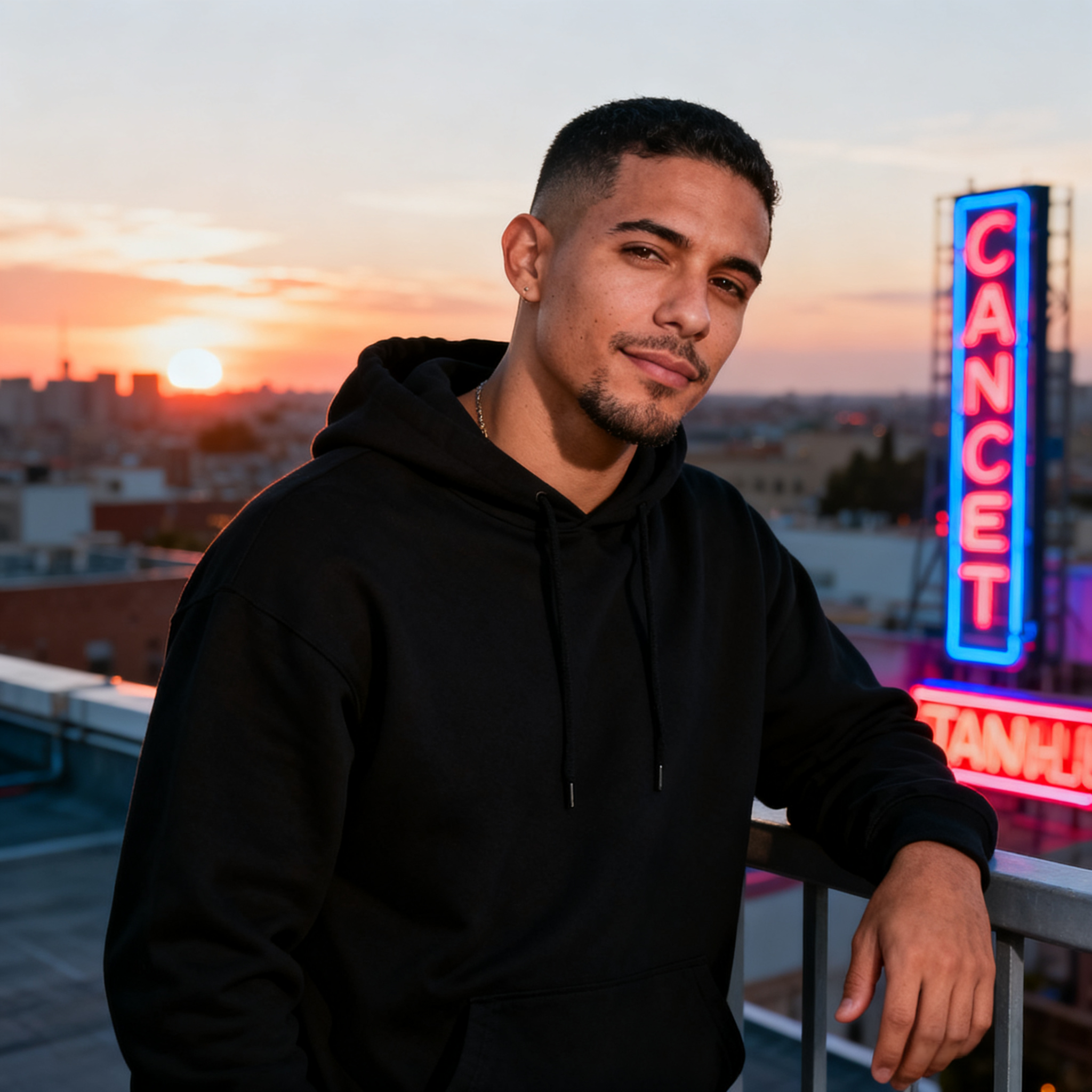
Use Cases For PicEditor AI Photo Editor
PicEditor AI is an AI photo editor for practical editing and creative image generation. Whether you want a clean correction, a new background, a marketing image, or a full visual transformation, the AI photo editor no restrictions workflow helps you move faster from image to finished asset.

Social Media Photo Editing
Use the AI photo editor to create better posts, profile images, thumbnails, story graphics, and creator visuals. The AI photo editor no restrictions experience helps you test new looks, stronger backgrounds, better lighting, and more engaging compositions.

Product And Ecommerce Images
Turn simple product shots into cleaner commercial visuals. The AI photo editor can change backgrounds, improve presentation, create lifestyle scenes, and generate ad-ready images. AI photo editor no restrictions editing helps sellers create more product content from fewer source photos.
Portrait And Profile Enhancements
Use PicEditor AI as an AI photo editor for portraits, headshots, avatars, and profile images. Adjust backgrounds, lighting, mood, clothing style, and composition while keeping the subject natural. The AI photo editor no restrictions flow makes portrait editing easy and fast.
Marketing And Website Visuals
Create banners, blog images, ad creatives, landing page graphics, and campaign visuals with the AI photo editor. The AI photo editor no restrictions workflow lets marketers generate multiple versions for different audiences, formats, and creative angles.
Start Editing With PicEditor AI Photo Editor
Upload your image, type your edit, select size and resolution, and generate a new result with PicEditor AI. Use this AI photo editor for quick fixes, creative transformations, product visuals, portraits, and social content. Try the AI photo editor no restrictions workflow and turn your ideas into edited images in seconds.
