
AI Image Tools
Everything You Need to Edit Photos Faster
Open the PicEditor AI tools library for background removal, photo enhancement, object cleanup, face swap, upscaling, and more focused image workflows.
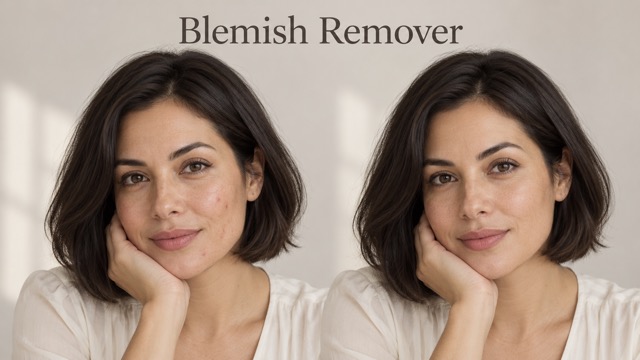
AI Blemish Remover
FLUX 3 Image Klein
Ideogram 4.5

AI Portrait Retouching

Snatched Waist Editor

AI Facial Expression Changer

AI Texture Generator

AI Nose Piercing Filter

Replace Object in Photo Online

Add Object to Photo

Eyeliner Filter

AI Bust Down Filter

Image Splitter

Add White Background to Photo

Snapchat Text Remover

Realistic AI Skin Generator

Add speech bubble to photo

Change Photo Background

AI Clothes Wrinkle Remover

AI LinkedIn Profile Picture

GPT Transparent BG Image Editor

Image to Layers

3D Angle Editor
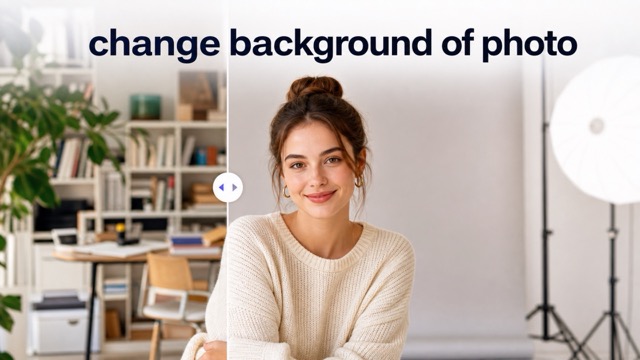
Change Background of Photo
Photo to Illustration Converter for Clean Illustration
Upload a picture and let Photo to Illustration turn the original scene into polished illustrated artwork.
Photo to Illustration helps creators reinterpret uploaded photos as clean illustration-style visuals while keeping the source image readable. Use the Photo to Illustration Converter for portraits, pets, products, interiors, travel shots, and campaign concepts that need an artistic finish.
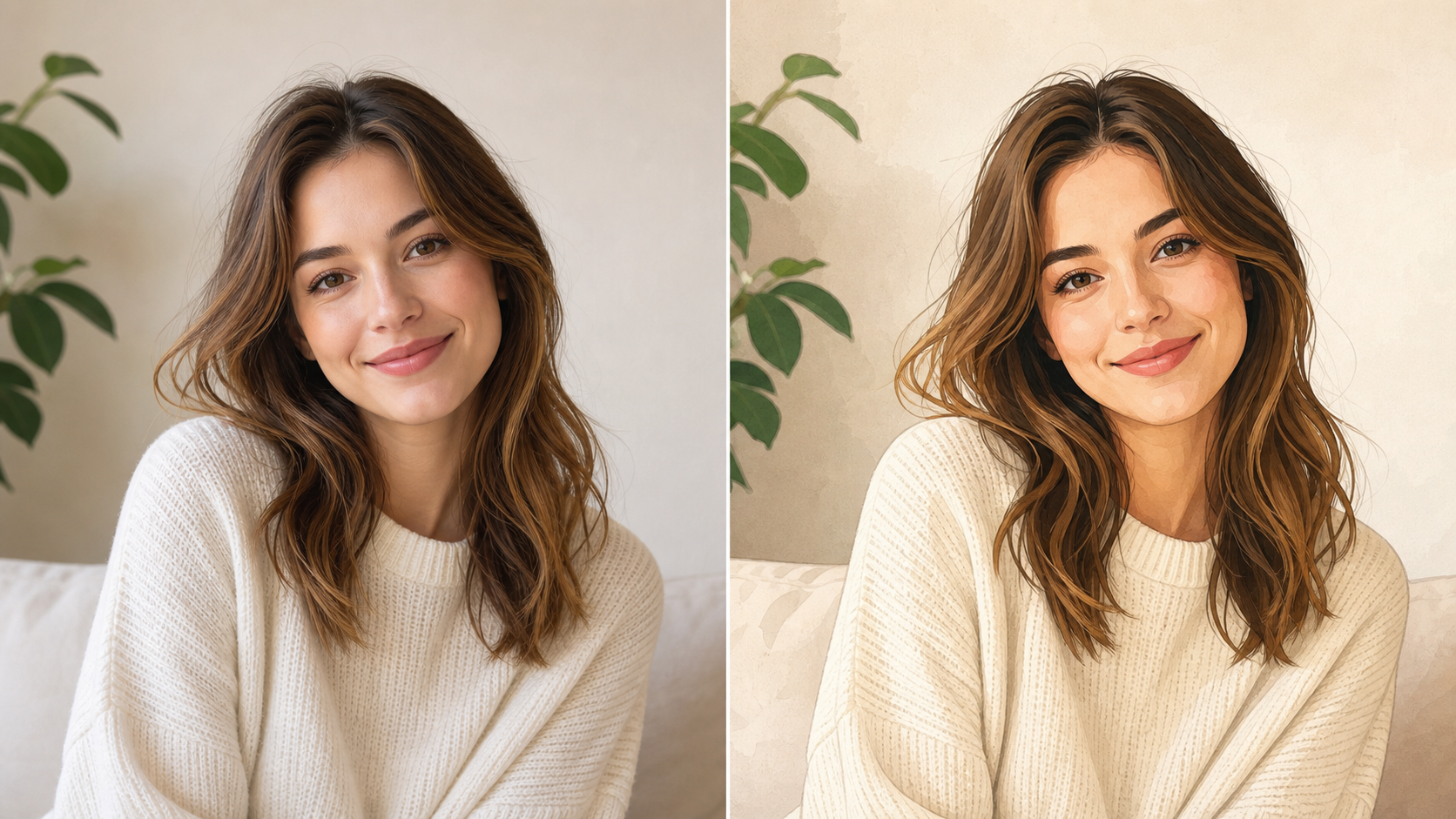
How to Use Photo to Illustration Converter
Photo to Illustration keeps the workflow straightforward: upload a source image, let the model create an illustrated interpretation, then review the result for subject clarity, line quality, color balance, and useful creative direction.

Upload a Clear Source Image
Start with a photo that shows the subject, edges, lighting, and background context clearly. Photo to Illustration uses the upload as the visual foundation, so faces, pets, products, rooms, landscapes, and objects benefit from a clean source before the illustration transformation begins.

Generate the Illustrated Version
After upload, Photo to Illustration AI studies the main subject, composition, color relationships, shadows, and important scene details before creating an illustrated version. Photo to Illustration changes the medium, simplifies visual noise, and adds drawn character while keeping the final image connected to the original.

Review and Use the Result
Compare the uploaded photo with the transformed artwork and choose the result that fits your project. Photo to Illustration Converter output can support profile visuals, product mockups, editorial graphics, mood boards, lessons, keepsakes, and early creative directions when a normal photo feels too literal.
Features of Photo to Illustration AI
Photo to Illustration combines source-photo preservation with an illustrated finish. It helps convert portraits, products, pets, interiors, landscapes, and everyday scenes into artwork with clearer shapes, cleaner color, drawn texture, and recognizable structure.
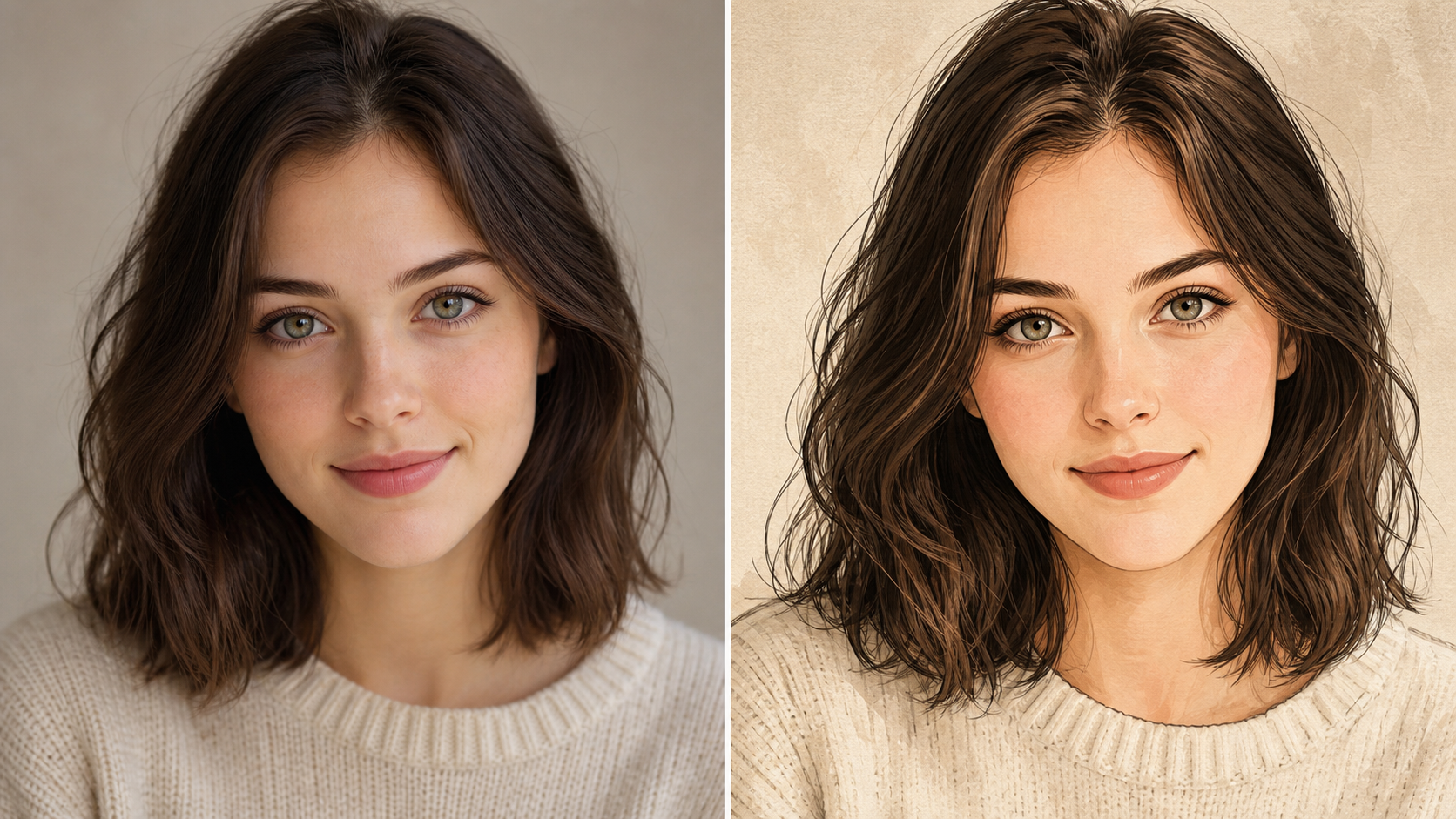
Portraits That Stay Recognizable
- Photo to Illustration can reinterpret selfies, headshots, couple photos, and family pictures as drawn artwork while preserving the person behind the upload.
- The Photo to Illustration Converter should keep facial structure, expression, hair silhouette, body pose, clothing, camera angle, and important background cues readable.
- Use Photo to Illustration when a portrait needs a softer, more creative finish for avatars, keepsakes, invitations, creator profiles, or visual concepts.
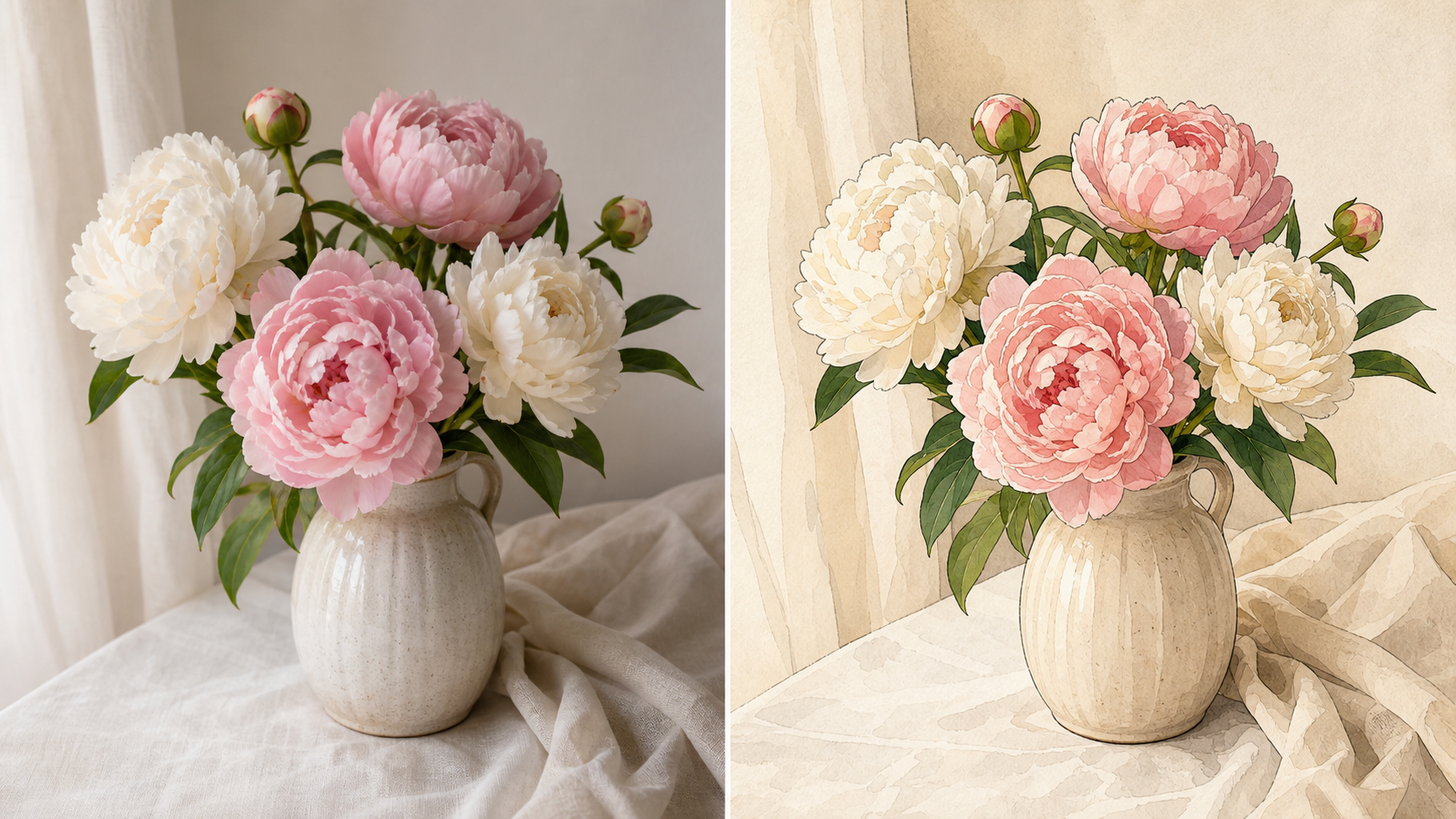
Clean Lines, Color, and Simplified Detail
- Photo to Illustration can turn shadows, fabric, foliage, product edges, rooms, and skies into cleaner shapes with controlled outlines and balanced color.
- Photo to Illustration AI should feel like a real medium shift, not a harsh overlay, generic blur, or unrelated redrawing of the scene.
- Use Photo to Illustration when you want a clear subject, a polished illustrated surface, and a result that still respects the uploaded image.
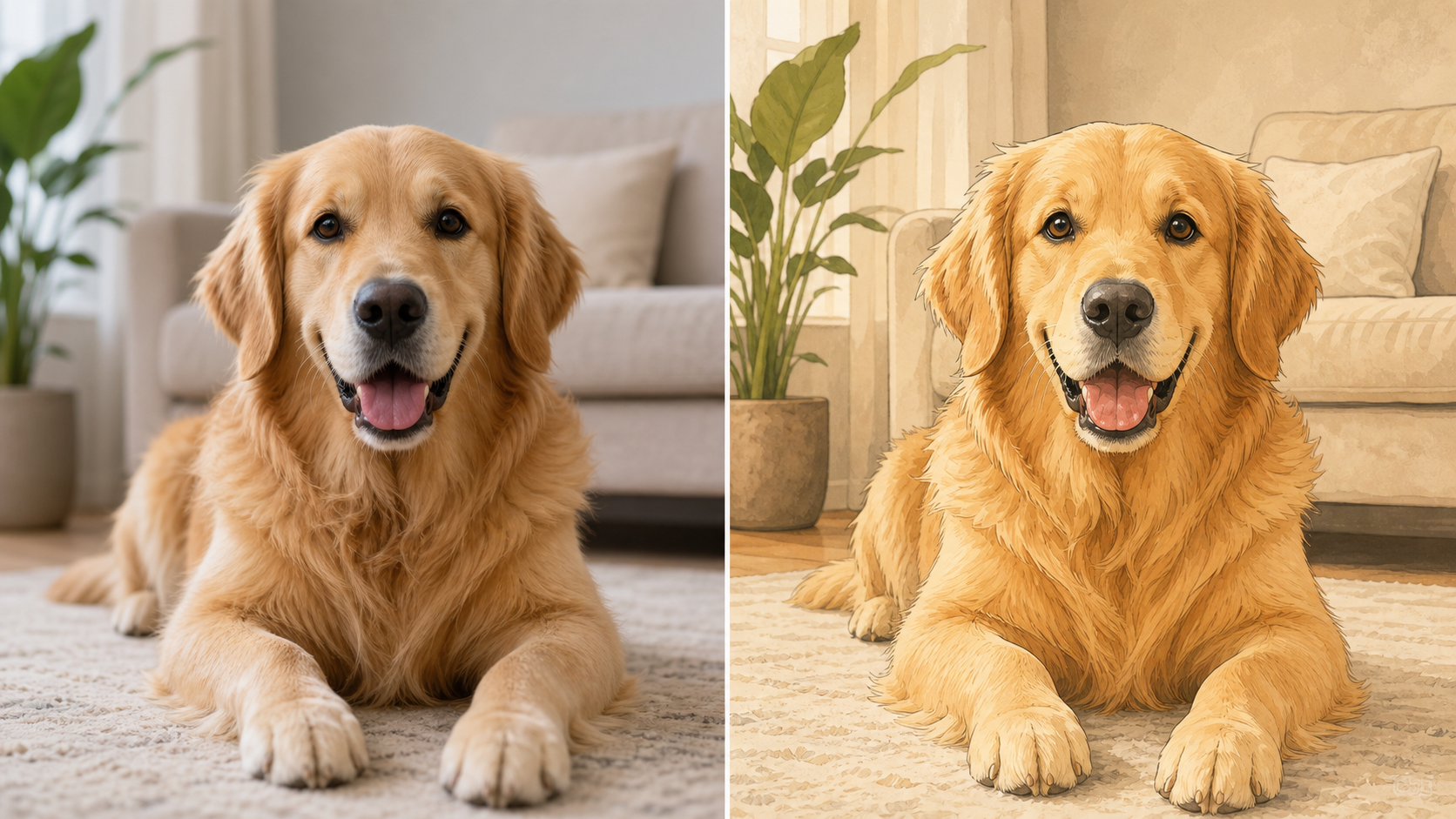
Illustrations for People, Pets, Places, and Products
- Photo to Illustration is not limited to portraits. It can reinterpret pet photos, storefronts, food images, interiors, flowers, product shots, vehicles, and travel scenes.
- A strong Photo to Illustration Converter result keeps the subject silhouette, meaningful colors, and scene layout while simplifying busy areas into readable artwork.
- Choose Photo to Illustration when ordinary images need a personal, giftable, editorial, or concept-ready illustrated finish.
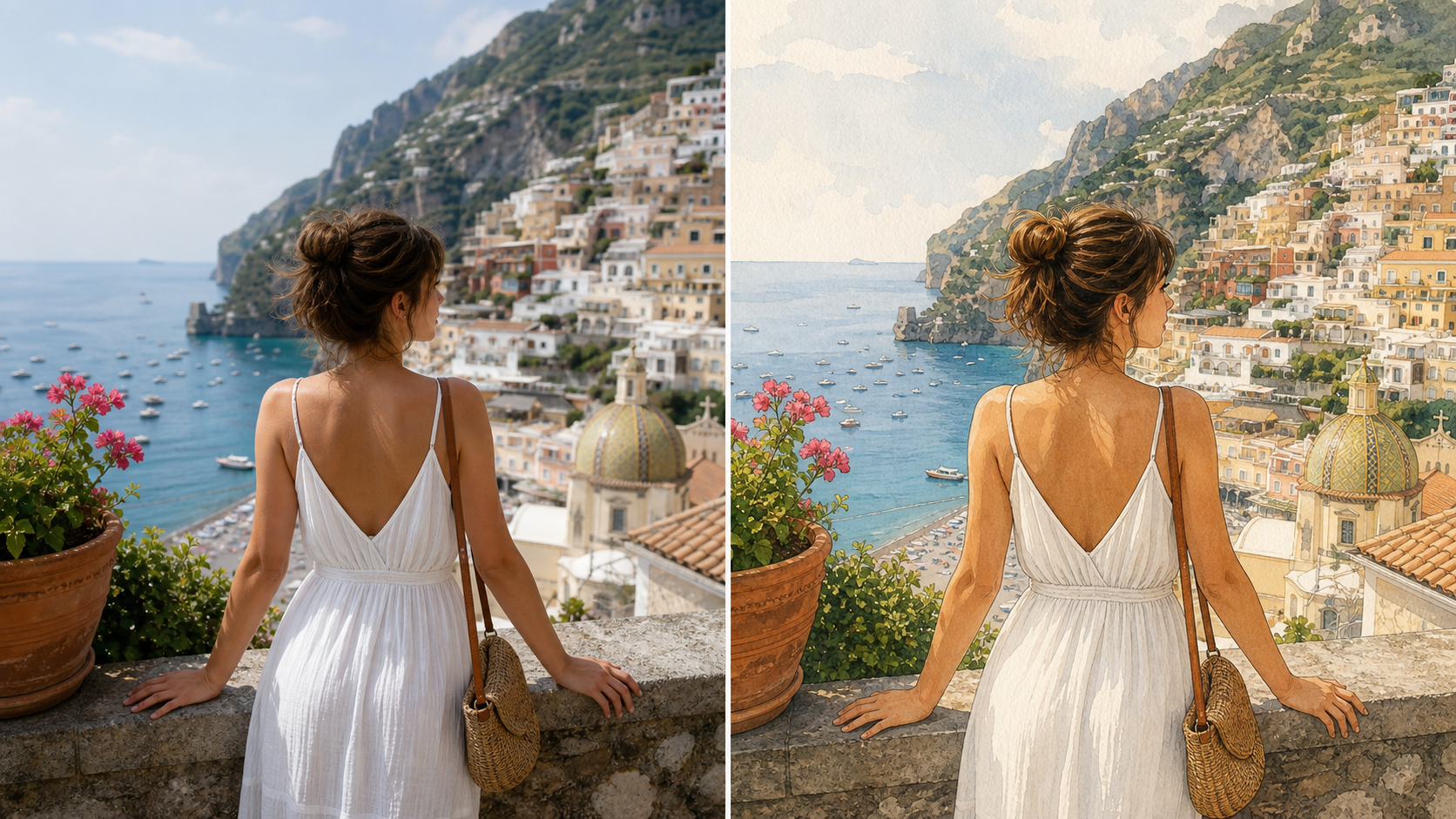
Creative Direction From Existing Photos
- Photo to Illustration gives designers, educators, sellers, creators, and hobbyists a practical way to test an illustration direction from real source material.
- Photo to Illustration AI can support thumbnails, lesson material, presentation visuals, mood boards, early campaign drafts, and personalized art concepts.
- Use Photo to Illustration before commissioning, redrawing, or rebuilding a scene by hand, especially when stakeholders need a visual option to review.
Why Choose Photo to Illustration Converter
Photo to Illustration is practical for creators who want recognizable photo edits with a drawn surface. Photo to Illustration supports portraits, pets, products, travel scenes, educational visuals, social content, gifts, and early creative references.

Create Portrait Art With More Character
A portrait can feel more memorable when it looks illustrated rather than purely photographic. Photo to Illustration can turn a clear face image into artwork with cleaner edges, expressive color, and a more intentional surface. Use Photo to Illustration for creator avatars, profile refreshes, couple art, family keepsakes, and gift concepts where recognition still matters.

Make Pet and Family Photos More Giftable
Pet and family photos often carry personality through eyes, posture, clothing, and small details. Photo to Illustration Converter output can reinterpret those moments as drawn keepsake art while keeping the story readable. Use the workflow for framed previews, cards, social posts, custom merchandise concepts, and personal galleries that need a warmer visual finish.

Turn Travel Shots Into Story Artwork
Travel scenes, gardens, skylines, rooms, and street photos can become more expressive when simplified into illustration. Photo to Illustration keeps major perspective, lighting direction, and subject placement while reducing clutter into cleaner shapes. Use the transformation for trip albums, editorial headers, scenic references, wall-art concepts, and mood boards with a storybook feel.

Build Product and Campaign Concepts
Product photos, packaging studies, food shots, and lifestyle images can feel more distinctive after an illustrated treatment. Photo to Illustration AI can help teams test a drawn direction without starting from a blank canvas. Use it for campaign sketches, presentation drafts, social content ideas, product storytelling, and early visual exploration before final design work.

Support Lessons and Visual Explanations
Illustrations can make a scene easier to discuss because lines, color groups, and simplified shapes draw attention to what matters. Photo to Illustration can help teachers, students, and presenters transform ordinary images into clearer visual references for examples, worksheets, slides, annotations, and creative studies where photographic noise gets in the way.

Explore Style Before Redrawing by Hand
Designers and artists often need quick visual options before spending time on a final illustration. Photo to Illustration Converter results can reveal which shapes, colors, and details still define the subject after simplification. Use Photo to Illustration to compare directions, gather feedback, and decide whether a photo should become a refined drawing.
What Users Say About Photo to Illustration AI
Creators use Photo to Illustration for portraits, pet art, travel scenes, lessons, product concepts, and social visuals. Photo to Illustration gives them illustrated results without abandoning the uploaded image or review workflow.
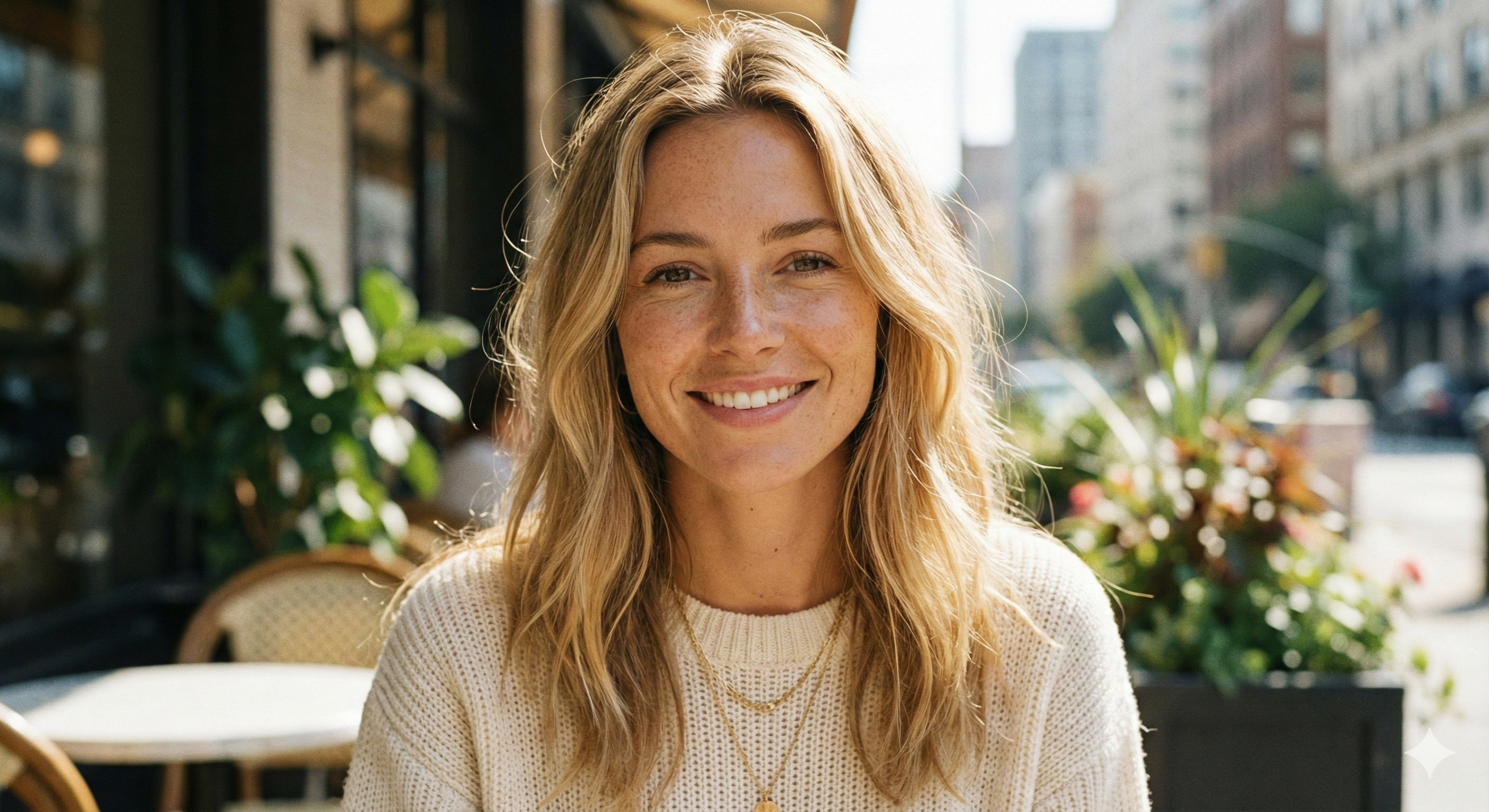
Photo to Illustration helped me turn a plain profile photo into artwork that still looked like the person in the upload. The line quality made the portrait feel more designed, and the Photo to Illustration Converter gave me a strong direction before I built the final creator layout.
Photo to Illustration helped me turn a plain profile photo into artwork that still looked like the person in the upload. The line quality made the portrait feel more designed, and the Photo to Illustration Converter gave me a strong direction before I built the final creator layout.
I used Photo to Illustration for pet keepsake previews, and the results were easier for customers to imagine as framed art. The illustrated finish kept each animal recognizable while making the concept feel more personal. It helped me show options before committing to a final printed design.
I used Photo to Illustration for pet keepsake previews, and the results were easier for customers to imagine as framed art. The illustrated finish kept each animal recognizable while making the concept feel more personal. It helped me show options before committing to a final printed design.
Photo to Illustration became useful for travel storyboards because it changed ordinary snapshots into a consistent drawn mood. The scene layout stayed clear, but the simplified color and edges made the images easier to place together on a concept board for review.
Photo to Illustration became useful for travel storyboards because it changed ordinary snapshots into a consistent drawn mood. The scene layout stayed clear, but the simplified color and edges made the images easier to place together on a concept board for review.
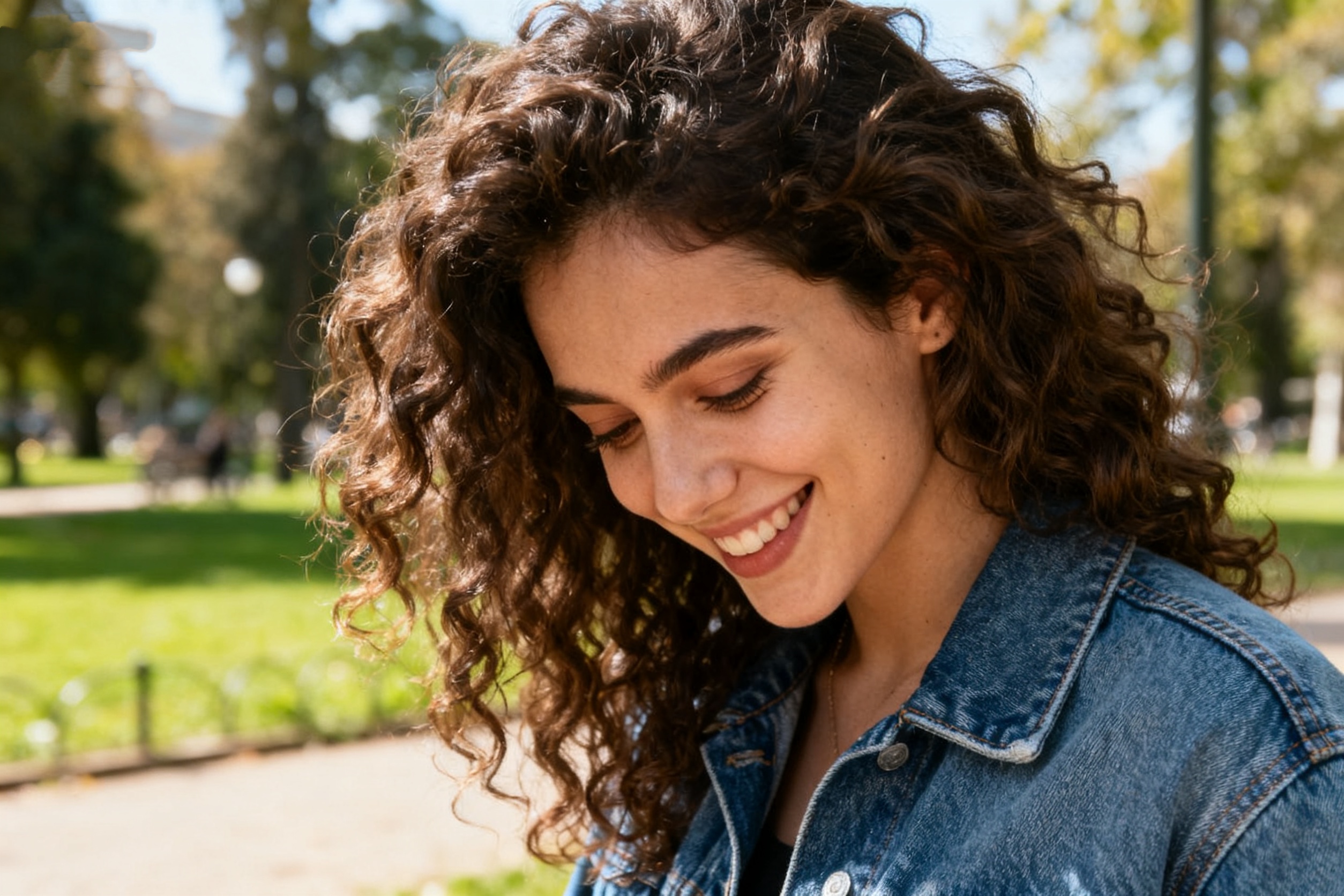
Photo to Illustration AI helped my class compare photographic detail with illustrated simplification. Students could see which shapes, shadows, and colors mattered most, then use the result as a starting reference for their own studies. It made critiques more concrete and easier to follow.
Photo to Illustration AI helped my class compare photographic detail with illustrated simplification. Students could see which shapes, shadows, and colors mattered most, then use the result as a starting reference for their own studies. It made critiques more concrete and easier to follow.
The Photo to Illustration Converter gave our product images a cleaner editorial style for early campaign mockups. We did not need final artwork yet; we needed a fast visual test that kept the product clear while giving it illustrated character. It helped stakeholders compare tone quickly.
The Photo to Illustration Converter gave our product images a cleaner editorial style for early campaign mockups. We did not need final artwork yet; we needed a fast visual test that kept the product clear while giving it illustrated character. It helped stakeholders compare tone quickly.
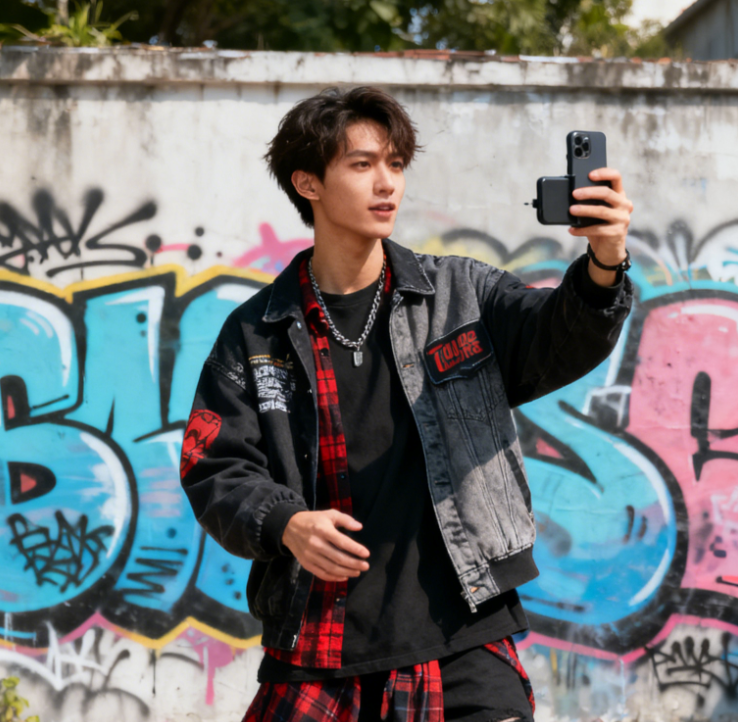
I like using Photo to Illustration when a photo feels too literal for a post. The illustrated treatment makes the image feel more intentional, but the finished result still feels tied to the moment I captured. It is useful for posts that need a softer visual voice.
I like using Photo to Illustration when a photo feels too literal for a post. The illustrated treatment makes the image feel more intentional, but the finished result still feels tied to the moment I captured. It is useful for posts that need a softer visual voice.


FAQs About Photo to Illustration Converter
These answers explain how Photo to Illustration works, which images suit it, and how Photo to Illustration can help creators turn uploaded pictures into recognizable illustrated artwork before editing begins.
Photo to Illustration is an image transformation workflow that turns an uploaded picture into illustration-style artwork. Instead of creating an unrelated image from text alone, it uses your source photo as the foundation. The model studies the subject, composition, color, lighting, and background context, then creates a drawn version with cleaner lines, simplified shapes, and recognizable visual structure for practical creative reuse.
Photo to Illustration works best with images that have a clear subject, balanced exposure, and enough visible detail for the model to understand forms and edges. Portraits, pets, flowers, buildings, food, rooms, products, and landscapes can all work well. Very dark, blurry, crowded, or heavily cropped images may still transform, but cleaner inputs usually create cleaner illustration results and more predictable outcomes.
The Photo to Illustration Converter should preserve the main subject, identity when a person is present, pose, camera angle, clothing, object shape, scene layout, and important background cues. It changes the visual medium and surface, not the core meaning of the upload. A good result should look illustrated while still feeling clearly based on the original photo throughout the transformation.
Photo to Illustration AI usually simplifies small photographic details, clarifies shapes, introduces drawn edges, and creates a more intentional art surface. It may soften clutter or reduce noisy background texture so the subject reads more clearly. The goal is not to erase the photo, but to reinterpret it as illustration while keeping the scene, subject, and user intent understandable across the finished artwork.
Use Photo to Illustration when a normal photo feels too literal for a creative project. It can help with profile art, gift previews, pet portraits, travel memories, wall-art concepts, social posts, mood boards, classroom studies, and early design direction. It is most useful when you want a recognizable subject with a more polished, drawn visual tone without starting from blank.
For a better result, choose a source image with readable edges, clean lighting, and a subject that is not buried in clutter. If the first output feels too busy, try a simpler crop or a picture with stronger contrast. Small input improvements can make the final lines, color groups, and subject structure easier to read after conversion in the finished artwork.
Use the Photo to Illustration Converter when you already have a person, pet, place, product, or object you want to keep. It can help you explore an illustrated direction before making posters, cards, gifts, social graphics, lesson visuals, or campaign drafts. Review the result carefully and combine it with your own design workflow for final materials before production safely begins.
Create Your Illustration From a Photo
Upload a clear image and use Photo to Illustration AI to create a polished illustrated version that keeps the original subject, scene, and creative intent easy to recognize for profiles, gifts, campaigns, lessons, and visual exploration.
