
AI Image Tools
Everything You Need to Edit Photos Faster
Open the PicEditor AI tools library for background removal, photo enhancement, object cleanup, face swap, upscaling, and more focused image workflows.
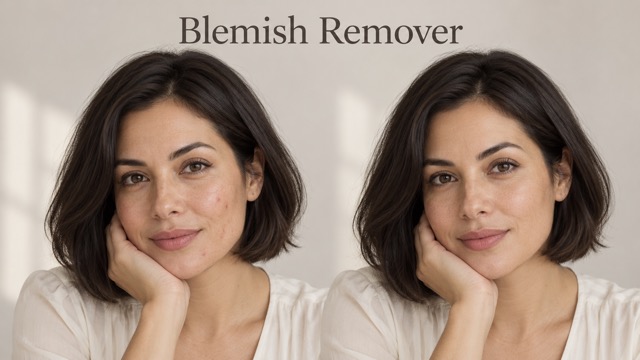
AI Blemish Remover
FLUX 3 Image Klein
Ideogram 4.5

AI Portrait Retouching

Snatched Waist Editor

AI Facial Expression Changer

AI Texture Generator

AI Nose Piercing Filter

Replace Object in Photo Online

Add Object to Photo

Eyeliner Filter

AI Bust Down Filter

Image Splitter

Add White Background to Photo

Snapchat Text Remover

Realistic AI Skin Generator

Add speech bubble to photo

Change Photo Background

AI Clothes Wrinkle Remover

AI LinkedIn Profile Picture

GPT Transparent BG Image Editor

Image to Layers

3D Angle Editor
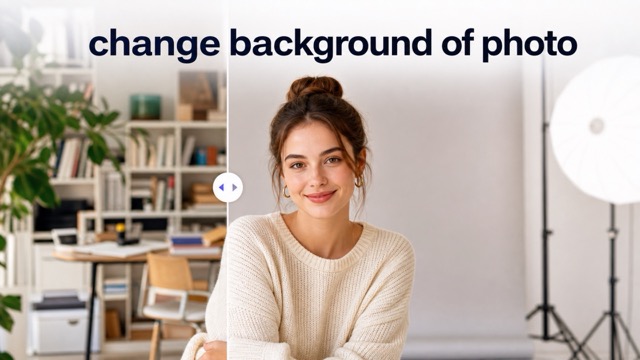
Change Background of Photo
Photo to Silhouette for Clean Silhouette Art
Upload a picture and use Photo to Silhouette to turn the main subject into a crisp, high-contrast silhouette.
Photo to Silhouette helps you convert an uploaded image into bold silhouette artwork while keeping the subject's outline recognizable. Use Photo to Silhouette for portraits, pets, products, profile visuals, gift concepts, and clean design references.
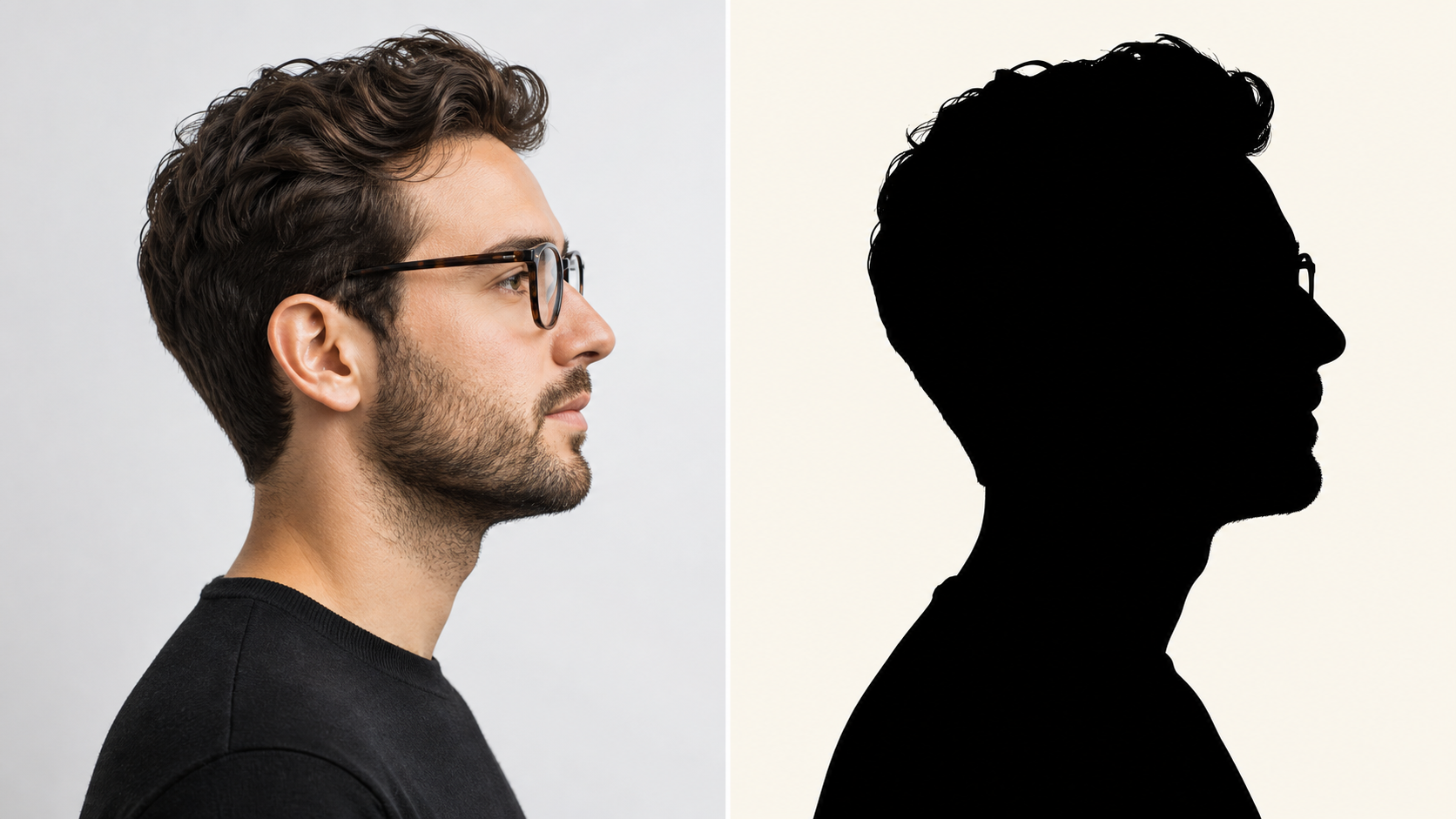
How to Use Photo to Silhouette
Photo to Silhouette keeps the workflow direct: upload an image, let AI isolate the subject shape, and review the finished silhouette. The AI Silhouette Maker turns a complex photo into a simpler graphic statement.

Upload a Clear Source Photo
Choose a photo with a visible subject, readable edges, and enough contrast to guide the transformation. Photo to Silhouette works from the image you provide, so a profile portrait, standing pose, pet picture, product shot, or simple scene gives the silhouette model a strong starting shape.

Let AI Find the Main Shape
Start the conversion and let the model identify the important foreground form. Photo to Silhouette focuses on the subject's contour, posture, negative space, and defining details. The Photo to Silhouette Converter reduces busy photographic texture into a clear graphic result without asking you to trace every edge manually.

Review the Silhouette Result
Compare the source image with the transformed version and decide whether the shape communicates the person, pet, object, or scene clearly. Photo to Silhouette gives you a clean visual foundation for decor, social graphics, craft references, profile artwork, and design mockups. Use Photo to Silhouette when the outline matters more than photographic detail.
What Photo to Silhouette Can Help You Make
Photo to Silhouette turns uploaded images into clean, subject-first graphics. From portraits and pets to objects and decor concepts, the AI Silhouette Maker helps you focus attention on shape, balance, and instant recognition.
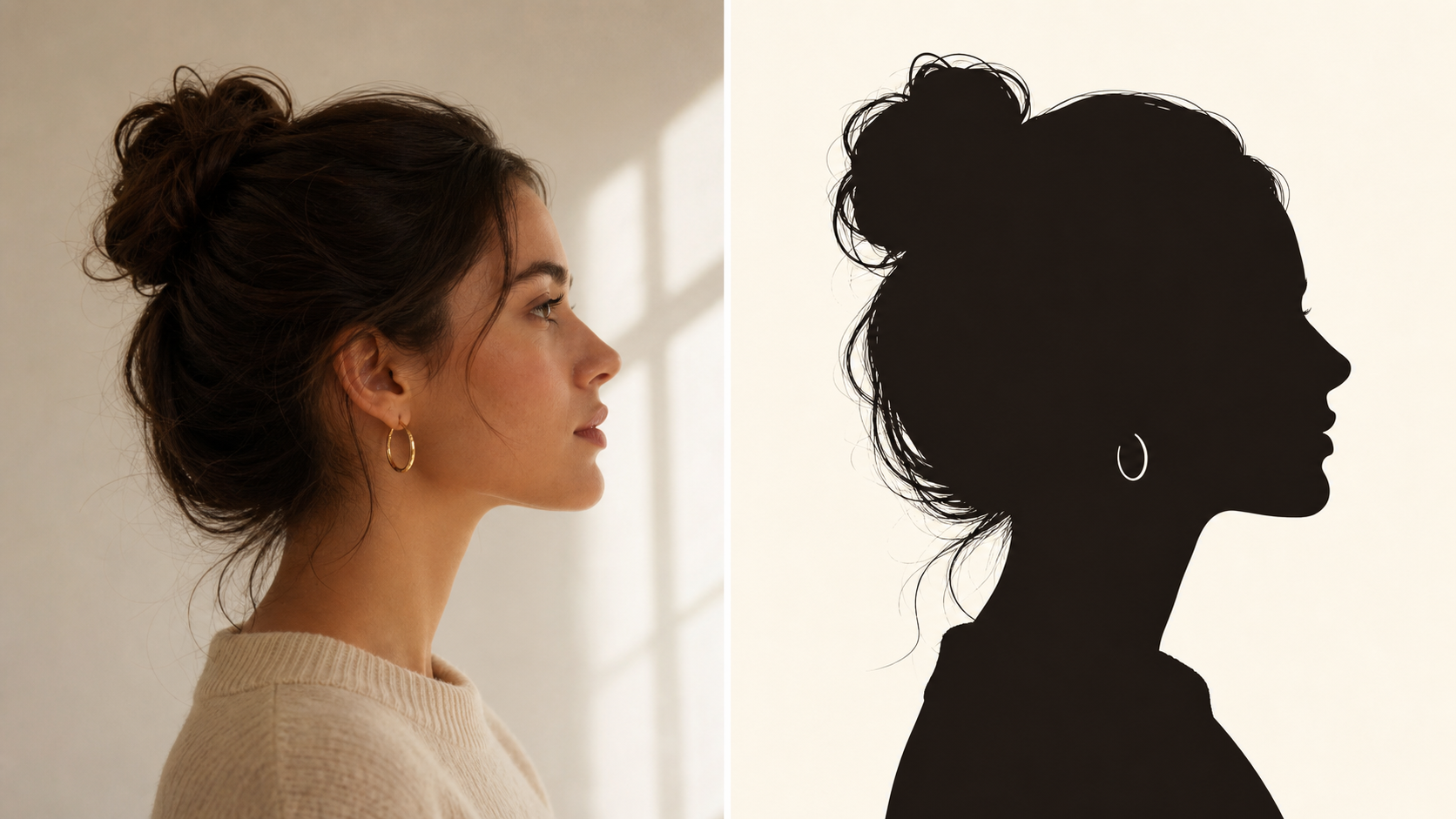
Create Recognizable Portrait Silhouettes
A strong portrait silhouette depends on profile, hair shape, shoulder line, and posture. Photo to Silhouette interprets those visual cues from the uploaded photo, creating a dark, readable subject shape that still feels connected to the original person. Use the AI Silhouette Maker for profile pictures, keepsake artwork, invitations, and simple visual identities where recognition comes from contour rather than facial detail.
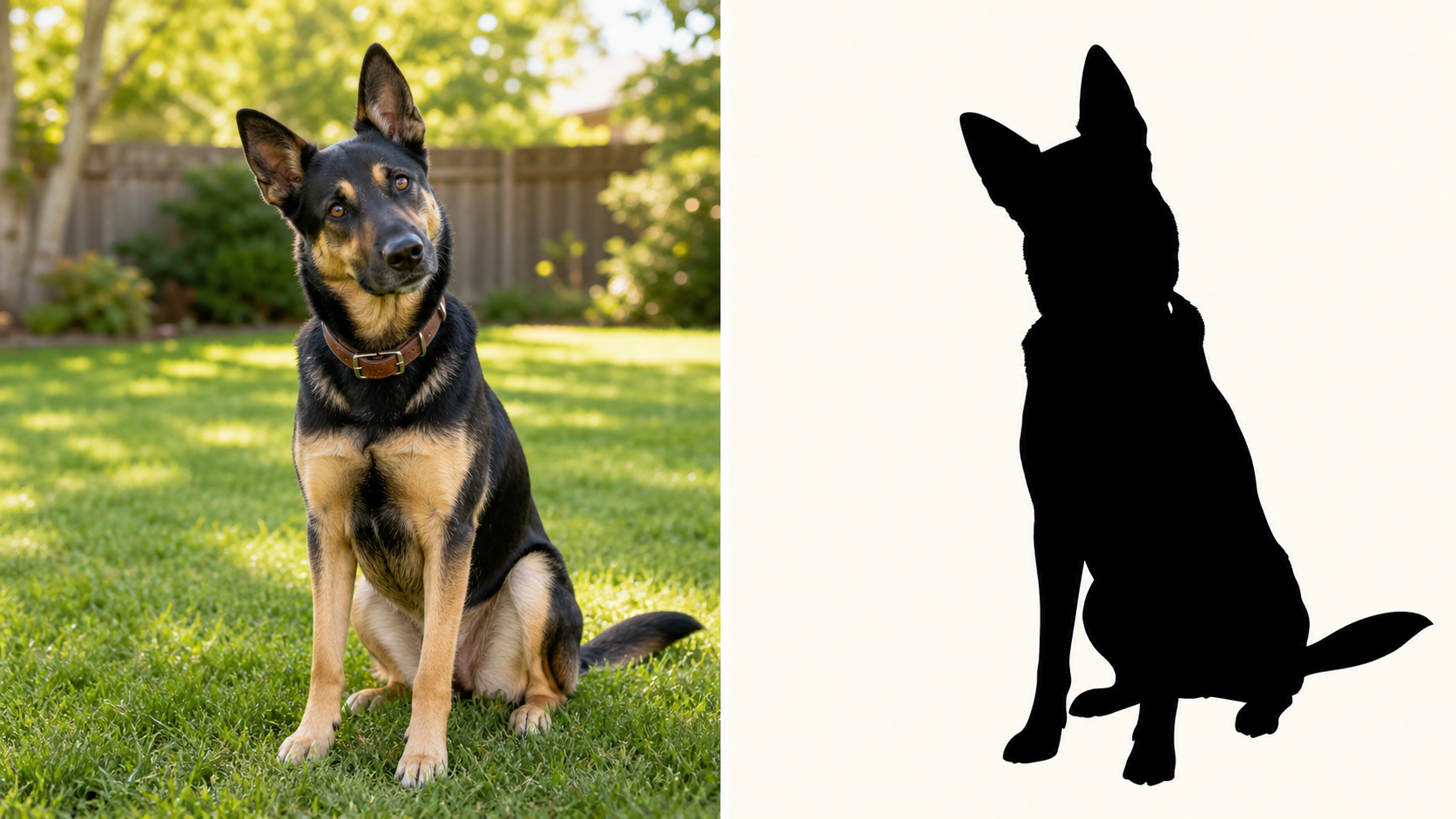
Turn Pet Photos Into Minimal Silhouette Art
Pet images often have memorable shapes: pointed ears, curled tails, long whiskers, or a favorite sitting pose. Photo to Silhouette turns those details into compact graphic artwork while removing distracting photographic texture. The Photo to Silhouette Converter can help transform a dog, cat, horse, bird, or small animal photo into a clean visual reference for gifts, stickers, and framed art.
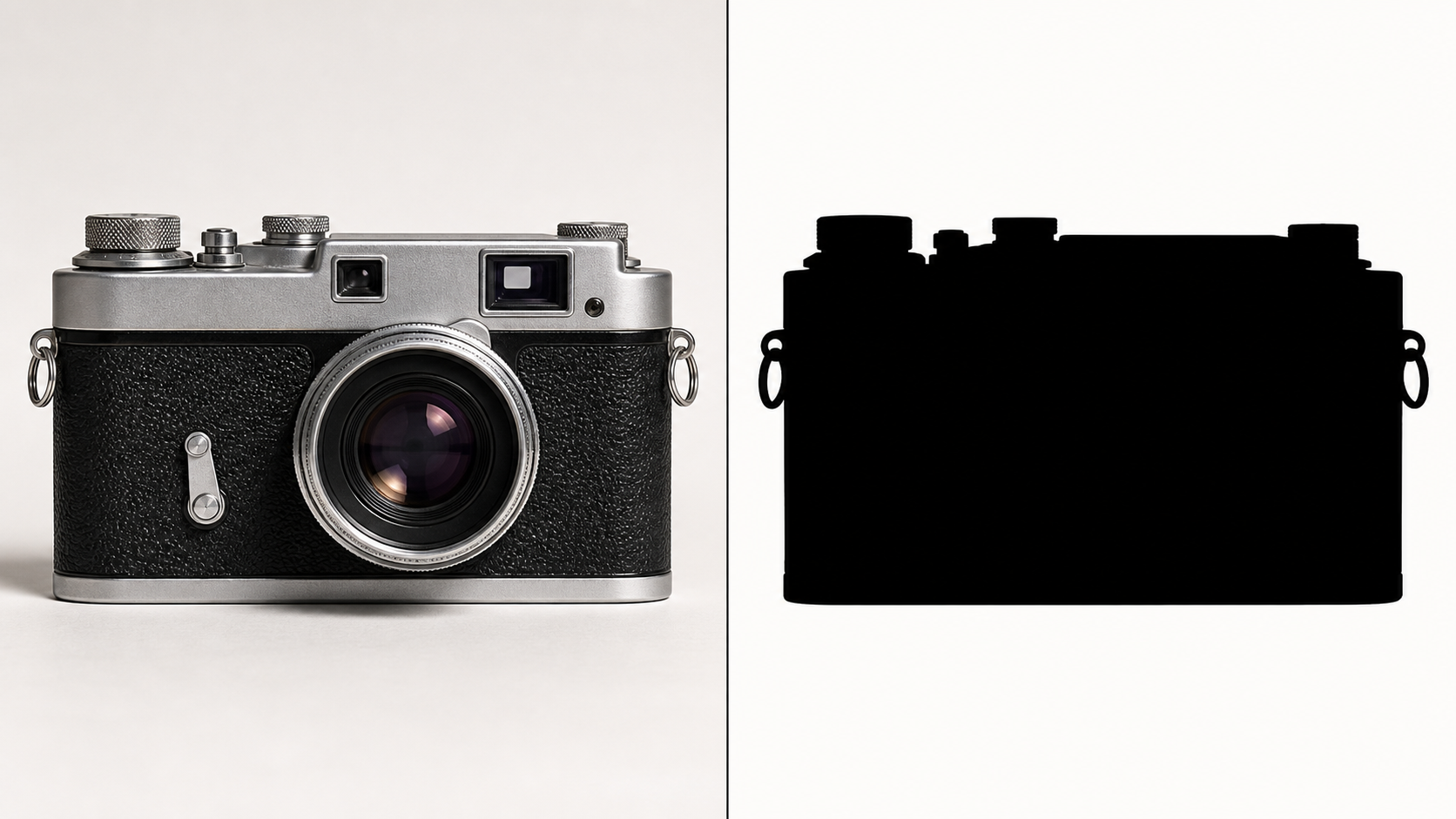
Simplify Objects, Products, and Brand Shapes
Some images work best when color and texture are removed. Photo to Silhouette helps reduce a product, tool, plant, vehicle, or keepsake object to its clearest outer form. That makes the tool useful for mood boards, layout tests, simple brand studies, craft references, and concept visuals where a readable outline communicates faster than a detailed photograph. It supports quick shape comparisons.
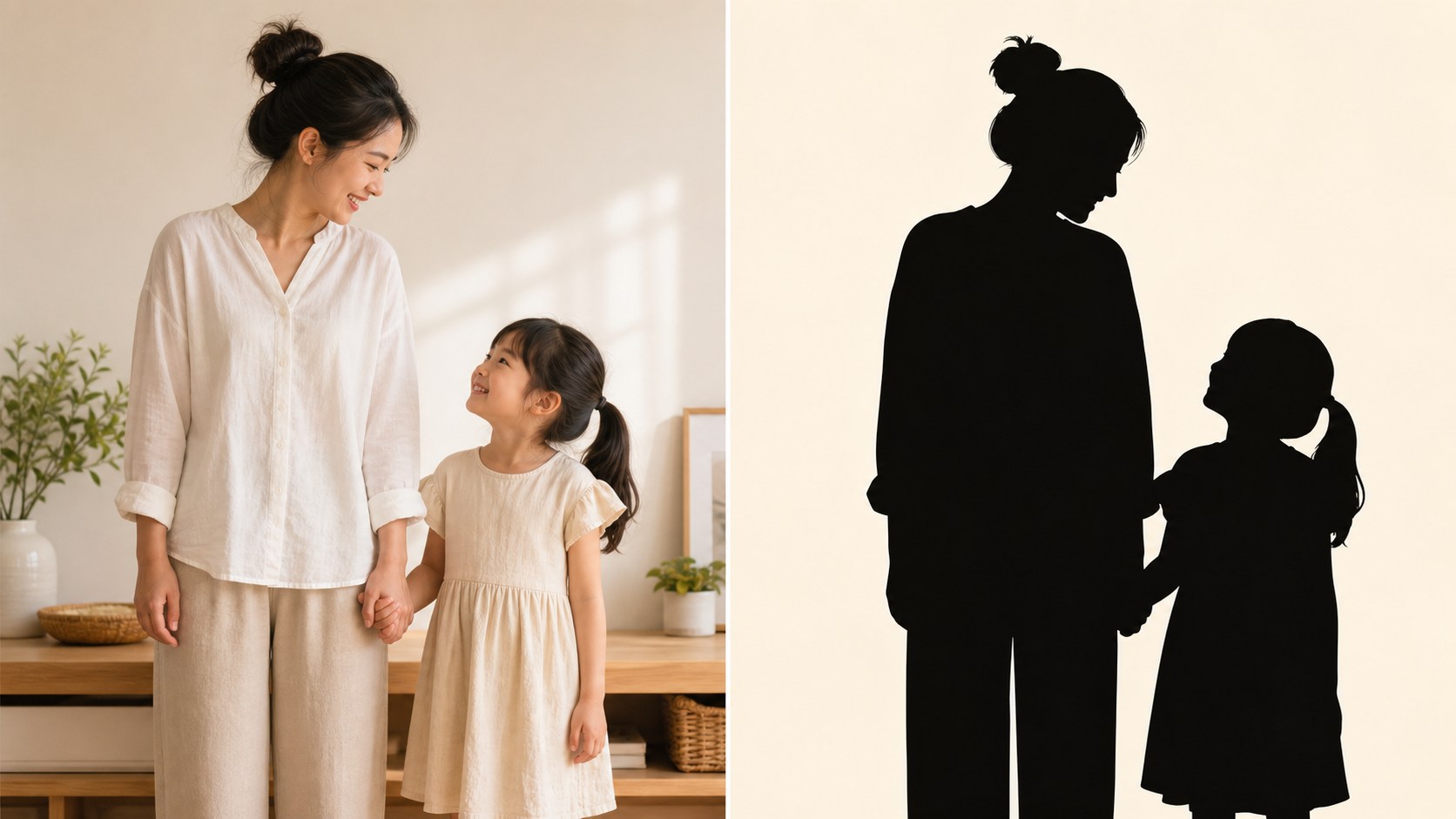
Build Clean Visuals for Crafts and Decor
Silhouettes are useful because they stay clear at a glance. Photo to Silhouette can turn a personal photo into a shape-based design reference for wall art, cards, scrapbooks, school projects, event graphics, or custom gift ideas. The Photo to Silhouette Converter keeps the source subject central while giving you a simpler composition that is easier to place in a broader design.
Why Choose Photo to Silhouette for Shape-First Design
Photo to Silhouette is built for moments when shape matters more than texture. The AI Silhouette Maker helps you create clear visual references from photos while keeping the original subject's identity readable.

Make Profile and Avatar Concepts
Photo to Silhouette gives portraits a distinct identity without relying on facial detail. A profile shape, hairstyle, hat, glasses, or posture can become the visual signature. Use Photo to Silhouette when you want an avatar concept, community image, or personal mark that feels recognizable but more graphic than a standard photo.

Create Personal Gifts and Keepsakes
A silhouette can make a familiar photo feel timeless. Photo to Silhouette helps turn family portraits, couple photos, children, pets, or meaningful objects into clean artwork for gift planning and sentimental projects. The AI Silhouette Maker emphasizes the outline that makes the subject special, giving everyday images a quieter, more designed presentation.

Plan Stickers, Cards, and Event Graphics
Many small-format designs need a shape that reads quickly. Photo to Silhouette can help you test whether a person, pet, object, or scene will remain legible when simplified. Use Photo to Silhouette for greeting card concepts, party visuals, sticker ideas, classroom projects, and other graphics that benefit from a bold outline.
Turn Product Photos Into Simple Forms
Product and object images can become easier to evaluate when reduced to shape. Photo to Silhouette removes surface detail from the conversation and highlights proportions, negative space, and overall recognizability. The Photo to Silhouette Converter is useful when you need a clean reference for layouts, thumbnails, packaging studies, or presentation visuals.

Explore Minimal Creative Direction
Minimal design often starts by asking whether a subject works as a shape. Photo to Silhouette gives you a fast way to explore that question with real source images. The conversion turns a detailed photo into a bolder reference, helping you decide whether the contour alone can carry the concept.

Prepare Visual References for Designers
Design conversations move faster when the subject's shape is easy to see. Photo to Silhouette can provide a simplified reference before a designer redraws, refines, or adapts the idea. Use Photo to Silhouette to communicate the intended pose, object profile, or pet outline without forcing others to interpret the full photograph.
How People Use Photo to Silhouette
Photo to Silhouette helps creators, families, marketers, and hobbyists turn familiar photos into clear shape-based visuals. The Photo to Silhouette Converter gives each project a focused graphic starting point quickly.
I used Photo to Silhouette on a side-profile photo of my daughter and immediately saw why the outline mattered. The result felt simple, personal, and easy to imagine as wall art. It also helped me explain the idea to my partner before choosing a final display style. Photo to Silhouette gave me a clean keepsake concept without making me redraw anything.
I used Photo to Silhouette on a side-profile photo of my daughter and immediately saw why the outline mattered. The result felt simple, personal, and easy to imagine as wall art. It also helped me explain the idea to my partner before choosing a final display style. Photo to Silhouette gave me a clean keepsake concept without making me redraw anything.
The AI Silhouette Maker helped me turn a photo of our rescue dog into a bold shape for a custom card idea. The ears, posture, and collar line stayed recognizable. That made it easier to compare card layouts before committing to a final print direction. Photo to Silhouette made the design feel personal while keeping the final look minimal.
The AI Silhouette Maker helped me turn a photo of our rescue dog into a bold shape for a custom card idea. The ears, posture, and collar line stayed recognizable. That made it easier to compare card layouts before committing to a final print direction. Photo to Silhouette made the design feel personal while keeping the final look minimal.
I needed a graphic reference for a simple event poster, but the original photo was too busy. Photo to Silhouette stripped the image down to the subject's shape, which made the layout easier to judge. The simplified version also worked well when I needed a clean shape in a crowded poster grid. Photo to Silhouette helped me move from photo to design direction.
I needed a graphic reference for a simple event poster, but the original photo was too busy. Photo to Silhouette stripped the image down to the subject's shape, which made the layout easier to judge. The simplified version also worked well when I needed a clean shape in a crowded poster grid. Photo to Silhouette helped me move from photo to design direction.
The Photo to Silhouette Converter was useful for testing product shapes before I built a mockup. Seeing the object as a plain silhouette made weak proportions obvious. Photo to Silhouette turned a normal photo into something I could actually evaluate as a design element.
The Photo to Silhouette Converter was useful for testing product shapes before I built a mockup. Seeing the object as a plain silhouette made weak proportions obvious. Photo to Silhouette turned a normal photo into something I could actually evaluate as a design element.
I tried Photo to Silhouette with a photo from a hiking trip. The mountain, jacket, and walking pose became a graphic scene that still reminded me of the day. The AI Silhouette Maker made the image feel quieter and more intentional.
I tried Photo to Silhouette with a photo from a hiking trip. The mountain, jacket, and walking pose became a graphic scene that still reminded me of the day. The AI Silhouette Maker made the image feel quieter and more intentional.
Photo to Silhouette gave my craft project a starting point I could trust. I uploaded a photo, reviewed the shape, and used the result as inspiration for a handmade card. Photo to Silhouette helped me keep the personal subject without the clutter of the original picture.
Photo to Silhouette gave my craft project a starting point I could trust. I uploaded a photo, reviewed the shape, and used the result as inspiration for a handmade card. Photo to Silhouette helped me keep the personal subject without the clutter of the original picture.


FAQs About Photo to Silhouette
Learn how Photo to Silhouette turns uploaded images into clean subject shapes, which source photos work best, and how the AI Silhouette Maker supports portraits, pets, objects, and creative references.
Photo to Silhouette converts an uploaded image into a simplified silhouette-style result. Instead of preserving every color, shadow, and texture from the original photo, it focuses on the subject's outer contour and readable shape. The goal is a clean graphic interpretation that still feels tied to the source image, making Photo to Silhouette useful for portraits, pets, objects, and design references.
The best source photos have a clearly visible subject, enough contrast around important edges, and a pose that can be understood from shape alone. Side-profile portraits, standing figures, pets with distinctive ears or tails, and objects with recognizable outlines are strong choices. Photo to Silhouette can still work with varied images, but a cleaner source gives the model more useful visual information.
You can use a Photo to Silhouette result for profile concepts, personal keepsakes, wall art ideas, social graphics, sticker planning, event visuals, craft references, and design direction. The output is especially useful when you want a subject to read quickly without photographic detail. Photo to Silhouette works well as an early starting point for minimal compositions and shape-first creative projects.
A silhouette can work for one person, a couple, a family, or a pet group when the shapes remain readable. Crowded group photos may become harder to understand because overlapping bodies create complex outlines. For stronger results, use Photo to Silhouette with subjects that have separation, clear poses, and enough spacing for the AI Silhouette Maker to preserve the important shapes.
A profile photo often creates a strong silhouette because the nose, forehead, hair, chin, shoulders, and posture make the person easier to recognize from the side. Front-facing images can also work, especially when clothing, hair, or pose adds visual identity. Photo to Silhouette can help you test both approaches and decide which outline best communicates the subject at a glance.
Start with a photo where the subject is not hidden by heavy clutter, harsh blur, or confusing overlap. Simple backgrounds and strong lighting can make the outline easier to read. If the first result feels unclear, try Photo to Silhouette again with a tighter crop, a stronger profile, or a photo where the subject is clearly separated from the background.
Try Photo to Silhouette Today
Upload a photo and let Photo to Silhouette turn the subject into a clean, high-contrast shape. Start with a portrait, pet, object, or scene and create a graphic result today.
