
AI Image Tools
Everything You Need to Edit Photos Faster
Open the PicEditor AI tools library for background removal, photo enhancement, object cleanup, face swap, upscaling, and more focused image workflows.
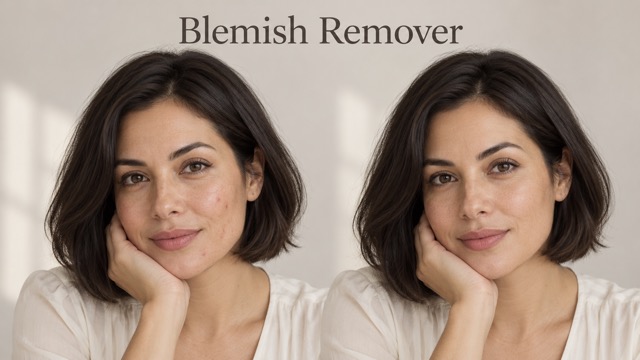
AI Blemish Remover
FLUX 3 Image Klein
Ideogram 4.5
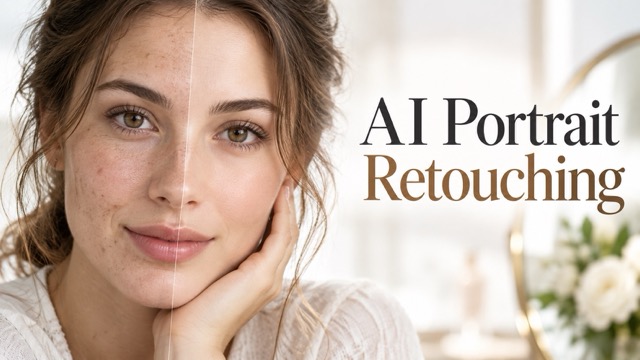
AI Portrait Retouching
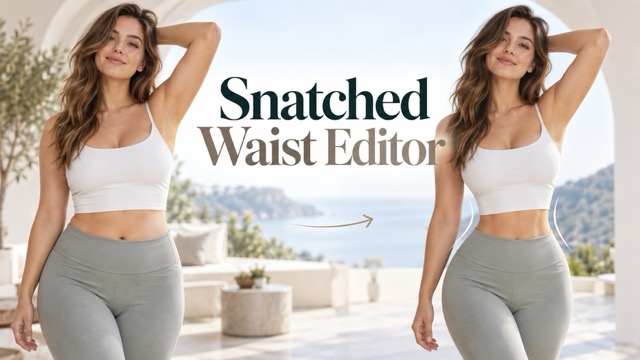
Snatched Waist Editor
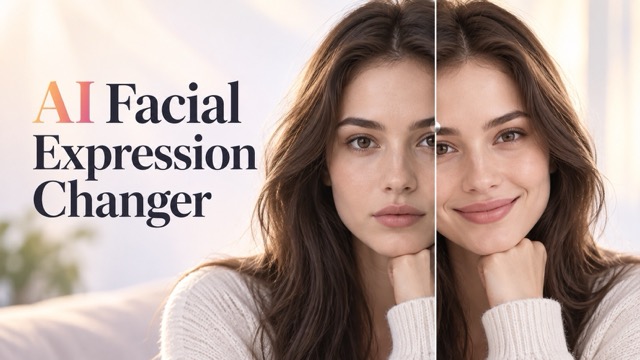
AI Facial Expression Changer
AI Texture Generator
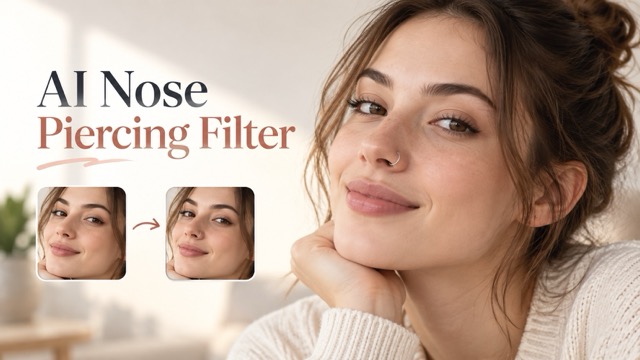
AI Nose Piercing Filter
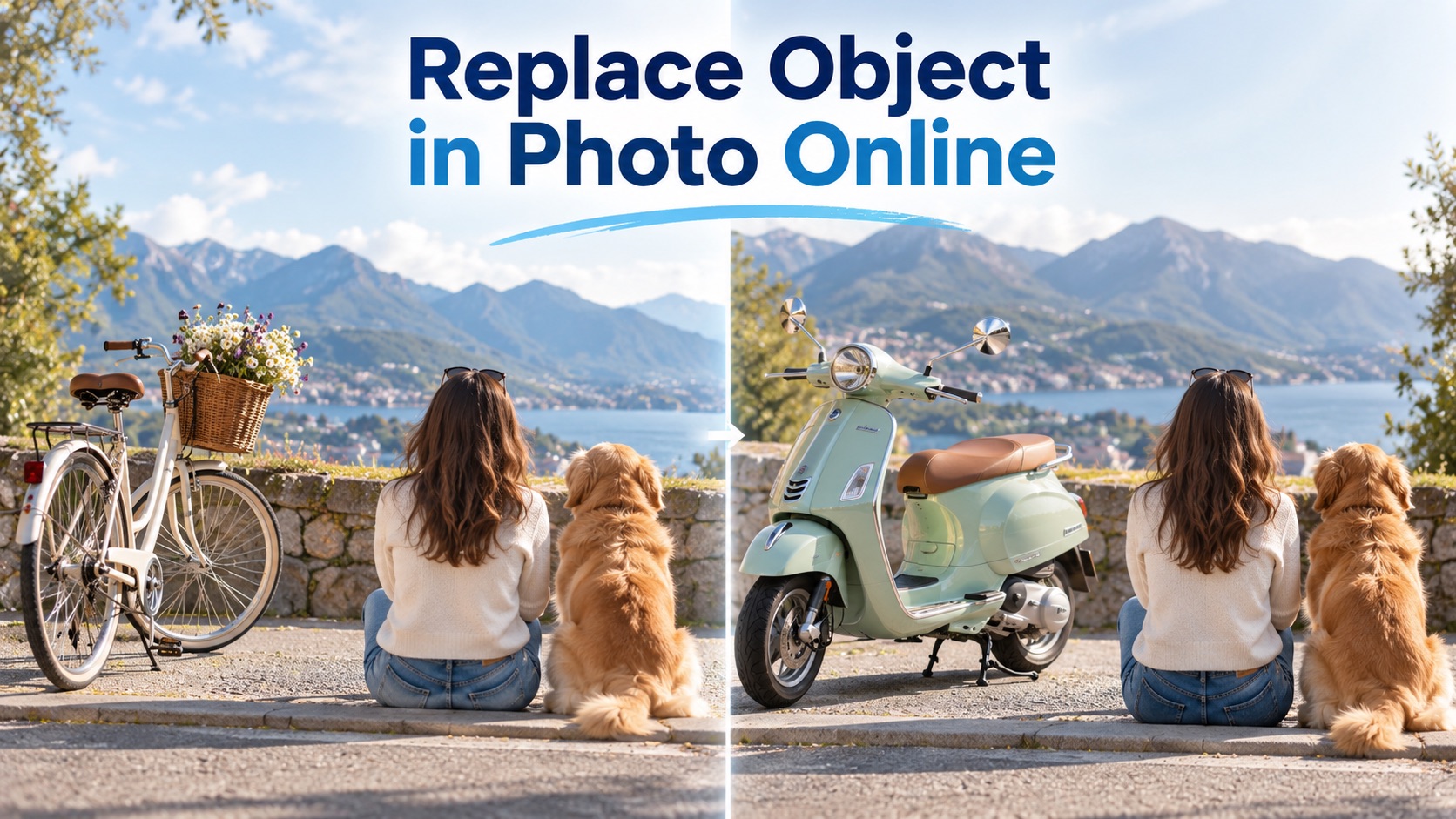
Replace Object in Photo Online
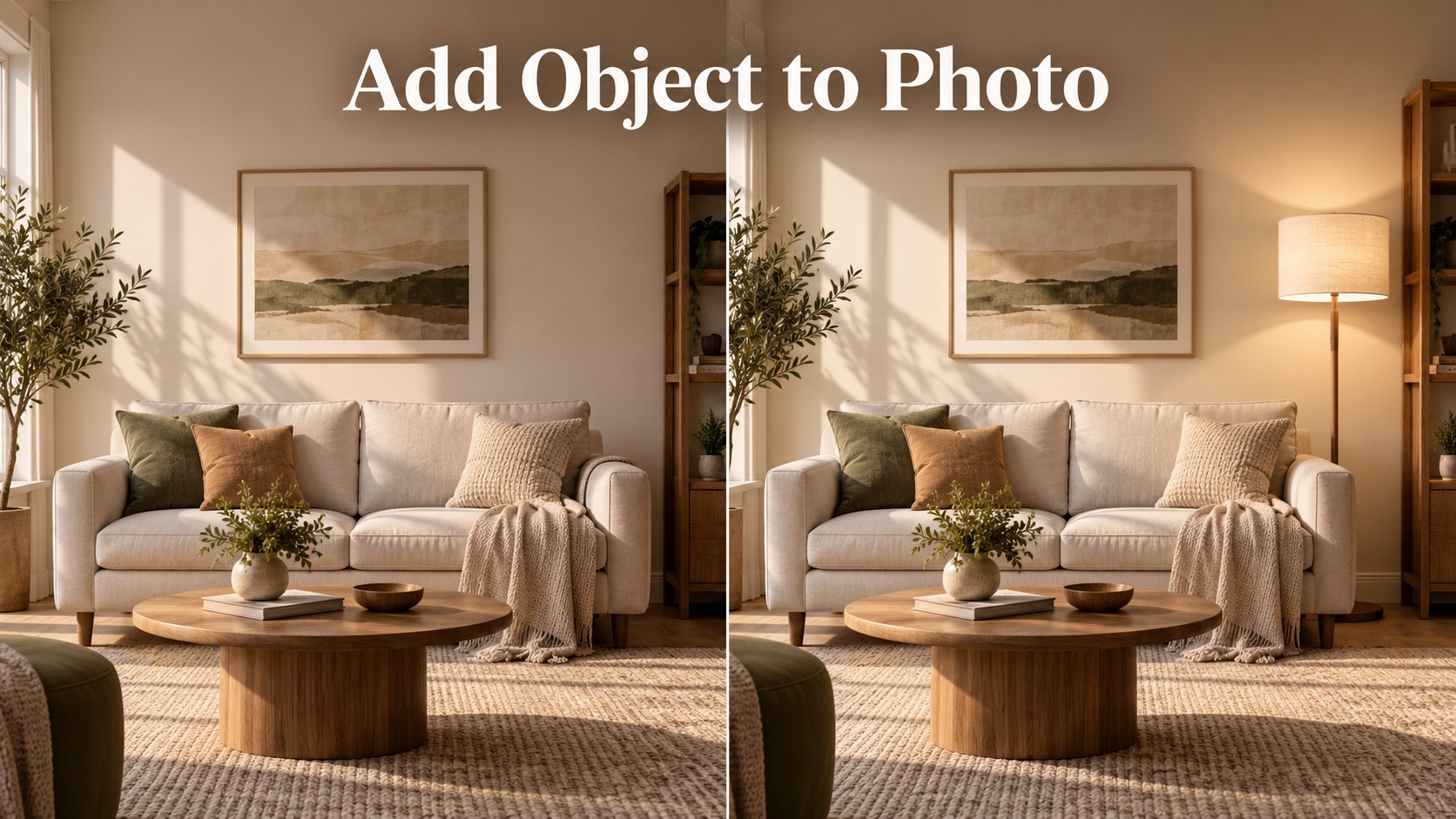
Add Object to Photo

Eyeliner Filter

AI Bust Down Filter

Image Splitter

Add White Background to Photo

Snapchat Text Remover

Realistic AI Skin Generator

Add speech bubble to photo

Change Photo Background

AI Clothes Wrinkle Remover

AI LinkedIn Profile Picture

GPT Transparent BG Image Editor

Image to Layers

3D Angle Editor

Change Background of Photo
Pic Editor AI: Free AI Photo Editor Online for Prompt-Based Image Editing
Upload a photo, describe the change you want, and generate a clean edited image in seconds with Pic Editor AI.
Pic Editor AI helps anyone edit a picture with simple instructions. Use this AI photo editor to remove distractions, change backgrounds, improve details, or transform a style without learning complicated controls. Pic Editor AI is designed for prompt-based editing, so each request becomes a direct visual change. The AI photo editor is made for quick edits, realistic fixes, and prompt-guided visual changes.
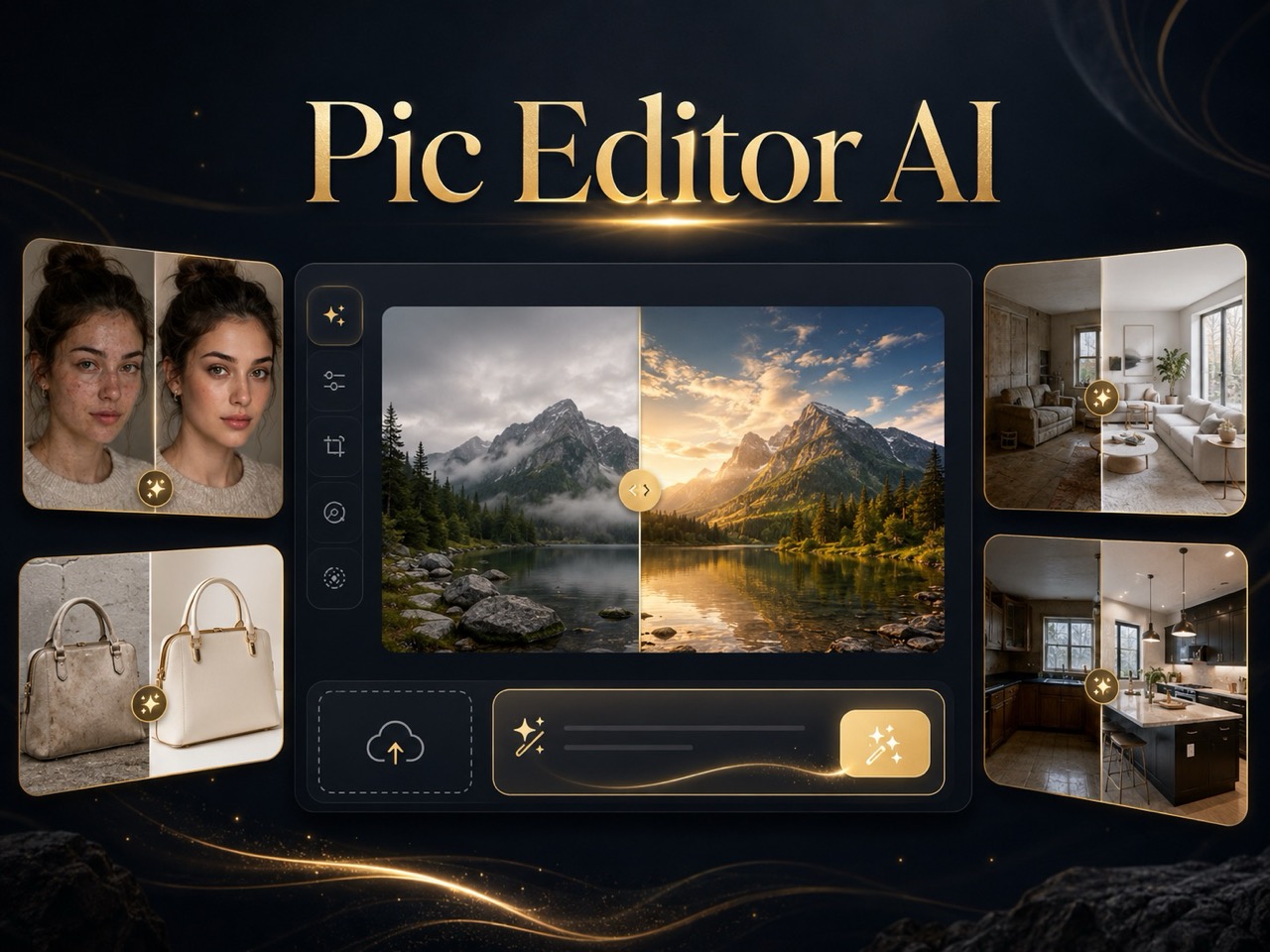
How to Use Pic Editor AI in 3 Simple Steps
Pic Editor AI follows the same easy workflow shown in the editor: upload a reference image, enter an editing prompt, then generate the final image with an online AI photo editor. Pic Editor AI keeps the process focused on the edit itself, not on technical menus. The layout is simple for beginners, yet flexible enough for detailed requests like product cleanup, portrait correction, background replacement, or creative restyling.

Upload Your Reference Image
Start Pic Editor AI by uploading the photo you want to edit. Choose a clear reference image so the AI photo editor can understand the subject, background, lighting, and details before making changes. Pic Editor AI works best when the important subject is visible.

Describe the Edit You Want
Write a direct prompt for Pic Editor AI, such as remove the person in the background, change the sky to sunset, or make this product look cleaner. This edit photo with prompt workflow keeps the process simple. Pic Editor AI turns plain language into an editing instruction.

Click Generate and Preview
Click Generate Image and let Pic Editor AI create the edited result. Review the output, refine your prompt if needed, and use the final image when it matches your request. Pic Editor AI supports quick iteration when you want a cleaner version.
Why Pic Editor AI Works for Everyday Image Editing
Pic Editor AI combines prompt-based control with natural image preservation, giving creators a direct way to edit photos with an AI photo editor that follows clear instructions. Pic Editor AI is useful when you need changes that look intentional, realistic, and ready to use. It works for practical edits where accuracy matters and creative edits where speed matters.
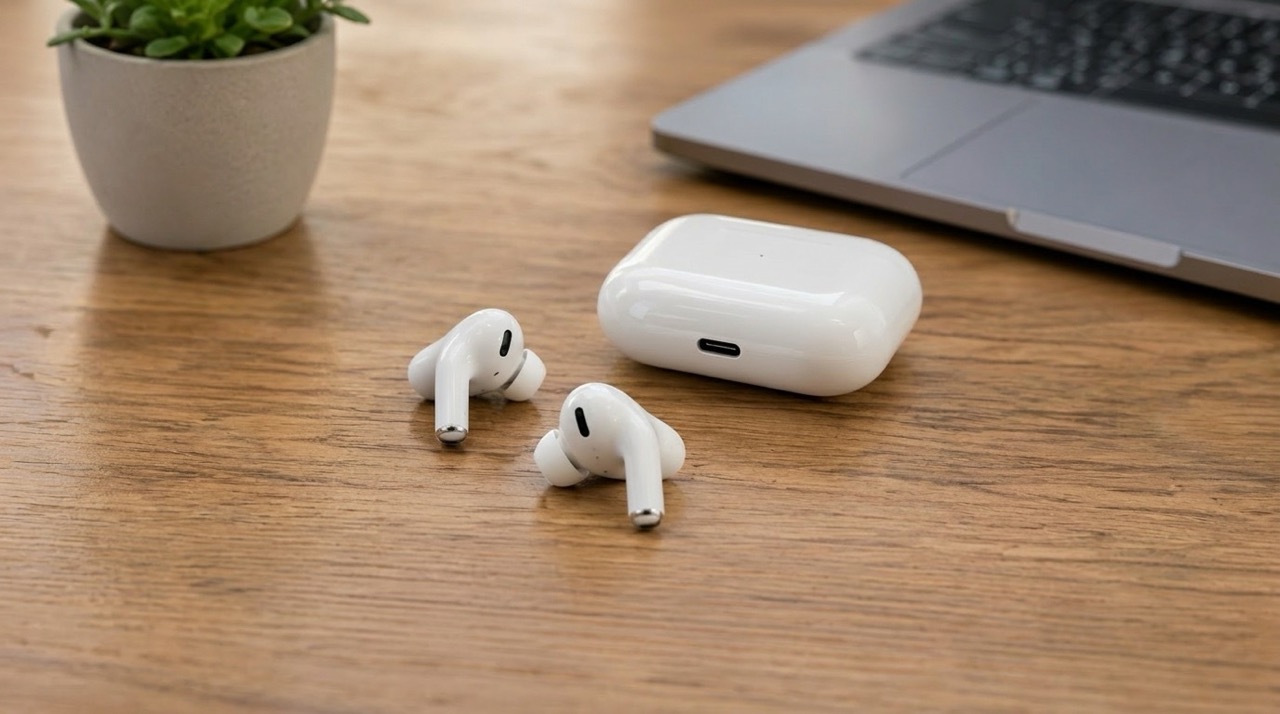
Edit Images by Describing the Result
Pic Editor AI is built for people who know what they want but do not want to use layers, masks, or manual brushes. Tell the AI photo editor what should change, and it interprets your instruction in the context of the uploaded picture. You can ask Pic Editor AI to clean a messy scene, adjust a product photo, replace a background, fix an awkward detail, or create a more polished visual. This prompt-first workflow makes the free AI photo editor online experience fast, practical, and friendly for everyday editing.
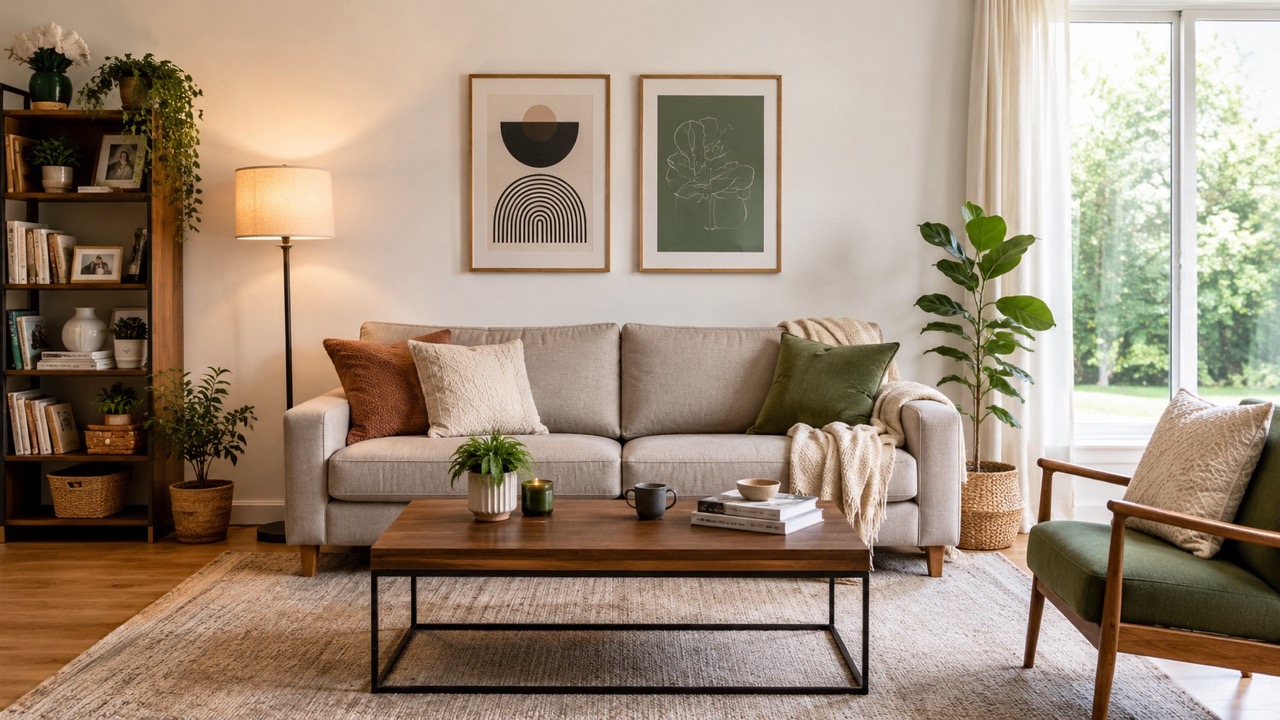

Keep the Original Image Recognizable
A strong AI photo editor should not change everything just because one area needs work. Pic Editor AI focuses on controlled editing, so the subject, identity, lighting, shadows, and perspective remain consistent unless your prompt asks for a bigger transformation. This matters for portraits, product images, social posts, profile pictures, and marketing visuals. With Pic Editor AI, you can remove an unwanted object, change a background, or improve color while keeping the rest of the image natural.
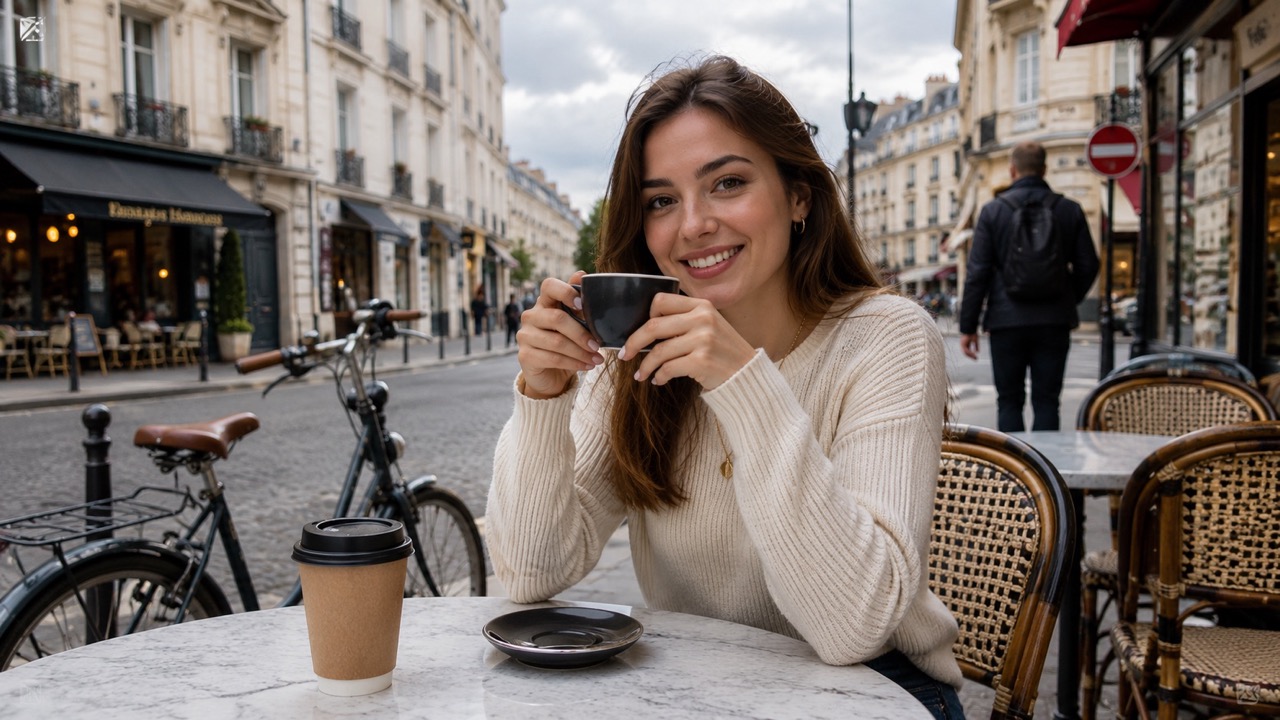
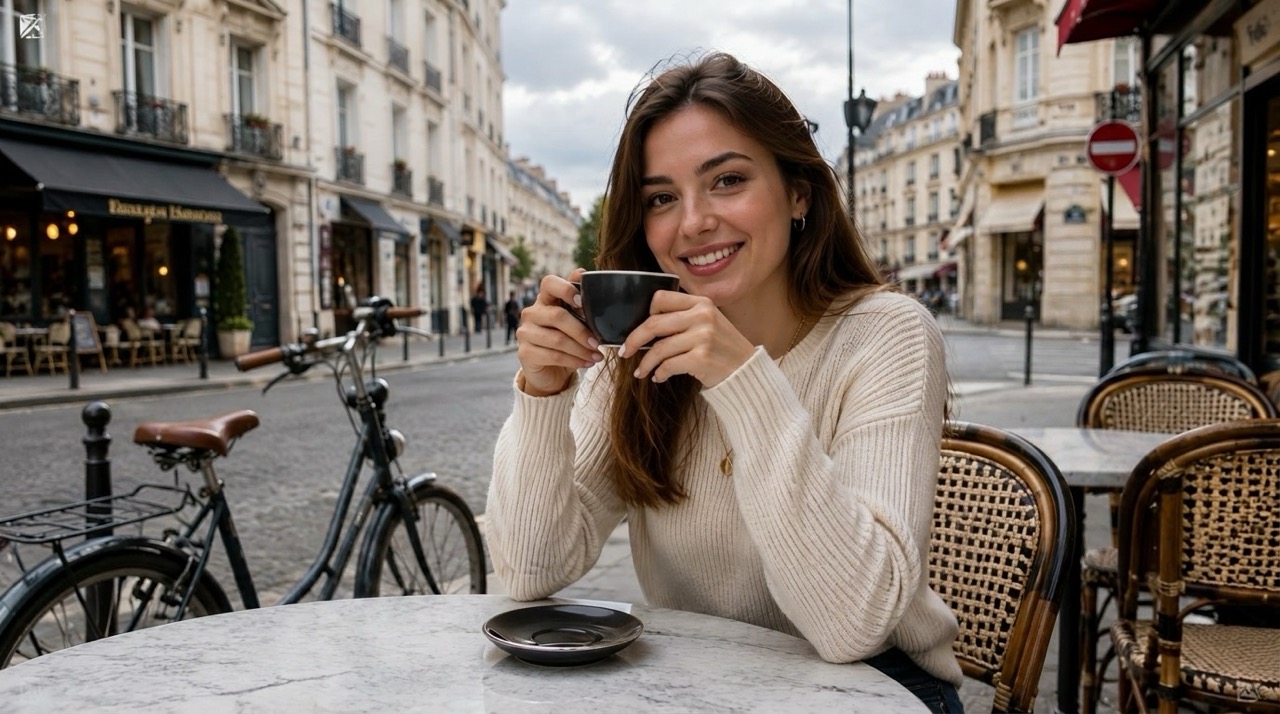
Create Clean Results Without Design Skills
Pic Editor AI turns image editing into a short conversation. Instead of searching through menus, you explain the final look you need. This online AI photo editor can help with lifestyle photos, ecommerce shots, thumbnails, creative concepts, and quick fixes for personal images. Use Pic Editor AI when you need a free AI image editor online that understands common editing requests and produces a seamless result.
Who Can Use Pic Editor AI?
Pic Editor AI is made for people who want fast, clear, prompt-based image editing. Whether you create content, sell products, or fix personal photos, this AI photo editor keeps editing simple. Pic Editor AI is also helpful when you need a visual change but do not know traditional editing steps. Clear prompts can describe a realistic fix, a new atmosphere, a cleaner background, or a more polished commercial look.

Social Media Creators
Pic Editor AI helps creators improve posts, thumbnails, profile images, and story visuals without rebuilding the scene manually. Use the AI photo editor to remove distractions, enhance a mood, adjust a background, or test a new visual style. Pic Editor AI is practical when a photo is almost ready but needs one clean edit before publishing. It gives creators more time to focus on ideas. The AI photo editor helps turn rough social images into cleaner posts.

Online Sellers and Product Teams
Product photos often need small improvements before they feel trustworthy. Pic Editor AI can clean clutter, replace a dull background, improve presentation, or make a product image look more consistent. This AI photo editor online free workflow is useful for sellers who want better visuals without a long editing process. Pic Editor AI helps turn ordinary product shots into clearer buying visuals. The AI photo editor gives small teams a faster way to prepare catalog visuals.

Students, Bloggers, and Marketers
Pic Editor AI helps non-designers create better visual material for articles, presentations, banners, and campaign drafts. Instead of starting from a blank canvas, upload a real image and explain the edit. Pic Editor AI gives writers and marketers a simple way to improve images while staying focused on the message. This AI photo editor is helpful for quick campaign variations. The AI photo editor can also support A/B visual ideas for landing sections, ads, and blog covers.

Personal Photo Fixes
Use Pic Editor AI for everyday photo problems: a distracting object, poor lighting, a plain background, or an image that needs a more polished look. The free AI image editor online approach makes it easy to edit family photos, travel shots, profile pictures, and creative portraits with one clear prompt. Pic Editor AI keeps casual editing approachable. The AI photo editor is useful for quick fixes before sharing an image.
What Users Say About Pic Editor AI
Users choose Pic Editor AI when they need clear edits, natural results, and a simple AI photo editor that understands everyday image requests. Pic Editor AI is valued for speed, clarity, and prompt-based control. The experience feels direct because users guide the change with everyday language rather than complex controls.
I used Pic Editor AI to remove people from a travel photo, and the background looked natural instead of blurry. The best part was that I only had to write one sentence. This AI photo editor saved me from opening complicated editing tools, and Pic Editor AI kept the original travel mood.
I used Pic Editor AI to remove people from a travel photo, and the background looked natural instead of blurry. The best part was that I only had to write one sentence. This AI photo editor saved me from opening complicated editing tools, and Pic Editor AI kept the original travel mood.
Pic Editor AI helped me clean product photos for my store. I asked it to replace a messy desk with a simple studio-style background, and the result looked much more professional. It feels like an AI photo editor made for quick business visuals. Pic Editor AI made the listing images easier to trust.
Pic Editor AI helped me clean product photos for my store. I asked it to replace a messy desk with a simple studio-style background, and the result looked much more professional. It feels like an AI photo editor made for quick business visuals. Pic Editor AI made the listing images easier to trust.
I needed a thumbnail image with better lighting and fewer distractions. Pic Editor AI understood the prompt and kept my main subject unchanged. I like that this online AI photo editor gives practical results without making the image look fake. Pic Editor AI is now part of my content workflow.
I needed a thumbnail image with better lighting and fewer distractions. Pic Editor AI understood the prompt and kept my main subject unchanged. I like that this online AI photo editor gives practical results without making the image look fake. Pic Editor AI is now part of my content workflow.
I tried Pic Editor AI for profile pictures and small photo fixes. It was easy to upload, describe the edit, and generate a new version. The edit photo with prompt process is much faster than trying to learn advanced editing controls. Pic Editor AI feels simple but powerful.
I tried Pic Editor AI for profile pictures and small photo fixes. It was easy to upload, describe the edit, and generate a new version. The edit photo with prompt process is much faster than trying to learn advanced editing controls. Pic Editor AI feels simple but powerful.


FAQs About Pic Editor AI
Learn how Pic Editor AI handles prompts, object removal, background changes, and everyday image editing with an AI photo editor online free workflow. Pic Editor AI is built around clear instructions and natural results. Use short, specific requests when you want realistic improvements, and add style details when you want a more creative result.
Upload a reference photo, type the edit you want, and click Generate Image. Pic Editor AI will create a new version based on your prompt. The AI photo editor reads your prompt and applies the requested change.
Be specific. Tell Pic Editor AI what to change, what to keep, and the style you want. Clear prompts help the AI photo editor produce better results. Mention the subject, target area, and desired result in one sentence.
Yes. Pic Editor AI can remove unwanted objects and fill the area with natural-looking background details when the prompt is clear. For best results, identify the object and describe what should appear behind it.
Yes. You can ask Pic Editor AI to replace, improve, or restyle a background while keeping the main subject recognizable. Add details such as studio, outdoor, minimal, colorful, or realistic.
Pic Editor AI works well for portraits, product photos, social media images, travel pictures, thumbnails, and creative concepts. Clear images with visible subjects usually produce stronger edits.
Write a more detailed prompt and generate again. Pic Editor AI responds best when you describe the exact change you want. Small changes in wording can improve accuracy.
Start Editing Images with Pic Editor AI
Upload a photo, describe your edit, and let Pic Editor AI generate a natural result. Use this free AI photo editor online when you want fast, prompt-based image editing.
